DxResourceManager.RegisterTheme(ITheme) Method
Registers a DevExpress Blazor theme.
Namespace: DevExpress.Blazor
Assembly: DevExpress.Blazor.Resources.v26.1.dll
NuGet Package: DevExpress.Blazor.Resources
Declaration
public static RenderFragment RegisterTheme(
    ITheme theme
)
Optional Parameters
| Name | Type | Default | Description |
|---|---|---|---|
| theme | ITheme | null | A DevExpress Blazor theme. |
Returns
| Type | Description |
|---|---|
| RenderFragment | A UI fragment to be rendered on the page. |
Remarks
If you used a DevExpress Blazor project template, your application automatically registers all resources the selected theme requires. In other cases, you can add theme-specific resources. Call the DxResourceManager.RegisterTheme method in the Components/App.razor file:
<head>
    @*...*@
    @DxResourceManager.RegisterTheme(Themes.Fluent)
</head>
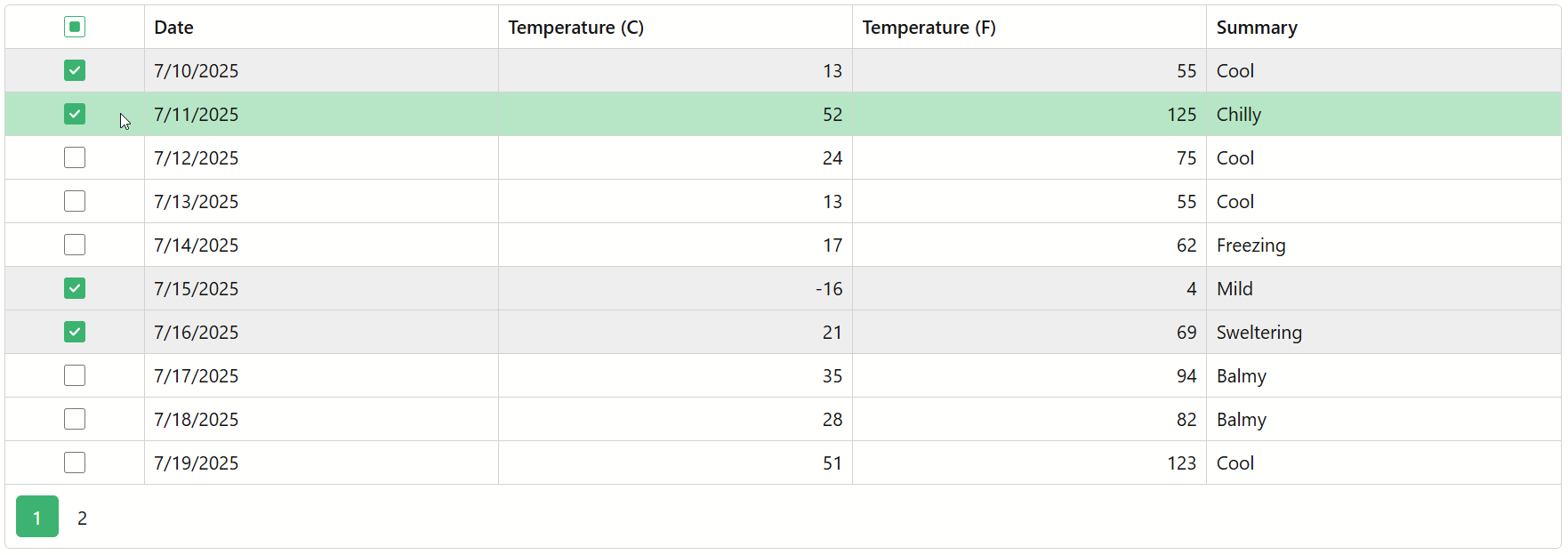
The method parameter allows you to choose a theme from the built-in theme collection or create a new theme using the Clone() method. The following code snippet creates and registers a Fluent theme with a custom accent color:
<head>
    @*...*@
    @DxResourceManager.RegisterTheme(Themes.Fluent.Clone(properties => {
        properties.Name = "Fluent Light Custom";
        properties.SetCustomAccentColor("#107c41");
        properties.AddFilePaths("css/fluent/FluentCustomStyles.css");
    }))
</head>
Tip
To apply a theme in a standalone Blazor WebAssembly application, add the <HeadContent> tag to the App.razor or MainLayout.razor file and call the DxResourceManager.RegisterTheme(ITheme) method.