DevExpress Presentation API Library
- 3 minutes to read
Important
You need a license for the DevExpress Office & PDF File API Subscription or DevExpress Universal Subscription to use this library in production code.
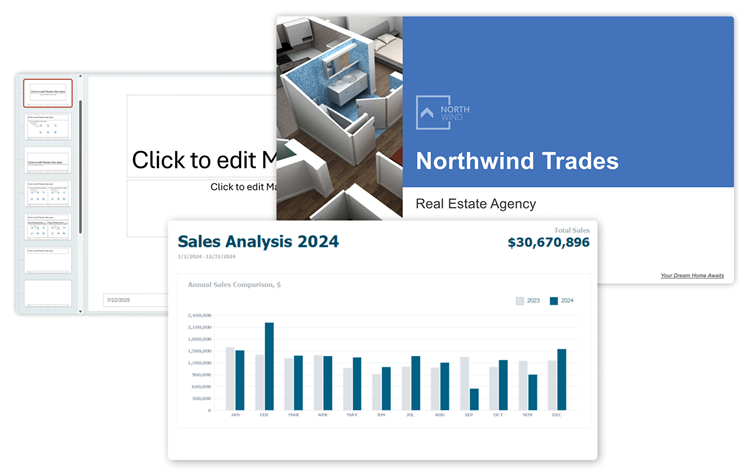
The PowerPoint Presentation .NET API is a cross-platform .NET library that allows you to create, load, modify, save, and print presentations in code. You can use this library in desktop and web applications that target a variety of platforms (Windows Forms, WPF, ASP.NET Web Forms, ASP.NET MVC, ASP.NET Core, and Blazor).
Supported Formats
The Presentation API can load from and save presentation documents to the following formats:
- PPTX
- PPTM
- POTX
- POTM
Get Started
To create your first presentation from scratch, follow our step-by-step tutorial:
Features
- Manage Presentations
With the DevExpress Presentation API library, you can create new presentations and load existing presentations from a stream or a byte array. You can also merge multiple presentations into a single document.
- Masters and Layouts
Slide layouts allow you to organize slide content. Layouts help maintain consistency throughout a presentation. The Presentation API ships with a set of predefined layouts. You can also create custom layouts.
- Slides
You can use a template (Slide Master) to create slides and populate your presentation. You can also reorder, duplicate, and remove existing slides.
- Shapes
Presentations use various shapes to display content. Built-in shape types include text boxes, images, geometric shapes, and much more.
- Tables
You can create and customize tables in your presentation slides. The DevExpress Presentation API library allows you to add and remove rows and columns, merge and split table cells, and apply various appearance and formatting options.
- Charts
The Presentation API allows you to create and customize charts in your presentation slides. You can specify chart data, customize axes, legends, and other chart elements, and apply various formatting options.
- Themes
Themes are a set of design elements that provide a unified look for your presentation. A theme includes a color scheme, font scheme, and effects.
- Backgrounds
You can customize background fill types for slides. Supported background fill styles include solid color, pattern, gradient, and picture.
- Headers and footers
Slide headers and footers can display the presentation title, logo, date, slide numbers, and more.
- Notes
The Presentation API allows you to manage notes—information about a slide visible only to the presenter and used to add speaking cues or extra details not displayed on the slide.
- Export
You can export your presentation to a PDF file or images.
Support for AI-powered Extensions
You can use built-in AI-powered extensions to proofread, summarize, translate, and ask questions about presentation content.
Demos & Examples
Explore our demos to try the DevExpress Presentation API library:
For more demos, see our example repos on GitHub:
- DevExpress Presentation API – Get Started
- Presentation Document API – Extract Presentation Images, Notes, and Pictures
- Presentation Document API - Customize Presentation Appearance with Themes and Styles