GridColumnResizeMode Enum
Lists values that specify whether and how users can resize Grid columns.
Namespace: DevExpress.Blazor
Assembly: DevExpress.Blazor.Grid.v26.1.dll
NuGet Package: DevExpress.Blazor
Declaration
public enum GridColumnResizeModeMembers
| Name | Description |
|---|---|
Disabled
|
A user cannot resize columns. |
NextColumn
|
When a user resizes a column, the width of the column to the right changes (considering the MinWidth value), but the Grid’s total width does not change. Users cannot change the width of the rightmost column. |
ColumnsContainer
|
When a user resizes a column, all other columns retain their widths, but the width of the container that stores all Grid columns changes. |
Remarks
Use the ColumnResizeMode property to control whether and how users can resize Grid columns.
@inject NwindDataService NwindDataService

<DxGrid Data="@Data"
        ColumnResizeMode="GridColumnResizeMode.NextColumn">
  <Columns>
      <DxGridDataColumn FieldName="ContactName" MinWidth="100" />
      <DxGridDataColumn FieldName="ContactTitle" MinWidth="100" />
      <DxGridDataColumn FieldName="CompanyName" MinWidth="100" />
      <DxGridDataColumn FieldName="City" Width="10%" MinWidth="80" />
      <DxGridDataColumn FieldName="Country" Width="10%" MinWidth="80" />
      <DxGridDataColumn FieldName="Phone" Width="15%" MinWidth="80" />
  </Columns>
</DxGrid>

@code {
    IEnumerable<Supplier> Data { get; set; }

    protected override async Task OnInitializedAsync() {
        Data = await NwindDataService.GetSuppliersAsync();
    }
}
Grid supports the following column resize modes:
NextColumn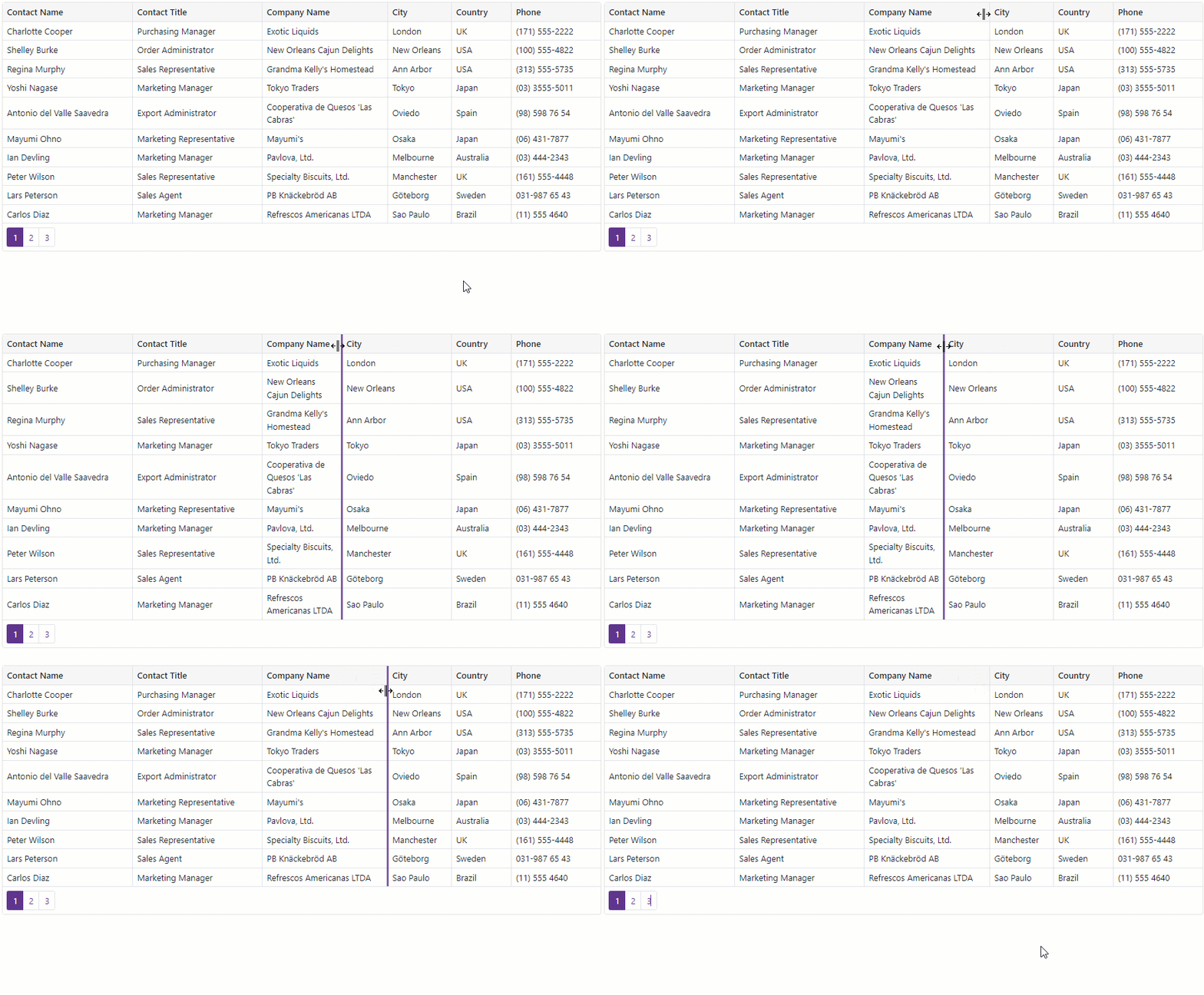
ColumnsContainer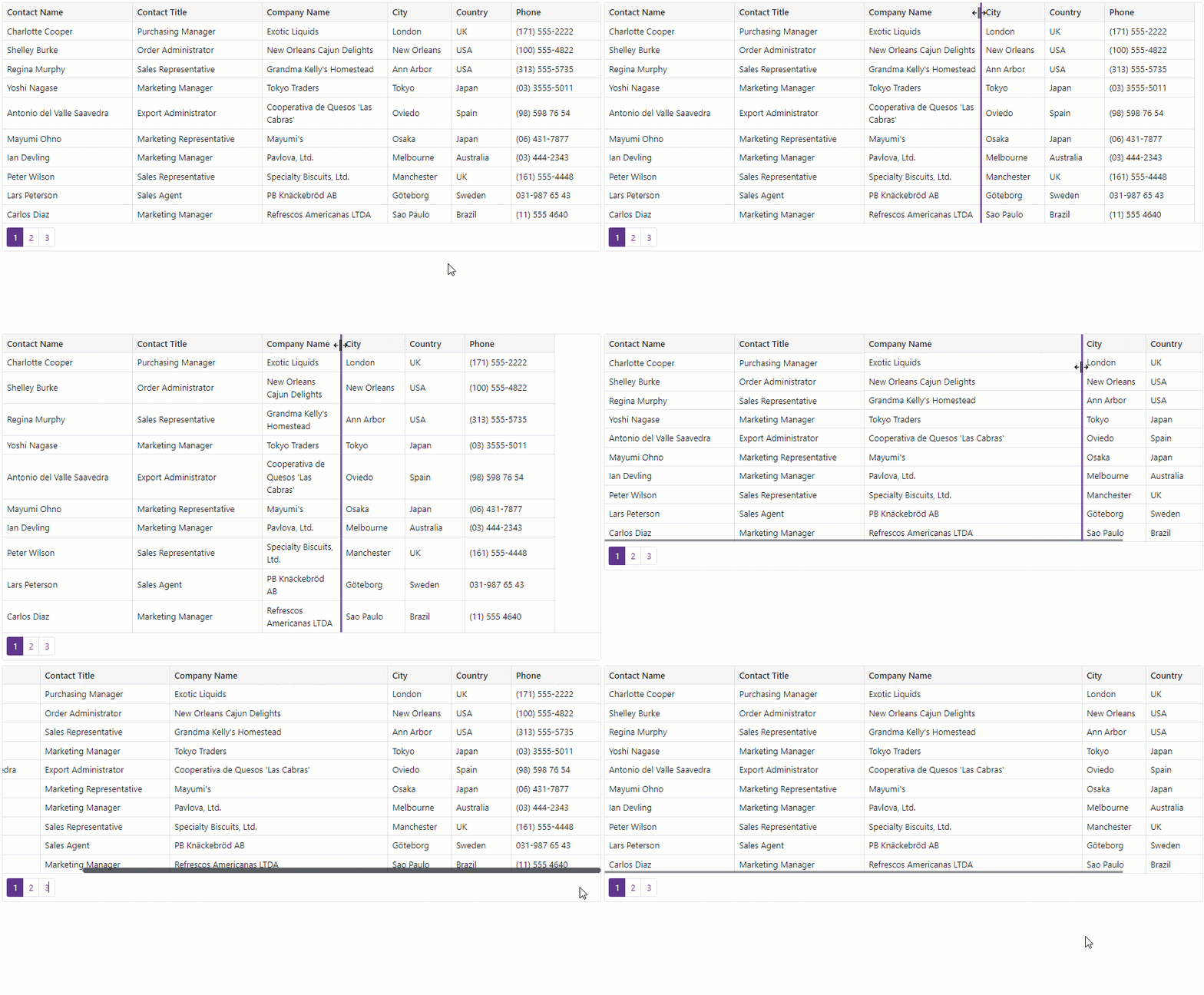
DisabledWhen this mode is in effect, users cannot resize Grid columns.