TdxSplashFormBase.Image(string) Method
Provides access to an Image widget on the form.
Declaration
function Image(const AName: string = ''): TImage;Parameters
| Name | Type | Description |
|---|---|---|
| AName | string | Optional. Specifies the target Image widget name. If you omit the |
Returns
| Type | Description |
|---|---|
| TdxSplashFormBase.TImage | Returns the Image widget with the name passed as the If no widget is found, an exception occurs. |
Remarks
TdxSplashFormBase.TImage displays a static image, similar to the TcxImage editor.
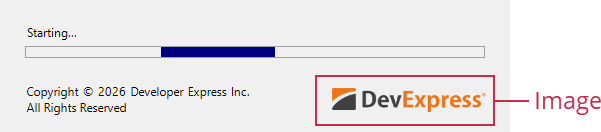
Call the Image function to access an Image widget and modify its settings.
Note
The target widget must be defined within the current form. Otherwise, an Image function call raises an exception.
Design Splash Forms & Manage Widgets
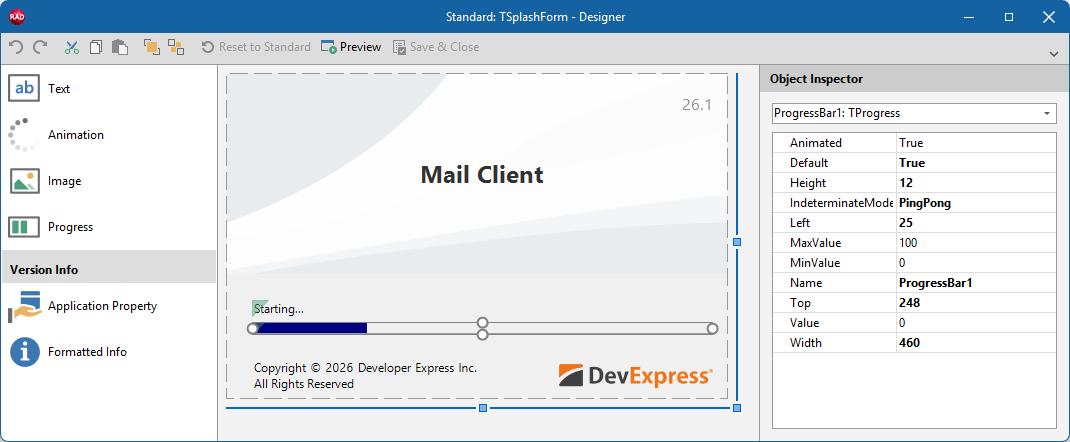
To add/remove individual widgets to/from a Splash or Wait Form, select the target form in the Application Settings dialog and click Customize… to display the Splash Form Designer dialog.
Other Widget Access Methods
- Animation
- Provides access to an Animation/Activity Indicator widget on the form.
- GetItem
- Provides access to any widget on the form by type and name. Use the template parameter (
T) to specify the target widget type. - Progress
- Provides access to a Progress Bar widget on the form.
- Text
- Provides access to a Text/Label widget on the form.