TdxSplashFormBase.Animation(string) Method
Provides access to an Animation/Activity Indicator widget on the form.
Declaration
function Animation(const AName: string = ''): TAnimation;Parameters
| Name | Type | Description |
|---|---|---|
| AName | string | Optional. Specifies the target Animation/Activity Indicator widget name. If you omit the |
Returns
| Type | Description |
|---|---|
| TdxSplashFormBase.TAnimation | Returns the Animation/Activity Indicator widget with the name passed as the If no widget is found, an exception occurs. |
Remarks
TdxSplashFormBase.TAnimation displays looped animation.
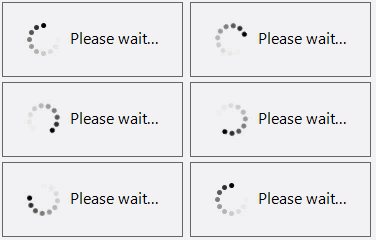
Call the Animation function to access an Animation/Activity Indicator widget and modify its settings.
Note
The target widget must be defined within the current form. Otherwise, an Animation function call raises an exception.
Design Splash Forms & Manage Widgets
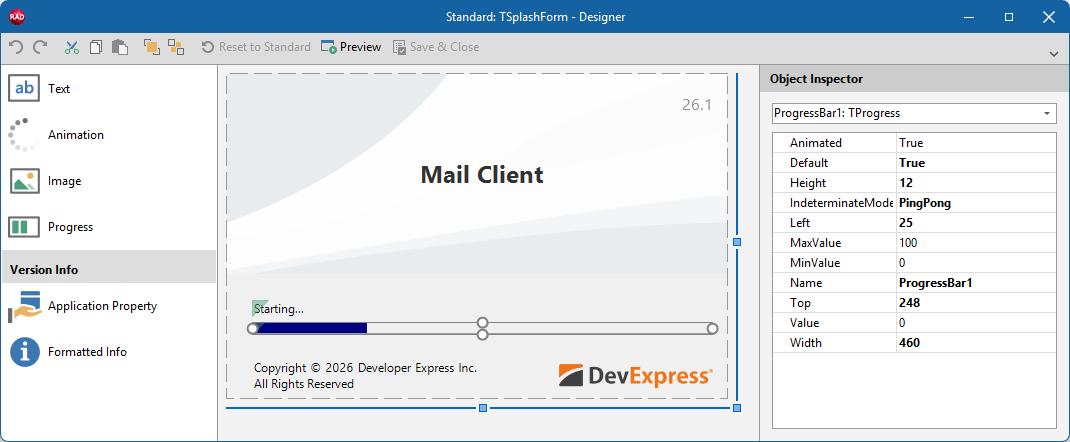
To add/remove individual widgets to/from a Splash or Wait Form, select the target form in the Application Settings dialog and click Customize… to display the Splash Form Designer dialog.
Other Widget Access Methods
- GetItem
- Provides access to any widget on the form by type and name. Use the template parameter (
T) to specify the target widget type. - Image
- Provides access to an Image widget on the form.
- Progress
- Provides access to a Progress Bar widget on the form.
- Text
- Provides access to a Text/Label widget on the form.