TdxSplashFormBase.Default Property
Specifies if the Splash Form is used as default.
Declaration
property Default: Boolean read; write; default False;Property Value
| Type | Default | Description |
|---|---|---|
| Boolean | False |
|
Remarks
Set the Default property to True to mark the Splash or Wait Form as default.
Enable a Splash Form at Startup
The Splash Form is displayed automatically at startup if the Display splash form on application startup option is enabled in the Application Settings dialog.
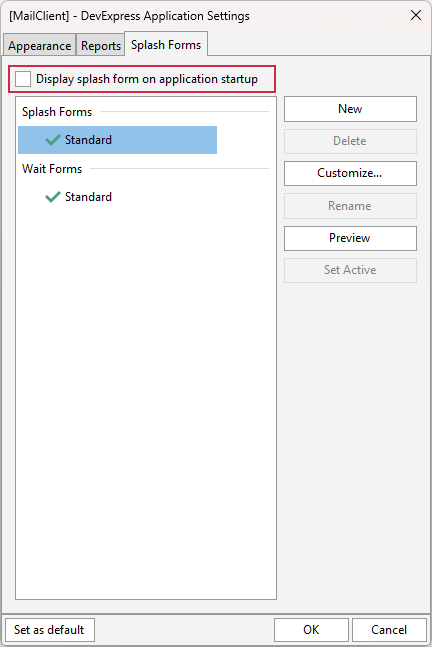
Hide a Splash Form
The default Splash Form is hidden automatically once the app initialization phase is complete when the following conditions are met:
- The main application form is derived from the TdxForm class (for example, when using the VCL Template Kit).
- DevExpress skins are enabled at the application level (using the Application Settings dialog or a TdxSkinController component).
Otherwise, you need to call the Hide procedure to hide the active Splash Form when required.
See Also