TdxCustomReportControl Class
The base class for the VCL Report control.
Declaration
TdxCustomReportControl = class(
    TdxWebBrowser
)
Remarks
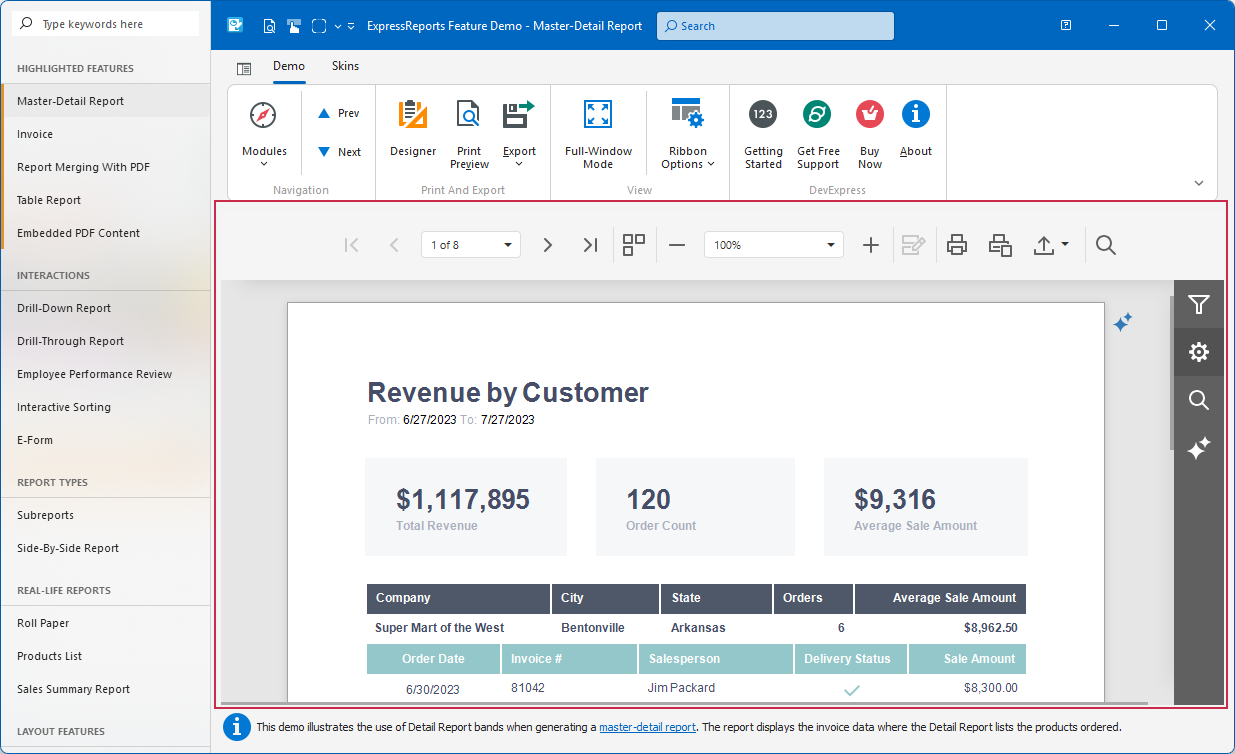
TdxReportControl is a visual component designed to allow users to work with reports on any form.
Prerequisites & Deployment
Note
- ExpressReports will require the purchase of our VCL Subscription + OR an active VCL Subscription (regular) with any active .NET subscription that includes DevExpress Reports for ASP.NET/JavaScript (these subscriptions include: Reporting, ASP.NET & Blazor (includes DevExtreme), DXperience, or Universal).
- ExpressDashboards will also require the purchase of our VCL Subscription + OR an active VCL Subscription (regular) with an active Universal Subscription that includes DevExpress Business Intelligence (BI) Dashboard.
Ensure that your development environment meets ExpressDashboards and ExpressReports prerequisites:
- Microsoft Windows 10 or newer.
- Embarcadero RAD Studio IDE 12.3 or newer (Community Edition IDEs are not supported).
- DevExpress VCL v26.1.x.
- The EdgeView2 SDK package installed from the GetIt package manager.
Tip
Refer to the following topic for detailed information: VCL Reports/Dashboards App Deployment.
Getting Started
Report Viewer Project and Form Templates
The VCL Template Kit ships with automatically installed Project and Form templates for the ExpressReports Suite. These templates are designed to reduce time spent on repetitive project and form setup, as well as improve onboarding for new VCL developers and boost productivity in experienced teams.

Tip
Refer to the following help topic for detailed information: Use Report Viewer Project and Form Templates.
Tutorials
Follow this tutorial to create a Tabbed MDI (multi-document interface) Report Viewer application where different tabs allow users to display the same parametrized report layout/template populated with different data loaded from a relational SQL database using a DevExpress XPO-based data connection component.
The demonstrated solution filters data using SQL queries and report parameters at the TdxReportControl component level.
Featured Components: TdxReportControl | TdxBackendDataConnectionManager | TdxBackendDatabaseSQLConnection | TdxTabbedMDIManager | TdxBarManager
Follow this tutorial to create a Tabbed MDI (multi-document interface) Report Viewer application where different tabs display a parametrized report layout/template populated with different data loaded from a relational database using standard FireDAC components (TFDQuery and TFDConnection) shipped with the RAD Studio IDE.
The demonstrated solution filters data at the FireDAC dataset (TFDQuery) level using a SQL parameter.
Featured Components: TdxReportControl | TdxBackendDataConnectionManager | TdxBackendDataSetJSONConnection | TdxTabbedMDIManager | TdxBarManager | TFDConnection | TFDQuery | TDataSource
Tip
Refer to the following topic for a complete list of TdxReport/TdxReportControl tutorials and related GitHub-hosted sample projects: VCL Reports: Getting Started.
Bind to Data
TdxReportControl can populate placeholder fields in a template from different data sources stored in memory or a database. To manage multiple data sources, use the TdxBackendDataConnectionManager component.
Tip
You can create data connection components directly in code, without TdxBackendDataConnectionManager.
Refer to data connection class descriptions for detailed information and code examples.
Data Connection Components
- TdxBackendDataSetJSONConnection
A component designed to work with data in one or multiple VCL-compatible datasets (TDataSet descendants).
Use the TdxBackendDataSetJSONConnection component if you need to use TdxDashboardControl/TdxDashboard and TdxReport/TdxReportControl components together with VCL-compatible data sources.
Refer to the following help topic for step-by-step instructions on using the TdxBackendDataSetJSONConnection component in your project:
VCL Reports/Dashboards: How to Use Data Source and Data Set Components
- TdxBackendInMemoryJSONConnection
A component designed for interaction with local (in-memory) or remote JSON data accessible through a Web API service endpoint.
Refer to the following help topic for step-by-step instructions on using the TdxBackendInMemoryJSONConnection component as a data source for TdxDashboard/TdxDashboardControl and TdxReport/TdxReportControl:
VCL Reports/Dashboards: How to Use Memory-Based or Remote API Data Sources
- TdxBackendDatabaseSQLConnection
A DevExpress XPO-based component designed to fetch data from the following relational databases:
SQLite | Microsoft SQL Server/Azure SQL | PostgreSQL | Oracle Database | MySQL | Firebird
Tip
This component is based on the DevExpress XPO ORM engine (powered by ADO.NET).
TdxBackendDatabaseSQLConnection has built-in support for Microsoft SQL/Azure SQL and SQLite engines (you can use them without additional dependencies and extra configuration).
Refer to the following topic for a complete list of supported database engines and corresponding connection string examples:
Main API Members
The list below outlines key members of the TdxCustomReportControl class. These members allow you to configure templates, generate reports, and export content in different target formats.
Report Content & Layout
- Active
- Specifies whether the Report Viewer control displays content. You can disable this property during batch underlying data changes (when a filter is applied, for example) to avoid redundant content redraw operations.
- Clear
- Clears the current report name, layout, and parameters.
- EnableCustomSql
Specifies if custom SQL queries are enabled at the TdxReportControl level.
Important
Enable custom SQL queries only if you ensure that you follow best practices and implement user read/write privileges at the database level using tools available for your relational database management system.
- FilterString
- Specifies filter criteria for report data.
- GroupName
Specifies a group (report name scope) for the TdxReportControl component.
Note
All report components with the same GroupName and ReportName property values share the same template/layout definition.
- Language
- Allows you to switch between available UI and report template localizations. Refer to the following topic for information on localization techniques: VCL Reports Localization.
- Layout
- Provides access to the report REPX template (as individual XML strings).
- OnLayoutChanged
- Allows you to respond to report layout changes.
- OnResolveConnection
- Allows you to map different data connection components to the same data source name referenced within the current report layout definition.
- Parameters
Provides access to the read-only collection of report parameters.
Note
The Parameters collection is automatically populated and updated from the current report template definition.
You can only access and modify individual report parameters using the Parameters.Items property and other API members accessible through the Parameters property.
- ReloadData
- Reloads data from all underlying data sources on demand and updates report placeholder content.
- ReportName
- Specifies the name used as an identifier for the report template/layout definition.
End-User Interaction
- ExportFormats
- Specifies export formats available to users in the UI (including the modal Report Viewer dialog).
- OnExport
- Allows you to execute custom code in response to preview file save operations to prevent users from exporting report content.
- OnDesignerFormShow | OnViewerFormShow
- Allow you to customize Report Designer and Report Viewer dialog form settings (position, dimensions, caption, etc.).
- OnPrintPreview
- Allows you to respond to print preview operations and obtain preview content as a PDF document.
- ShowDesigner | ShowViewer
- Display modal Report Designer and Report Viewer dialogs. Global skin and palette settings (defined using the Application Settings dialog or a TdxSkinController component) affect these dialogs.
Report Import & Export
- ExportTo
- Exports the current report to a file or stream in any supported format (except for PRNX).
- ExportToCSV | ExportToDOCX | ExportToHTML | ExportToMHT | ExportToPDF | ExportToRTF | ExportToText | ExportToXLS | ExportToXLSX
- Export the current report to a file or stream in corresponding formats.
- ExportToImage
Exports the current report to a file or stream as an image (PNG is the default image export format).
Tip
The current image format is defined in Export Options available in the TdxReportControl UI and the modal Report Designer dialog.
- GetExportResultFileName
- Returns the full report file name for export operations.
- LoadDocument
- Imports a previously generated report document from a file or stream in the XML-based report archive (REPX) format.
- SaveDocument
- Exports the current report to a file or stream in the XML-based report archive (REPX) format.
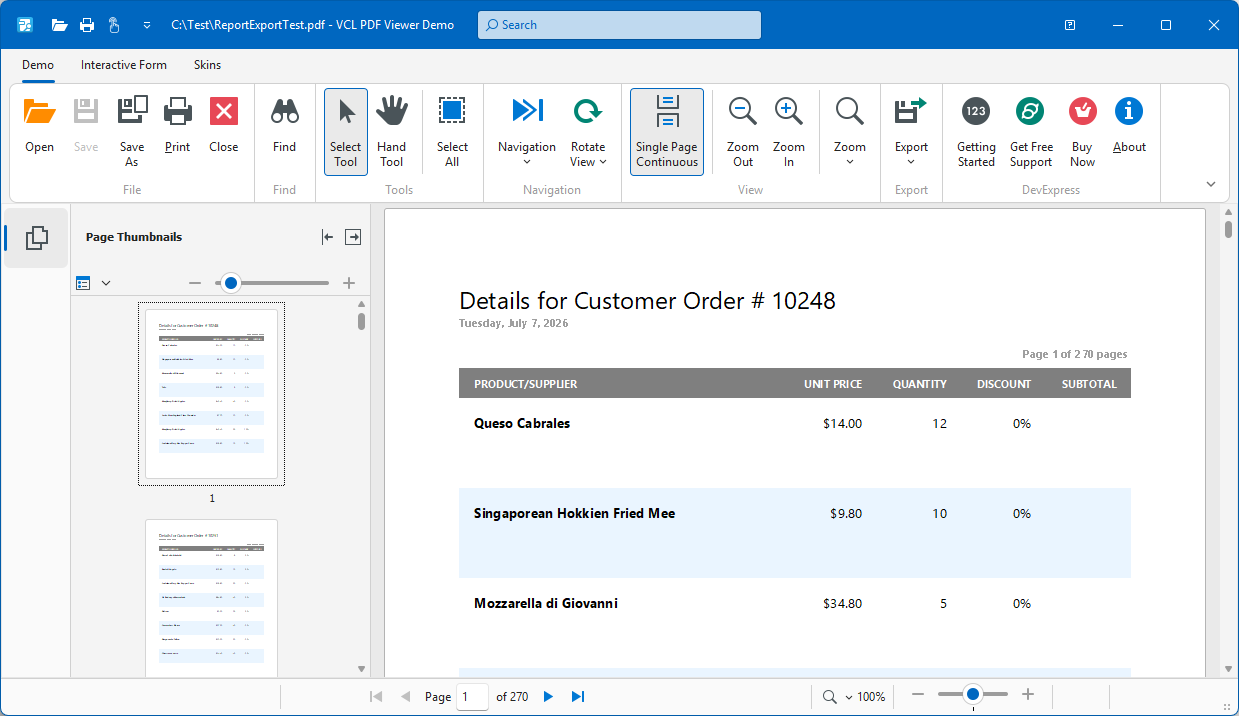
Code Example: Export Report Content to PDF File
The following code example exports content of a configured TdxReportControl component to a file in the Portable Document (PDF) format using an intermediary TMemoryStream object:
uses
  dxReport.Control,  // Declares the TdxReportControl component
  dxSplashForms,     // Declares the TdxSplashFormManager class and related types
  dxShellDialogs;    // Declares the TdxSaveFileDialog component
// ...

procedure TMyForm.cxButtonExportToPDFClick(Sender: TObject);
var
  AStream: TMemoryStream;
begin
  if not dxSaveFileDialog1.Execute(Handle) then Exit;  // Displays the "Save File" dialog
  AStream := TMemoryStream.Create;       // Creates a stream as an intermediary container
  // Displays a Wait Form before the export operation
  TdxSplashFormManager.WaitForm.Show(dxReportControl1.Parent);
  try
    dxReportControl1.ExportToPDF(AStream);   // Exports content to a stream in the PDF format
    AStream.SaveToFile(dxSaveFileDialog1.FileName);    // Saves PDF stream content to a file
  finally
    AStream.Free;                        // Releases the intermediary memory stream
    TdxSplashFormManager.WaitForm.Hide;  // Hides the Wait Form once the operation is complete
  end;
end;
Terminal TdxCustomReportControl Class Descendant
Do not use the TdxCustomReportControl class directly. Use the TdxReportControl component instead.