Report Data Transformation
- 2 minutes to read
DevExpress VCL Reports allows you to dynamically shape report data, create new content, and control report appearance without any changes to the underlying data source.
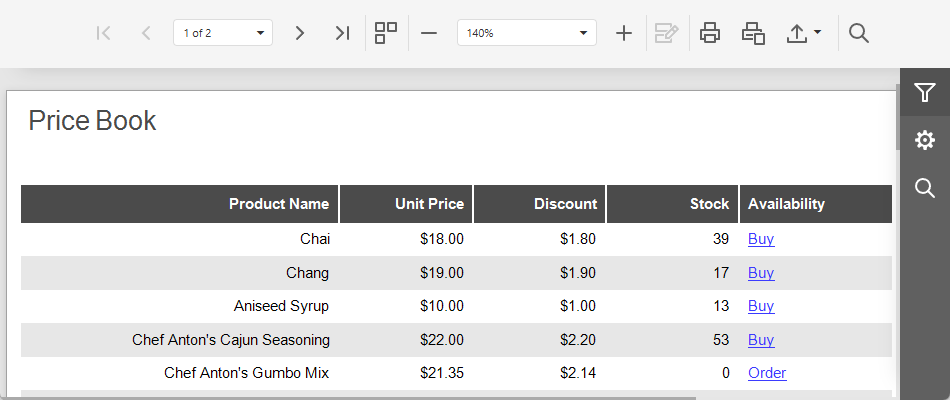
Calculated Fields
Calculated fields add new values that are not available in the underlying data source. They combine fields, user input, report parameters, constants, and built-in functions to transform report data, calculate summaries, evaluate conditions, or sort and filter records.
Summaries
Summaries aggregate values across records within a group, page, or the entire report. Use summaries to display totals and averages, count records, and calculate cumulative totals and statistics.
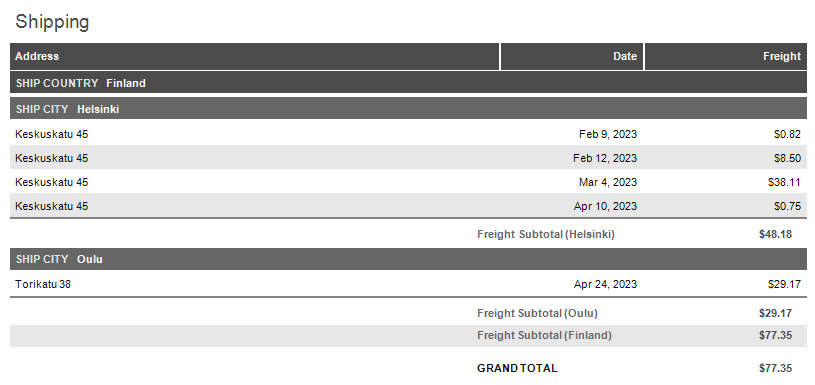
You can add summaries during report creation or convert existing report elements to summaries. For each summary, you can define its calculation scope and choose a summarization method. Each summary uses an expression with a summary function that determines how to calculate the result.
Expressions
Expressions help you calculate values, shape report data, and automatically adjust report appearance at runtime. An expression combines data fields, user input, report properties, and built-in functions into a single value.
- Expression Editor
- Design and edit expressions using a dedicated dialog.
- Expression Syntax
- Rules and conventions for writing report expressions.
- Built-in Expression Functions
- Available expressions functions and usage examples.