TcxTrackBar.AutoSize Property
Specifies if the width or height of the track bar editor client area is calculated automatically to display visible UI elements in full.
Declaration
property AutoSize; default False;Property Value
| Type | Default | Description |
|---|---|---|
| Boolean | False | Specifies if AutoSize mode is active for the standalone track bar editor:
|
Remarks
AutoSize, Properties.AutoSize, Properties.Alignment, and Properties.Orientation properties allow you to configure UI element positioning and alignment for the track bar editor.
You can set the AutoSize property to True to automatically calculate the minimum track bar editor width or height required to display all visible UI elements (tick marks, value labels, the track thumb, etc.) in full.
Available AutoSize Options
False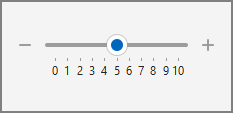
True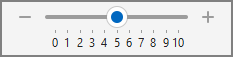
UI Element Alignment Options
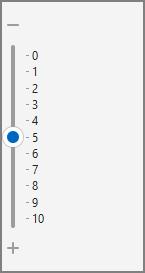
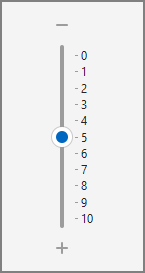
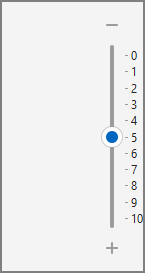
You can use the Properties.Alignment property to position track bar elements within the editor client area if the AutoSize property is set to False (default), and the current client area height or width exceeds the minimum size required to display all visible UI elements in full.
Horizontal Layout
To position visible UI elements vertically within a horizontally oriented[1] (default) track bar layout, assign the following values to the Properties.Alignment.Vert property:
|
|
|
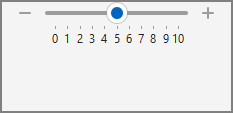
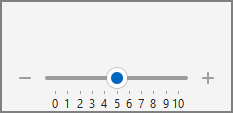
Vertical Layout
To position visible UI elements horizontally within a vertically oriented[2] (Properties.Orientation is tboVertical) track bar layout, assign the following values to the Properties.Alignment.Horz property:
|
|
|
Default Value
The AutoSize property’s default value is False.
-
If the Properties.Orientation property is set to tboHorizontal.
-
If the Properties.Orientation property is set to tboVertical.