RibbonForm.SidePane Property
Gets or sets the panel to the right of the Ribbon.
Namespace: DevExpress.XtraBars.Ribbon
Assembly: DevExpress.XtraBars.v26.1.dll
NuGet Package: DevExpress.Win.Navigation
Declaration
Property Value
| Type | Default | Description |
|---|---|---|
| Control | null | The panel to the right of the Ribbon. |
Remarks
The SidePane property accepts the following DevExpress controls:
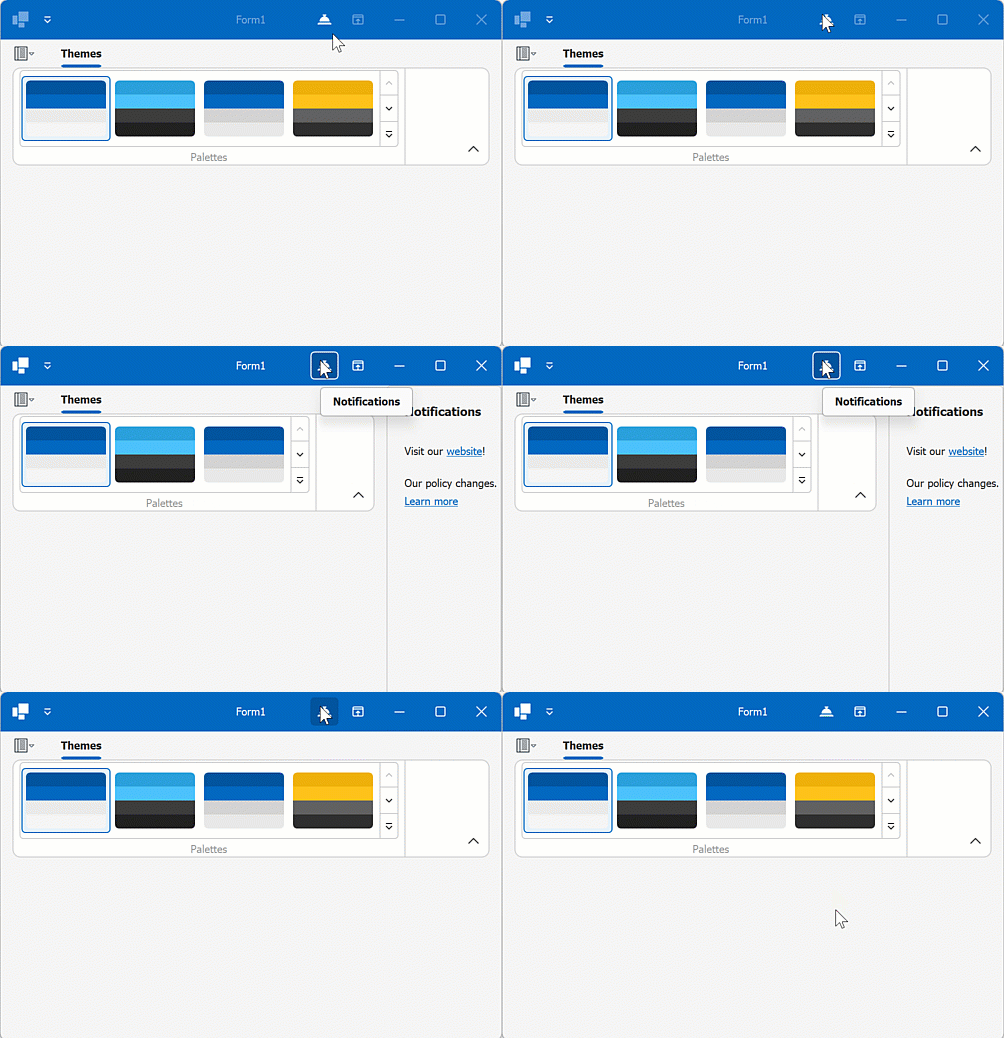
When the side panel is displayed, it shifts Ribbon content to the left.
Use the panel’s Visible property to display or hide the panel.
The following code snippet assigns a side panel and toggles its visibility on a bar item click:
Note
panelControl1 and barCheckItem1 were created and customized at design time.
In Code
using DevExpress.XtraBars.Navigation;
using System.Windows.Forms;
using DevExpress.XtraBars.Ribbon;
using DevExpress.XtraGrid.Columns;
using DevExpress.Utils;
using DevExpress.XtraEditors.Repository;

namespace ribbonSidePane {
    public partial class Form1 : RibbonForm {
        public Form1() {

            InitializeComponent();
            // Assign a side panel
            this.SidePane = panelControl1;
            panelControl1.Visible = false;
            // Handle the "Notifications" check item's CheckedChanged event
            Notifications.CheckedChanged += Notifications_CheckedChanged;

        }

        private void Notifications_CheckedChanged(object sender, DevExpress.XtraBars.ItemClickEventArgs e) {
            // Toggle side panel visibility
            this.SidePane.Visible = !this.SidePane.Visible;
        }
    }
}
Notes
- The side panel control must be added directly to the form’s
Controlscollection. - The Ribbon Form must be a window level control. If the Ribbon Form is a child control (for example, an MDI child form), the side panel control may exhibit unexpected behavior.
See Also