Layers
Layer is a visual element that contains different objects (e.g. images) to define a visual presentation of a DigitalGaugeControl and its elements.
When a new layer is added to the Digital Gauge control, it is painted behind all other gauge elements. This is because the LayerOptions.ZIndex property is set to -100 by default. If you want to bring this layer to the front, set the ZIndex property to a greater value.
The images below show two layers that were added to the gauges of the SevenSegmentsView and MatrixView8x14 types. The first layer defines a gauge background, while the second layer is painted in the foreground.
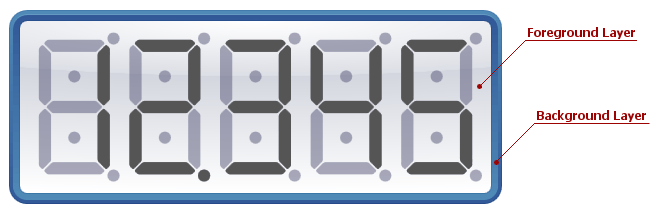
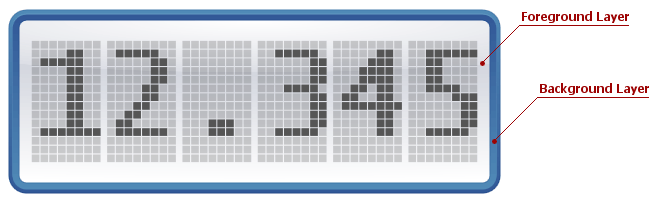
The following table lists the main properties affecting element behavior and appearance.
| Characteristics | Members |
|---|---|
| Availability | DigitalGaugeControl.Layers |
| Visibility | LayerBase.Visible |
| Size | SymbolViewBase.Width,SymbolViewBase.Height |
| Appearance | DigitalGaugeControl.Model,DigitalGaugeLayer.Presentation,Foreground,Background |
| Behaviour | GaugeLayerBase.Options |