TdxBackendCustomParameter.DataType Property
Declaration
property DataType: TdxBackendParameterDataType read;Property Value
| Type | Default | Description |
|---|---|---|
| TdxBackendParameterDataType | rptString | The parameter data type. |
Remarks
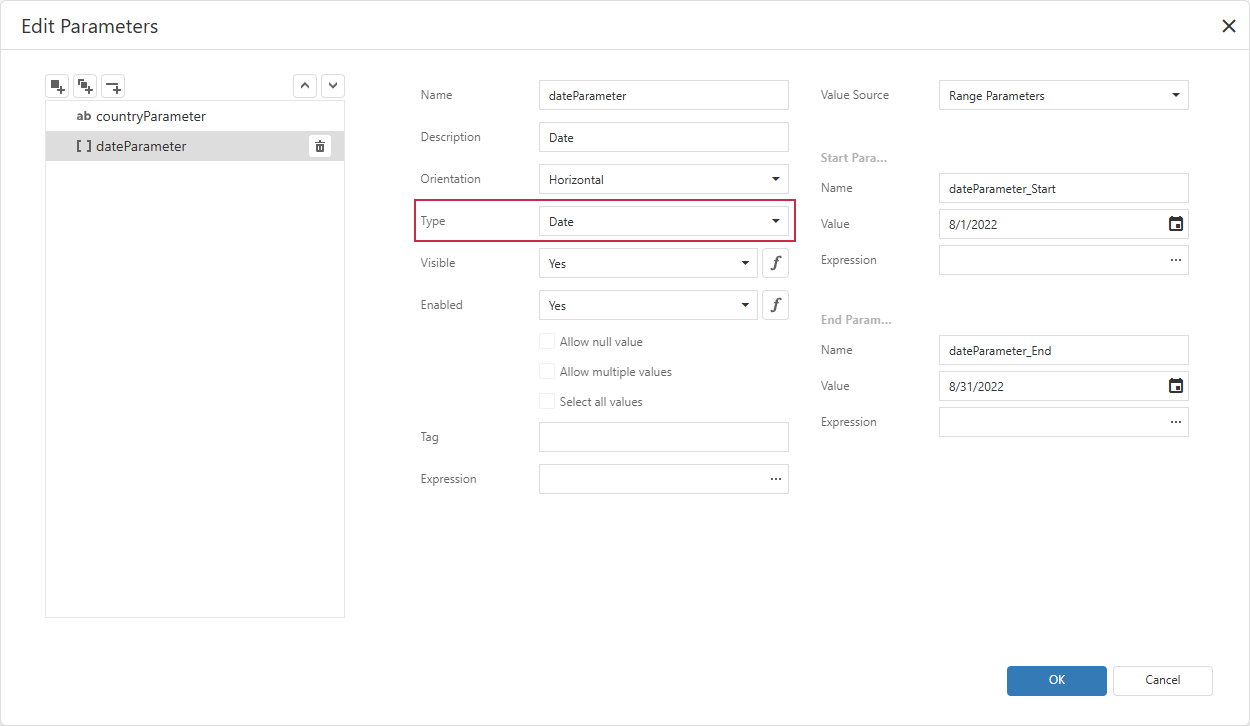
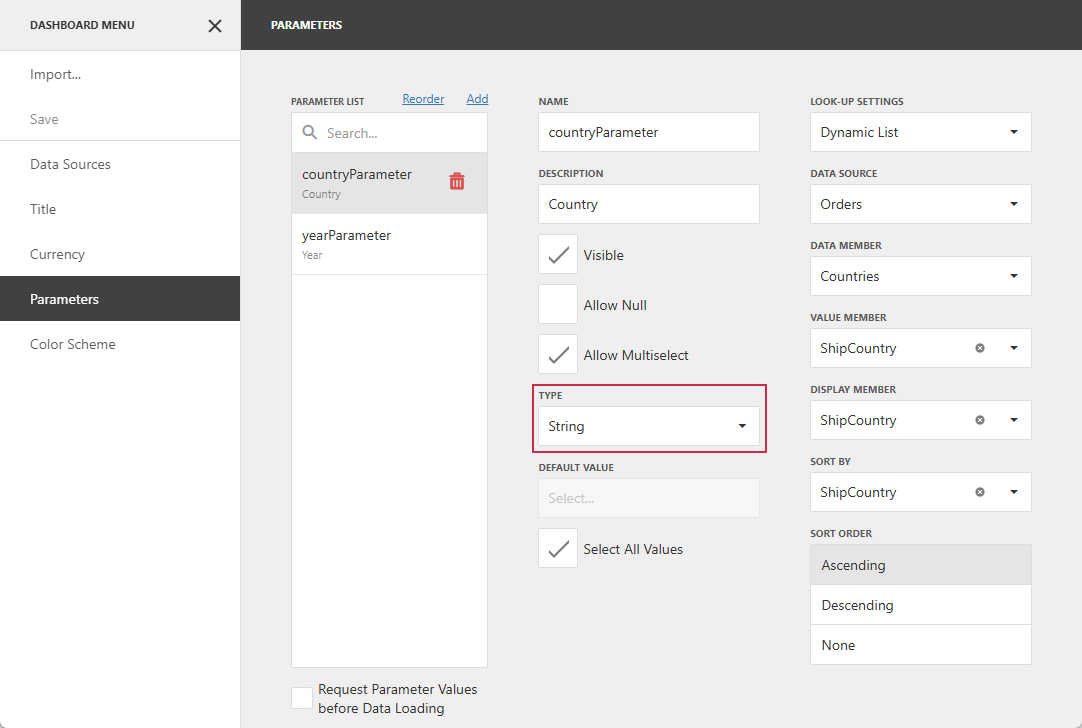
Use the DataType property to identify the actual parameter value type defined in the UI. Different data types use different editor types in the UI’s Parameters panel.
This property corresponds to the Type combo box in report / dashboard settings:
Code Examples
The following code snippets use the DataType property to ensure that the expected String type is defined for the orderID parameter and assigns a string value to it.
Note
The DataType property is common to report and dashboard parameters. These examples perform the same type check and value assignment but use component-specific APIs.
Check Report Parameter Type
uses
  dxReport.Control,       // Declares the TdxReportControl class
  dxReport.Parameters,    // Declares the TdxReportParameter class
  dxBackend.Parameters;   // Declares the TdxBackendParameterDataType enum
  System.SysUtils;        // Declares exception classes

procedure TOrderReportForm.InitReport(const AOrderID: string);
var
  AParameter: TdxReportParameter;
begin
  // Find the report parameter with the specified name
  AParameter := dxReportControl1.Parameters.FindParam('orderID');
  // Check if the parameter exists and has the String type
  if (AParameter = nil) or (AParameter.DataType <> TdxBackendParameterDataType.rptString) then
    raise Exception.Create('Missing the required parameter "orderID" of type "String".');
  AParameter.Value := AOrderID;
end;
Check Dashboard Parameter Type
uses
  dxDashboard.Control,      // Declares the TdxDashboardControl class
  dxDashboard.Parameters,   // Declares the TdxDashboardParameter class
  dxBackend.Parameters;     // Declares the TdxBackendParameterDataType enum
  System.SysUtils;        // Declares exception classes

procedure TDashboardForm.InitDashboard(const AOrderID: string);
var
  AParameter: TdxDashboardParameter;
begin
  // Find the dashboard parameter with the specified name
  AParameter := dxDashboardControl1.Parameters.FindParam('orderID');
  // Check if the parameter exists and has the String type
  if (AParameter = nil) or (AParameter.DataType <> TdxBackendParameterDataType.rptString) then
    raise Exception.Create('Missing the required parameter "orderID" of type "String".');
  AParameter.Value := AOrderID;
end;
See Also