TdxBackendCustomParameter.AllowNull Property
Declaration
property AllowNull: Boolean read; write; default False;Property Value
| Type | Default | Description |
|---|---|---|
| Boolean | False |
|
Remarks
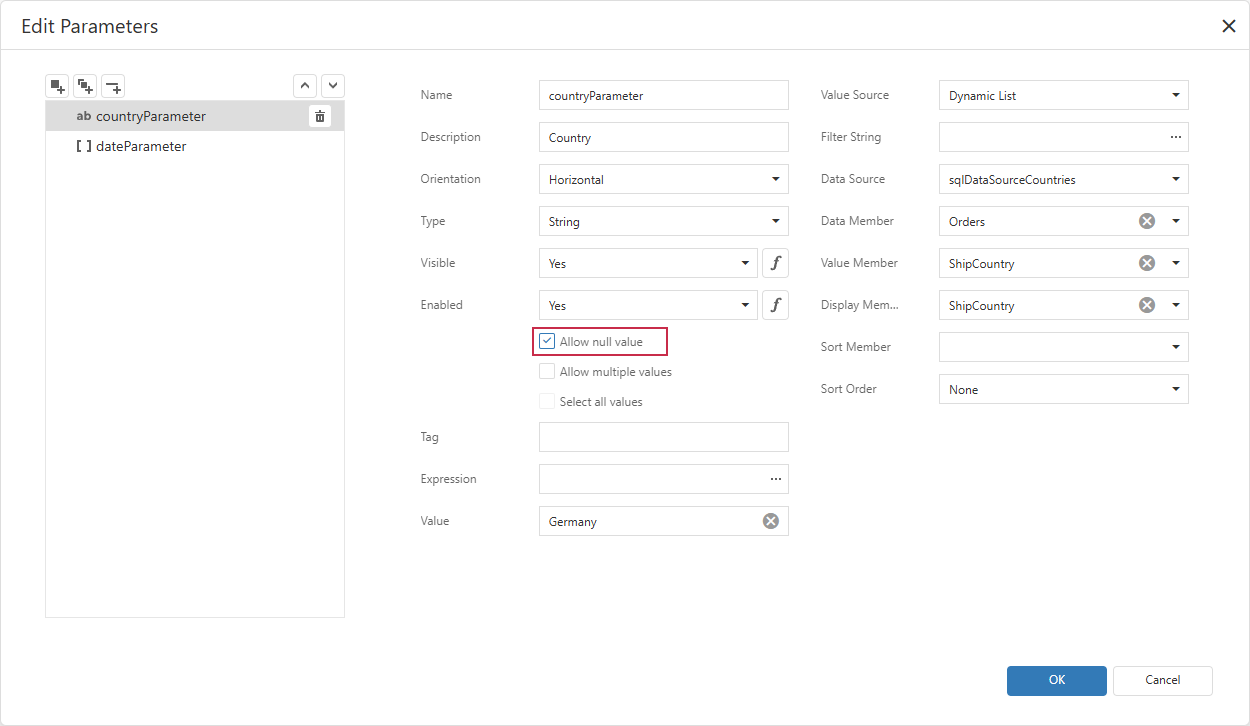
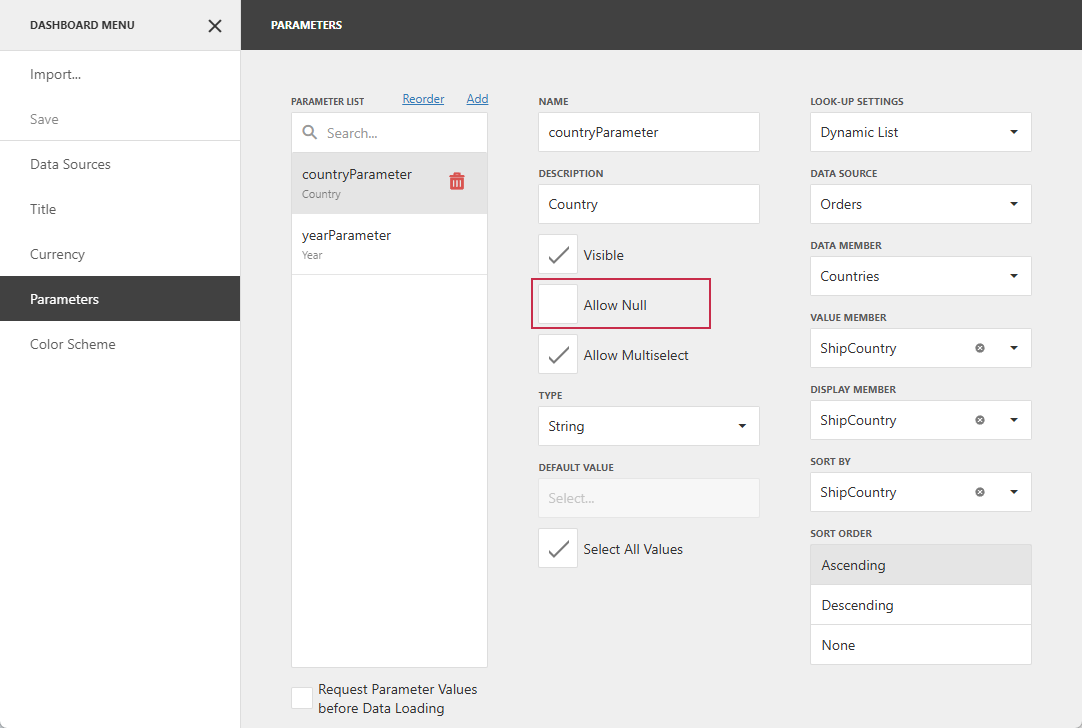
Set the AllowNull property to True to treat an empty field as a Null Variant. Otherwise, an empty field is interpreted as an empty string or an empty array for multi-value parameters.
This property corresponds to the Allow null value option in the Report Designer or the Allow Null option in the Dashboard Designer:
Code Examples
The following code snippets allow users to specify an empty string as the parameter value.
Note
The AllowNull property is common to report and dashboard parameters. These examples perform the same operation but use component-specific APIs.
Allow Null Value in Report Parameters
uses
  dxReport.Control;   // Declares the TdxReportControl class

procedure TForm1.cxButton1Click(Sender: TObject);
begin
  dxReportControl1.Parameters['countryParameter'].AllowNull := True;
end;
Allow Null Value in Dashboard Parameters
uses
  dxDashboard.Control;   // Declares the TdxDashboardControl class

procedure TForm1.cxButton1Click(Sender: TObject);
begin
  dxDashboardControl1.Parameters['countryParameter'].AllowNull := True;
end;
Default Value
The AllowNull property’s default value is False.
See Also