AIChatControl.UseStreaming Property
Gets or sets whether the AI Chat Control displays a response as a stream.
Namespace: DevExpress.AIIntegration.WinForms.Chat
Assembly: DevExpress.AIIntegration.WinForms.Chat.v26.1.dll
NuGet Package: DevExpress.AIIntegration.WinForms.Chat
Declaration
Property Value
| Type | Default | Description |
|---|---|---|
| DefaultBoolean | Default |
|
Available values:
| Name | Description | Return Value |
|---|---|---|
| True | The value is true. |
|
| False | The value is false. |
|
| Default | The value is specified by a global option or a higher-level object. |
|
Remarks
The AI Chat Control can display responses from the AI assistant as they are generated in a natural, conversational flow (rather than wait for the entire message to complete before it appears on screen). Enable the UseStreaming option to activate this feature:
Play the following animation to see the result:
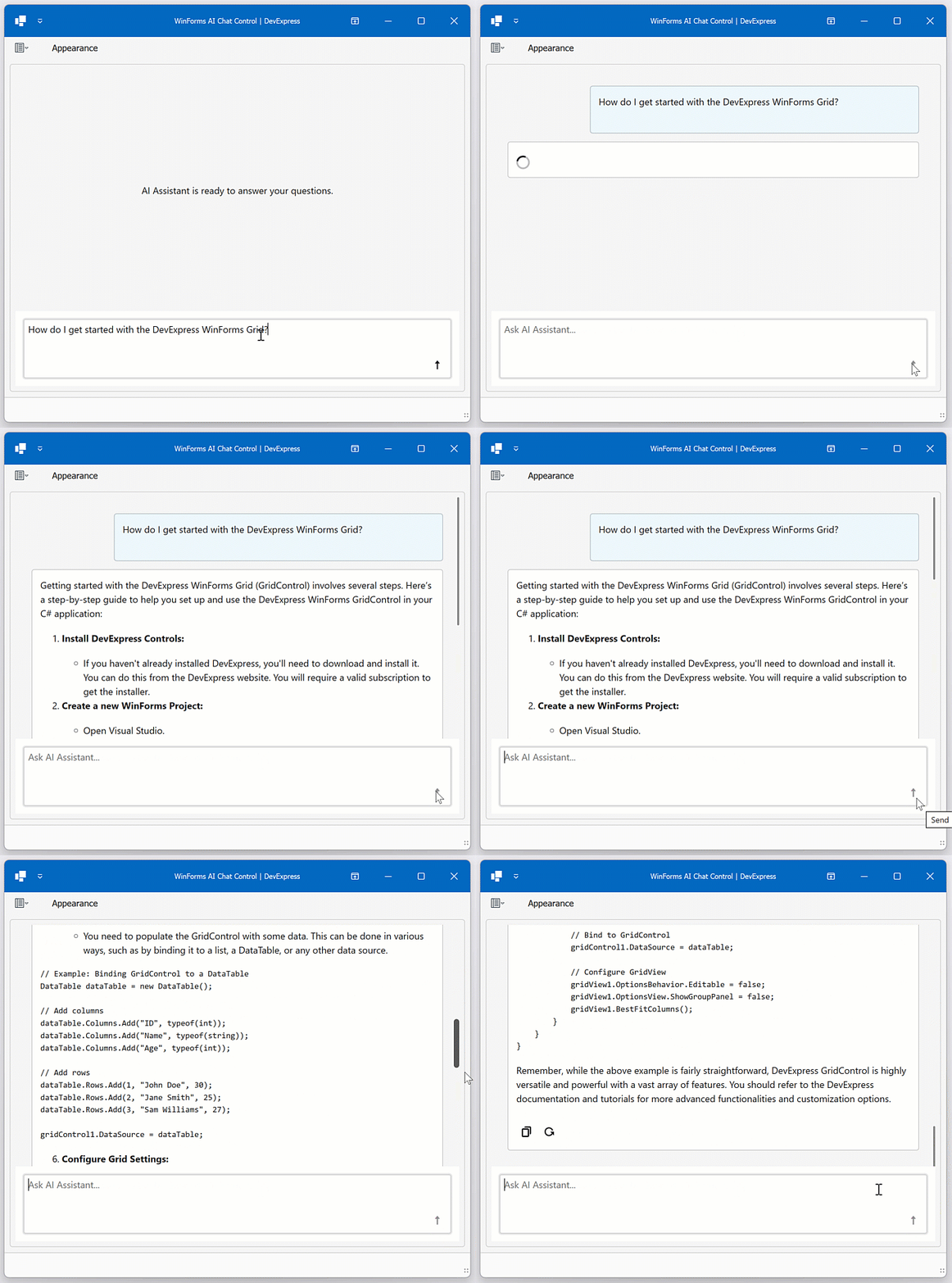
Call the GetUseStreaming method to obtain the actual Boolean value that corresponds to the current property setting.
Refer to the following help topic for additional information: AI Chat Control