Use Map Control Project and Form Templates
- 3 minutes to read
The VCL Template Kit ships with automatically installed Project and Form templates for the ExpressMapControl Suite. These templates are designed to reduce time spent on repetitive project and form setups, as well as improve onboarding for new VCL developers and boost productivity in experienced teams.
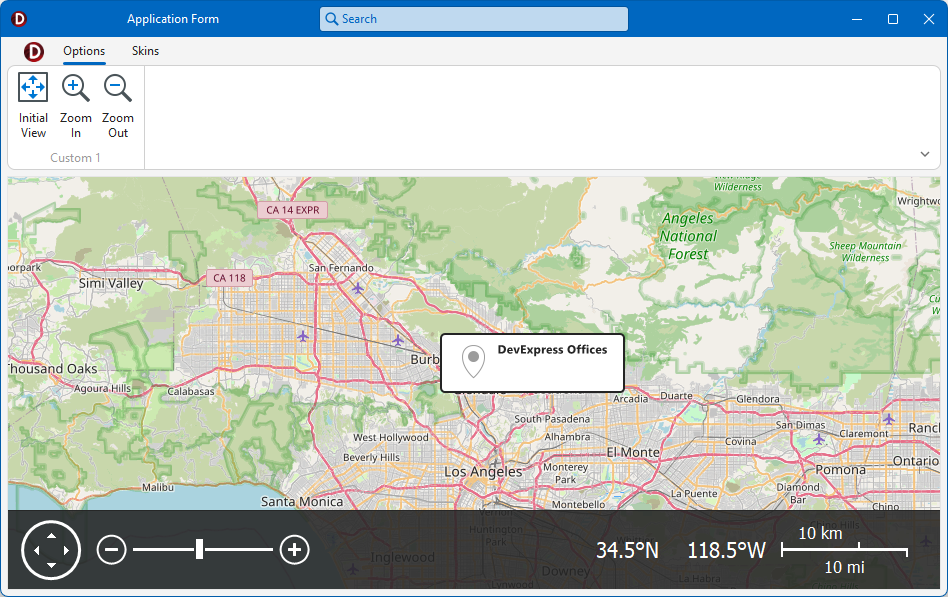
Project Template
The Map Application template creates a single-form application project that contains the TdxMapControl component with a Ribbon UI and a configured OpenStreetMap tile data provider.
To run the Application/Project Wizard, select the following item in the RAD Studio IDE menu:
File → New → DevExpress VCL v26.1 Application/Project - Delphi
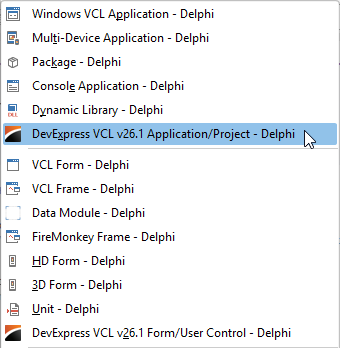
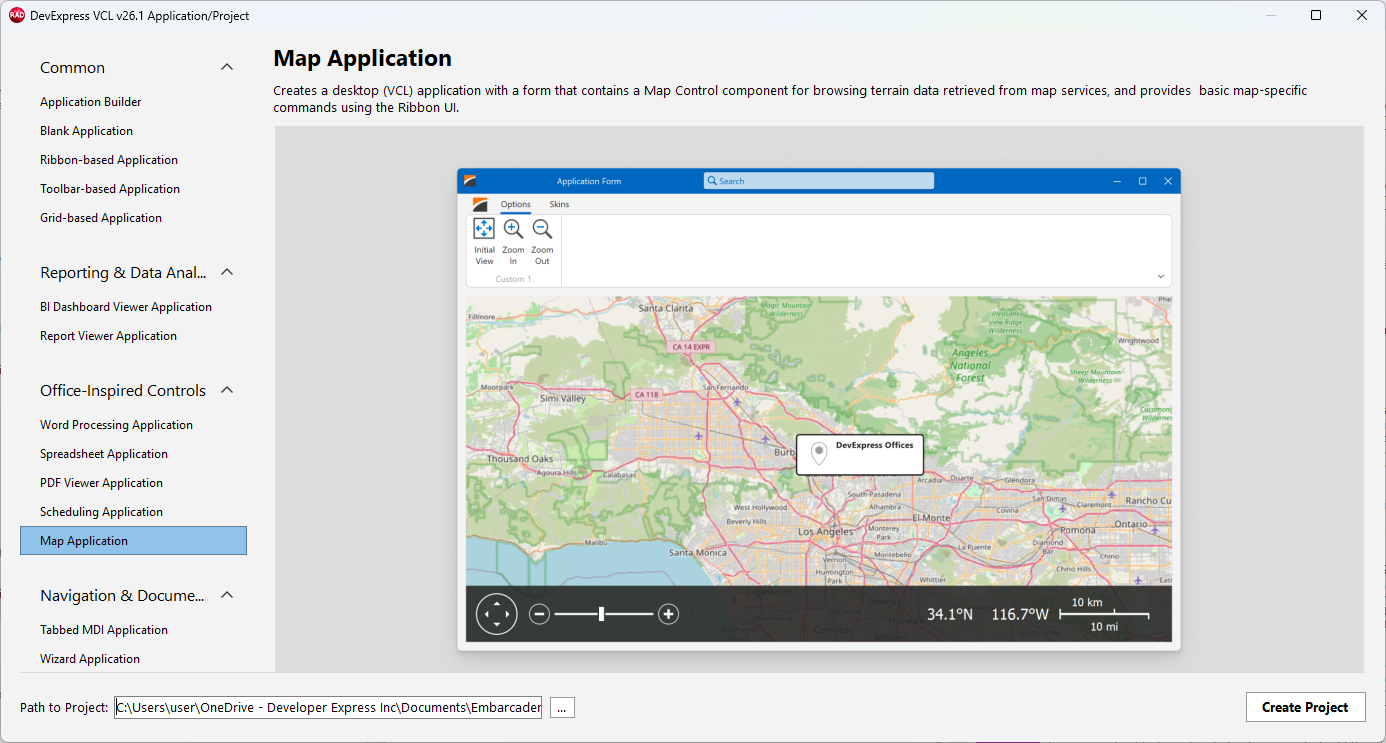
Select Map Application in the Office-Inspired Controls category and click Create Project.
Result: Generated Project
The TdxMapControl component occupies the main form area. The generated form is derived from the TdxRibbonForm class and encapsulates all best app building practices for high-DPI multi-monitor environments. The generated project includes all DevExpress vector skins and palettes.
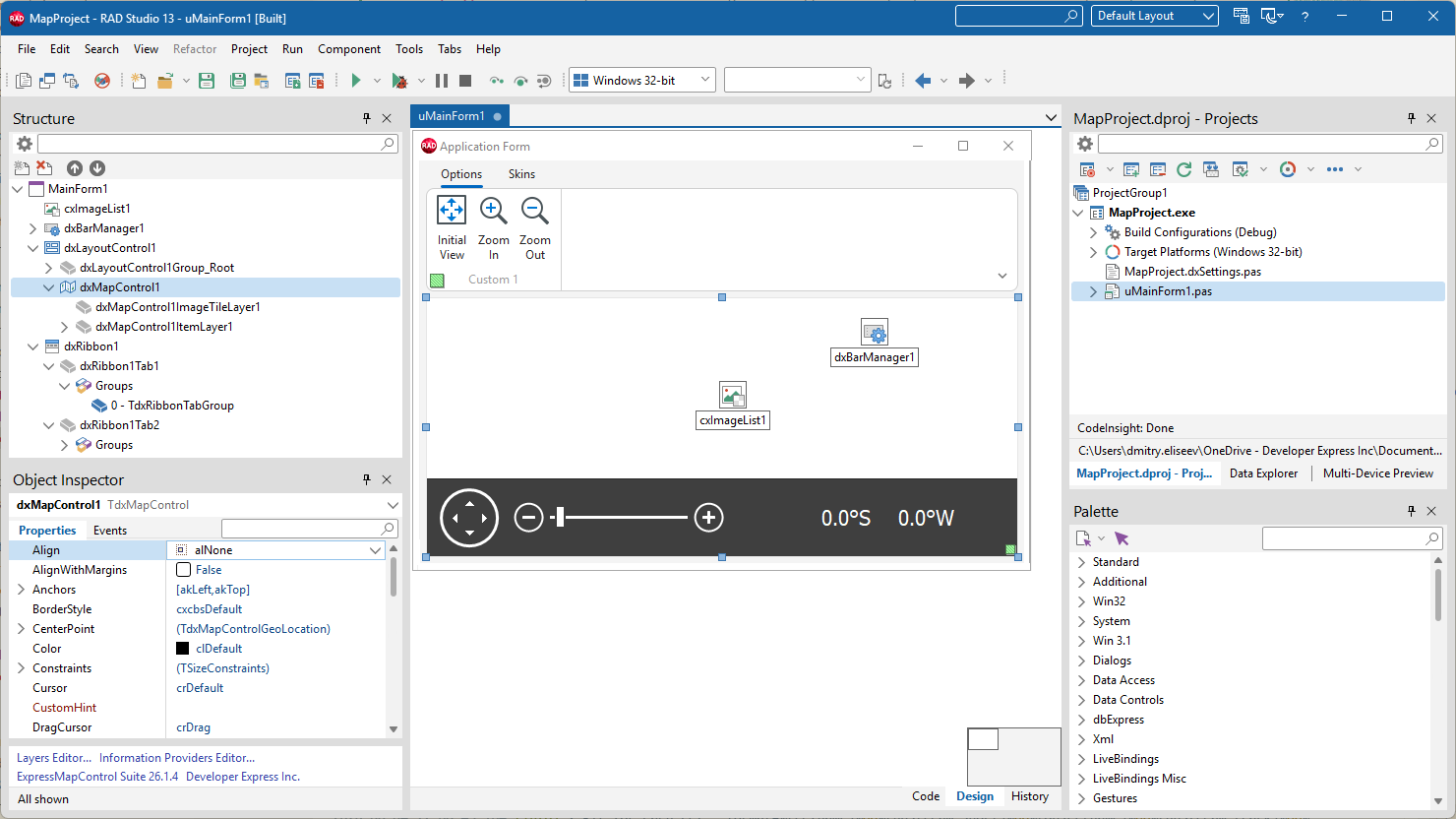
Sample Map Layers
The TdxMapControl component includes a map tile layer with a pre-configured OpenStreetMap provider. In addition, the map control includes an overlay item layer to display a marker on the map.
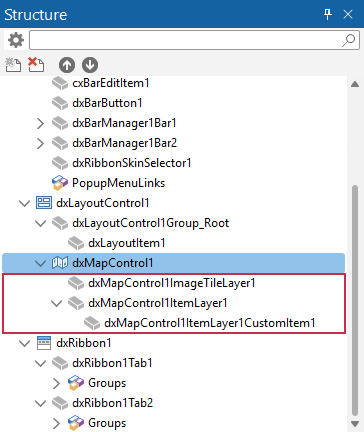
Note
The TdxMapControl component displays content at runtime.
UI Elements & End-User Functionality
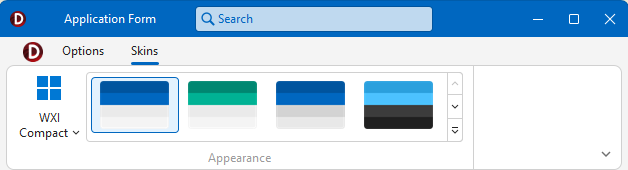
In addition to the TdxMapControl positioned using the TdxLayoutControl component, the main application form includes a Ribbon UI with two tabs – Options and Skins. The Ribbon Form caption bar includes an embedded TdxOfficeSearchBox component.
The Options tab displays the following buttons from left to right:
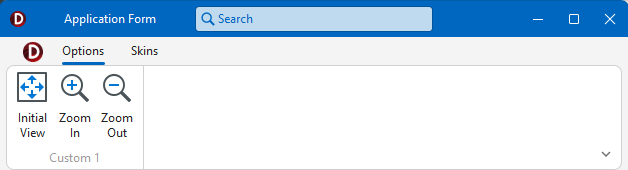
- Initial View
- Restores the map view displayed at startup.
- Zoom In | Zoom Out
- Zoom the map in or out by
1(within the range between1and20). Alternatively, you can use built-in UI elements on the Map Control Navigation Panel. Refer to the following topic for detailed information on end-user map zoom functionality: TdxCustomMapControl.ZoomLevel.
The Skins tab displays the Ribbon Skin Selector component that allows users to switch between all DevExpress vector skins and palettes in the generated application.
Run & Test the App
Build and run the generated project. Use Ribbon buttons and built-in UI elements to zoom and pan the displayed OpenStreet map.
Form Template
The Map Form template allows you to add a configured DevExpress form with a TdxMapControl component to an existing application.
To run the Form/User Control Wizard, select the following item in the RAD Studio IDE menu:
File → New → DevExpress VCL v26.1 Form/User Control - Delphi
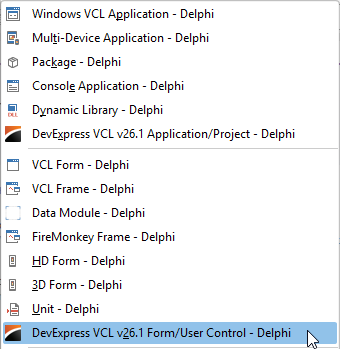
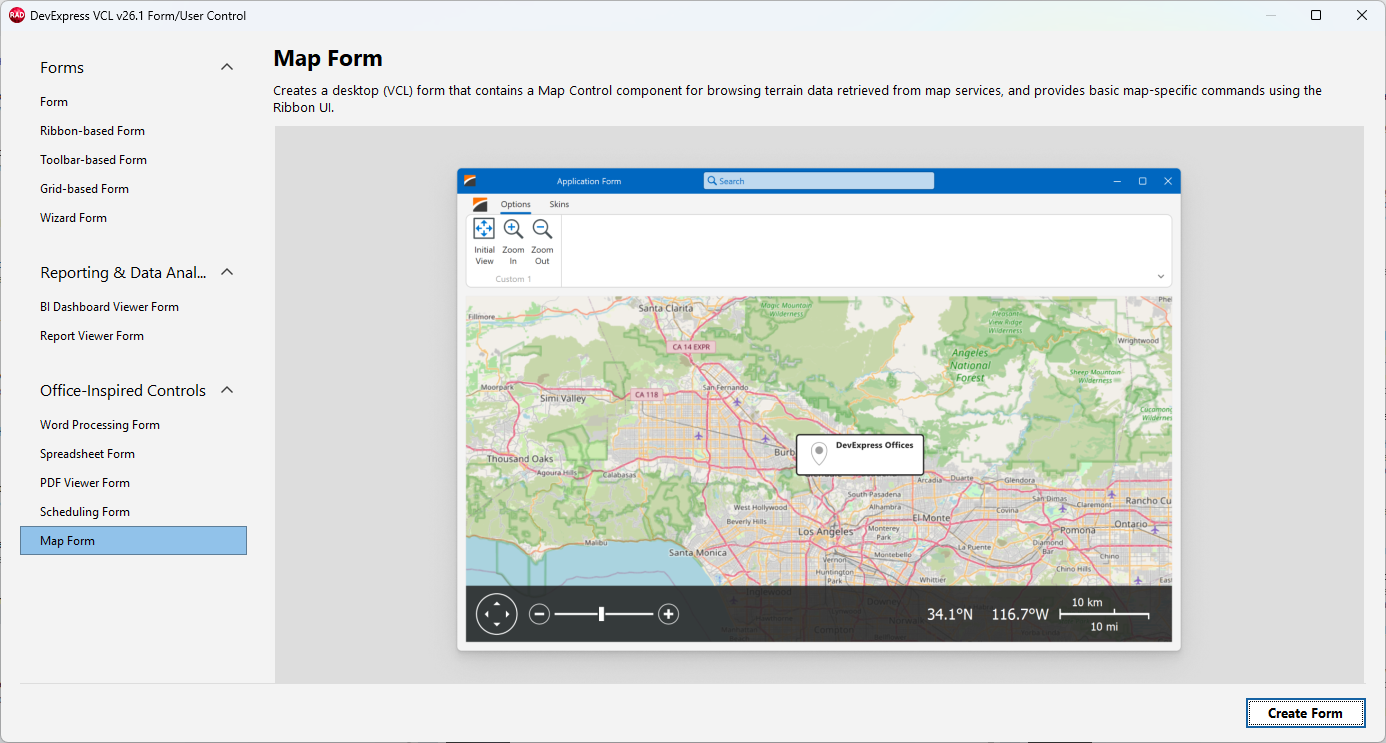
Select Map Form in the Office-Inspired Controls category and click Create Project.
Result: Generated Form
The template creates a child form derived from the TdxRibbonForm class. The added form has the same layout and Ribbon UI as a standalone application created using the Map Application template.
Use the Generated Form
The form template does not automatically associate the generated form with existing app functionality. You need to manually display the form in code. For example:
uses
  uChildForm;  // Adds the generated form's unit explicitly

procedure TMainForm1.cxMapControlDisplayButton1Click(Sender: TObject);
begin
  ChildForm.Show;  // Displays the generated form
end;