Report Viewer & Designer UI Localization
- 3 minutes to read
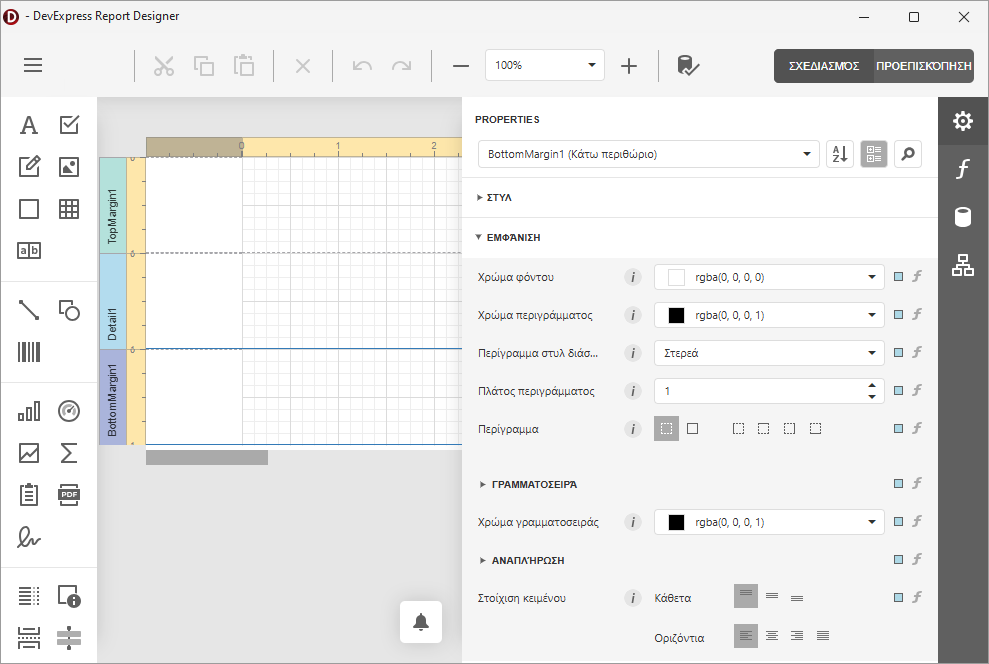
Web-based Report Designer and Report Viewer end-user dialogs available for the TdxReport component support JSON localization strings obtained from the DevExpress Localization Service.
Note
To localize Report Designer and Report Viewer captions, use the standard localization engine for native DevExpress VCL components. Refer to the following topic section for details: Dialog Caption Localization.
Add, Manage, and Download Translations
Log in to the DevExpress website to get started. Open the DevExpress Localization Service and click Add a Translation. Specify the DevExpress component version (Version) and target language (Preferred Language) in the dialog:
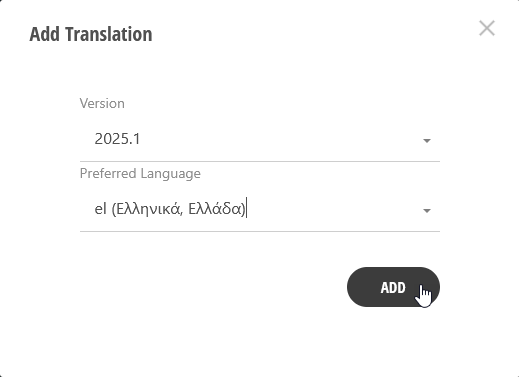
Repeat this step to include additional languages (if required).
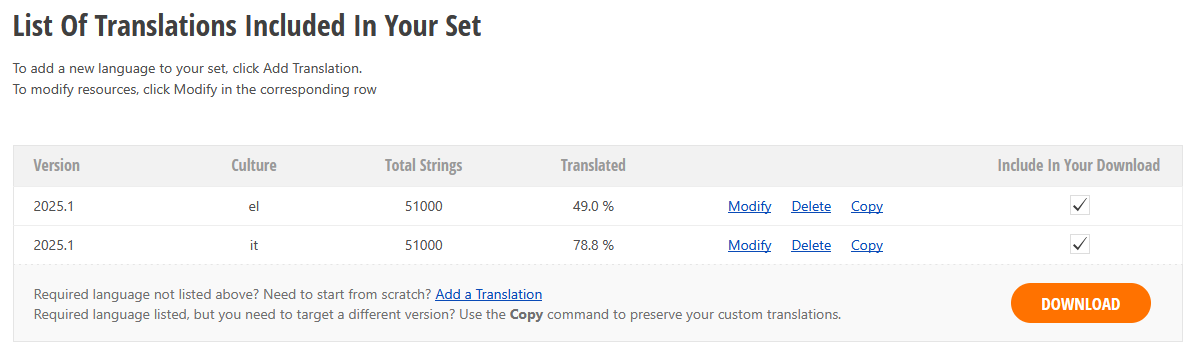
Click the Download button to build resources for all selected (checked) languages in the list of translations. Once the DevExpress Localization Service builds all required resources, an email containing links to these resources is sent to the address associated with your DevExpress account.
Deploy and Apply UI Localizations
To deploy all localizations with your application, do the following:
Extract all downloaded localization resources from self-extracting archives you downloaded using links contained within the email. Each resource archive contains a json resources folder.
Example Path: C:\Downloads\DevExpressLocalizedResources_2025.1_el\json resources (where the el culture identifier corresponds to Greek, de – to German, etc.)
Create a localization folder in the directory where your executable app file is located and copy extracted json resources/dxreporting.xx.json files into the folder for each target culture/language.
Example Path: C:\Projects\ReportingApp\localization\dxreporting.el.json
Set the TdxReport.Language property to
'el-GR'(or any other ISO-based culture identifier):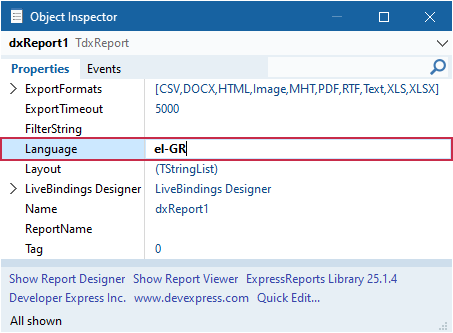
Dialog Caption Localization
Unlike all dialog UI elements, Report Designer and Report Viewer captions are defined using sdxReportDesignerDefaultCaption and sdxReportViewerDefaultCaption resource strings declared in the dxReport.Strs unit.
To add localized values in all target languages for these resource strings, use our standalone Localizer Editor tool installed automatically with DevExpress VCL components. To switch between localizations at runtime, use the dedicated TcxLocalizer component.
Code Examples
Related GitHub-Hosted Example Project
Switch Between Languages at Runtime
The code example in this section demonstrates three button OnClick event handlers that allow users to switch between the base language (English) and two localizations (Greek and Italian). Once the TdxReport.Language property value is changed, Report Designer and Report Viewer dialogs use the corresponding localization when displayed the next time.
uses
  dxReport;  // Declares the TdxReport class
// ...

procedure TMyForm.btnEnglishClick(Sender: TObject);
begin
  dxReport1.Language := 'en-US';
end;

procedure TMyForm.btnGreekClick(Sender: TObject);
begin
  dxReport1.Language := 'el-GR';
end;

procedure TMyForm.btnItalianClick(Sender: TObject);
begin
  dxReport1.Language := 'it-IT';
end;