XtraReport.ImageResources Property
Provides access to a collection of the report’s named images.
Namespace: DevExpress.XtraReports.UI
Assembly: DevExpress.XtraReports.v26.1.dll
NuGet Package: DevExpress.Reporting.Core
Declaration
Property Value
| Type | Description |
|---|---|
| ImageItemCollection | A named image collection. |
Remarks
Populate this collection with images to use them in the following report controls:
Label
If the AllowMarkupText property is true, you can use the image tag with the name of the image in the collection to display the image in the label text. Example: <image=UpArrow.png>PictureBox
You can construct the ImageSource property’s expression to set the collection image conditionally.Cross Tab Cell
If the AllowMarkupText property is true, you can use the image tag with the name of the image in the collection to display the image in the cell text. Example: <image=UpArrow.png>
Design Time
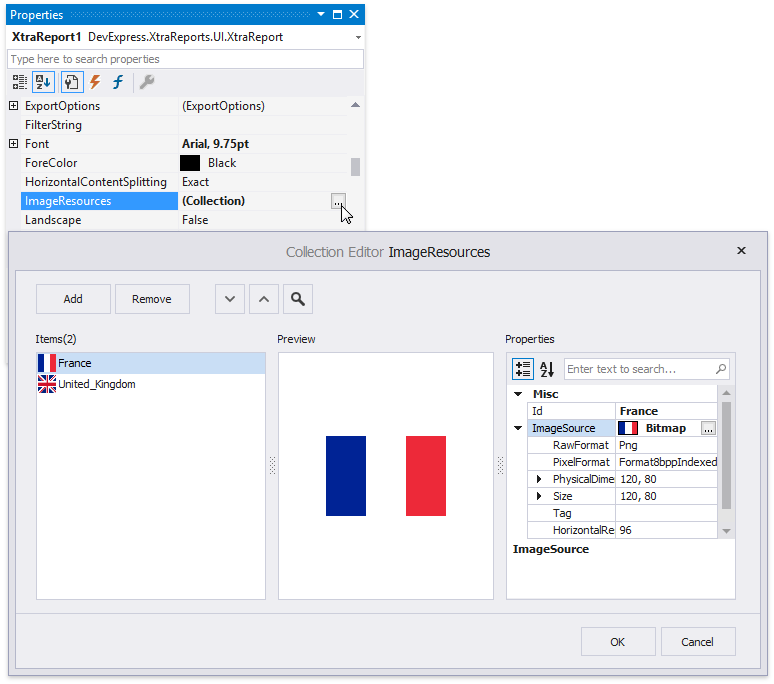
Click the ImageResources property’s ellipsis button in the Properties window. The Image Resource Collection Editor is invoked. This editor allows you to manipulate with the image collection: add, reorder and remove named images.
Visual Studio Report Designer (.NET Framework Only)
When you add an image in the Visual Studio Report Designer, the Image Picker is invoked. It allows you to choose an external image or an image from the DevExpress Image Library.
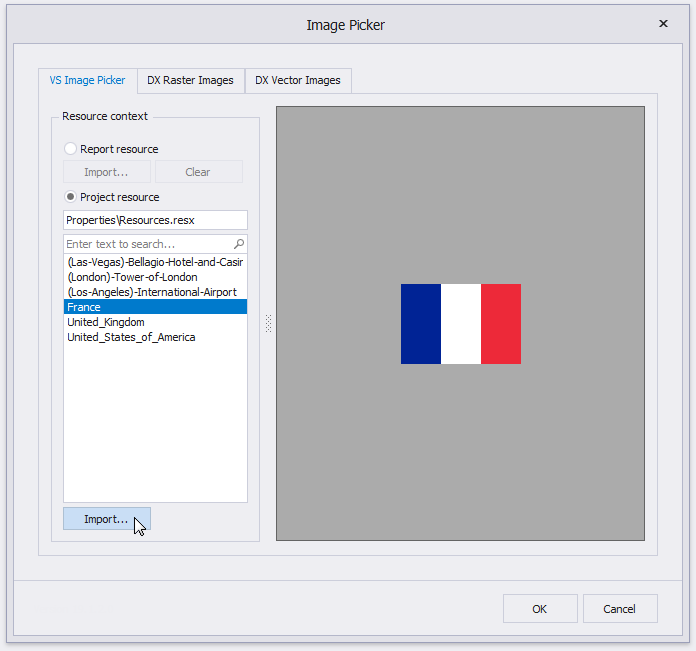
Visual Studio Image Chooser
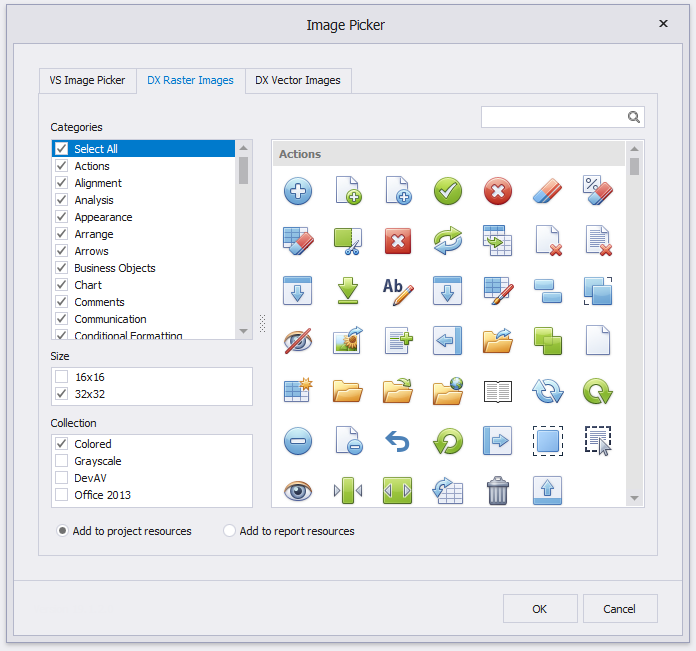
DevExpress Raster Image Chooser
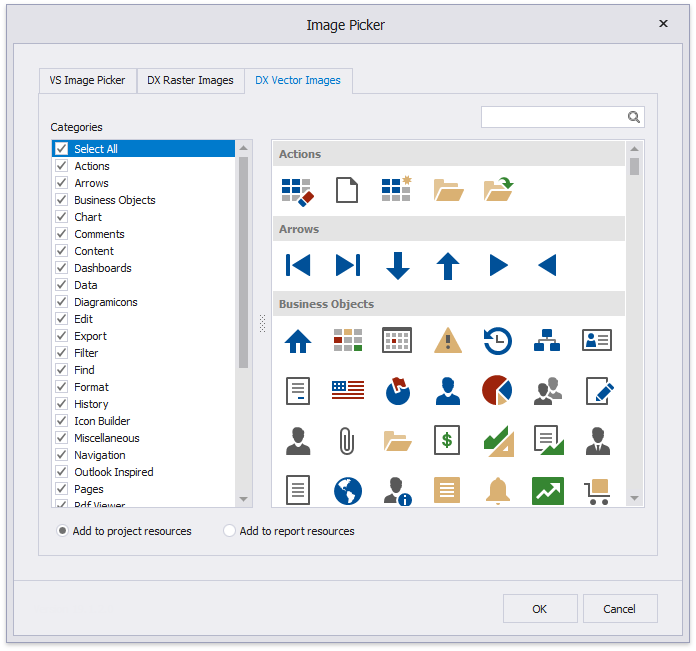
DevExpress Vector Image Chooser
You can choose whether to add the selected image to the report or project resources. If you add the image to project resources, you can reuse it in several reports.
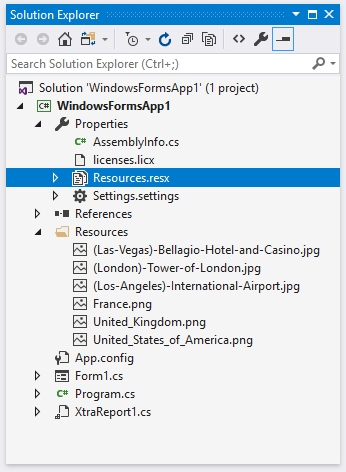
Project Resources
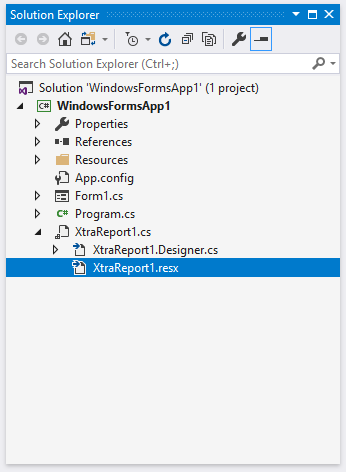
Report Resources
End-User Report Designer
When you add an image in the End-User Report Designer, the Open File dialog is invoked.
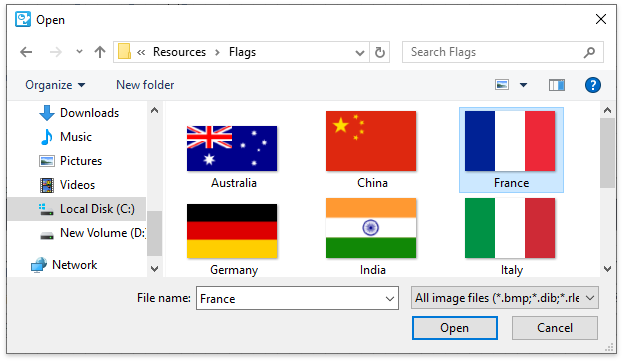
The selected image is saved to the report definition .repx file.
Runtime
The code sample below illustrates how to use a report’s image resources to insert an image to a label.
using DevExpress.XtraPrinting.Drawing;
using DevExpress.XtraReports.UI;
using System.Drawing;
// ...
XtraReport report = new XtraReport();
Image image = Image.FromFile("testImage.png");
ImageItem imageItem = new ImageItem("img1", new ImageSource(image));
report.ImageResources.Add(imageItem);

XRLabel label = new XRLabel() {
    AllowMarkupText = true,
    WordWrap = true,
    Text = "Test<br>" +
        "<size=14>Size = 14<br>" +
        "<b>Bold</b> <i>Italic</i> <u>Underline</u></size><br>" +
        "<size=11>Size = 11<br>" +
        "<color=255,0,0>Sample Text</color></size><br>" +
        "<href=www.devexpress.com>Hyperlink</href><br>" +
        "<image=img1>"
};

DetailBand detailBand = new DetailBand();
detailBand.Controls.Add(label);
report.Bands.Add(detailBand);