Report Designer for Visual Studio Code (VS Code)
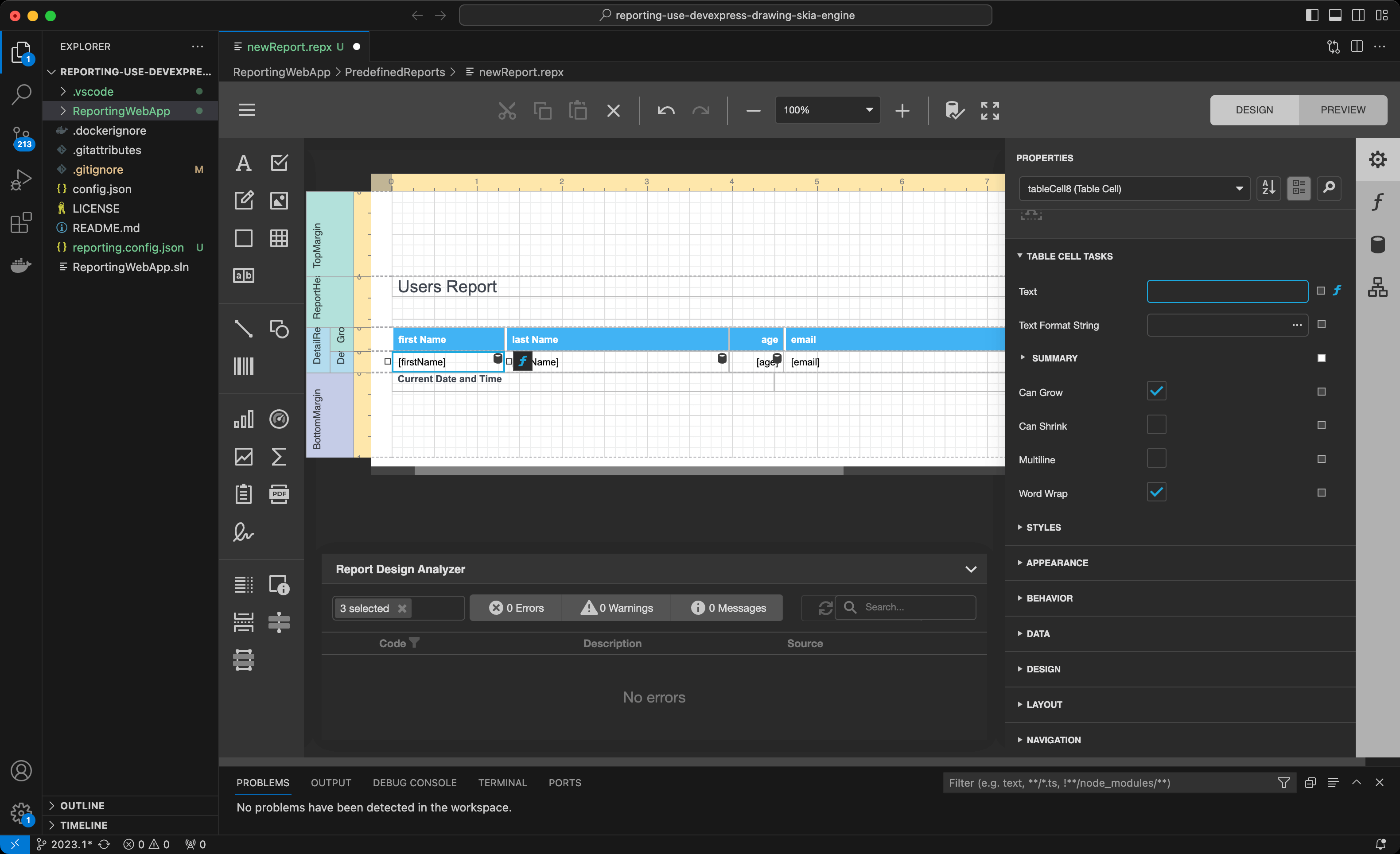
You can integrate a DevExpress Report Designer into Visual Studio Code. Once you download the IDE extension from Visual Studio Marketplace, you can create and edit report documents in applications that target supported operating systems (Linux, macOS, or Windows) and .NET-based platforms.
You need an active license to use this extension.
Prerequisites
- C# VSCode Extension
- .NET Runtime Install Tool VSCode Extension
- .NET 8 SDK
- DevExpress VSCode Report Designer Extension
AI-assisted Development With DevExpress MCP Server
The DevExpress MCP Server connects GitHub Copilot and other AI assistants directly to DevExpress documentation. This connection enables accurate code generation based on official documentation without leaving the IDE.
Configure the VS Code Report Designer Extension
Refer to the extension description on Visual Studio Marketplace for quick start information: Devexpress Report Designer for VS Code extension.
You can also find detailed setup instructions for macOS in the following blog post: Create and Modify DevExpress Reports in Visual Studio Code (VS Code) on macOS and Linux.