DevExpress Collection View for .NET MAUI
- 2 minutes to read
The DevExpress Mobile UI for .NET MAUI Suite contains the DXCollectionView component that allows you to display a collection of data items in a horizontal or vertical list.

Add a Collection View to a Page
Download and install the
DevExpress.Maui.CollectionViewpackage to obtain the DXCollectionView component.Refer to the following help topics for more information:
Declare the
xmlns:dx="http://schemas.devexpress.com/maui"XAML namespace in a page.Add a DXCollectionView instance to the page.
To populate the CollectionView with data, use the DXCollectionView.ItemsSource property. For more information, refer to the following help topic: Bind to Data and Interact with Items.
<ContentPage ...
             xmlns:dx="http://schemas.devexpress.com/maui"
             xmlns:local="clr-namespace:CollectionViewExample">
    <ContentPage.BindingContext>
        <local:ViewModel/>
    </ContentPage.BindingContext>
    <dx:DXCollectionView ItemsSource="{Binding Data}">
    </dx:DXCollectionView>
</ContentPage>
For a step-by-step guide on how to create a .NET MAUI app with the DXCollectionView control, refer to the following help topic: Get Started with DXCollectionView.
Collection View Elements (Anatomy)
The following figure shows basic DXCollectionView elements:

Group headers appear when you group CollectionView items. For more information, refer to the following help topic: Group Collection View Items.
Next Steps
- Get Started with DXCollectionView
- This step-by-step tutorial guides you through creating an app with a DXCollectionView.
- Bind to Data and Interact with Items
- Describes how to populate a DXCollectionView with items and work with items via their indexes.
- Filter, Sort, and Group Data
- This help topic explains how to shape Collection View item data, and includes a list of filter items you can use to compose a Filtering UI.
- Create-Read-Update-Delete (CRUD) Operations
- Topics in this sections describe how to incorporate CRUD operations in a .NET MAUI app.
- Infinite Scrolling
- Explains how to enable endless scrolling functionality for the DXCollectionView control.
- Pull-to-Refresh
- Explains how to request content updates with a pull-down gesture in a DXCollectionView.
- Item Selection
- The DXCollectionView control supports single and multiple item selection.
- Drag-and-Drop Operations
- Enable drag-and-drop operations to allow users to reorder items in DXCollectionView.
- Swipe Gestures
- This topic explains how to show swipe elements when a user swipes a DXCollectionView item and perform custom actions on tap.
- Customize Appearance
- Lists API members that you can use the appearance and layout of the DXCollectionView control and its items.
- Examples
- Lists task-based solutions with the DXCollectionView control.
Related Scenarios
Expandable Cards with Lists

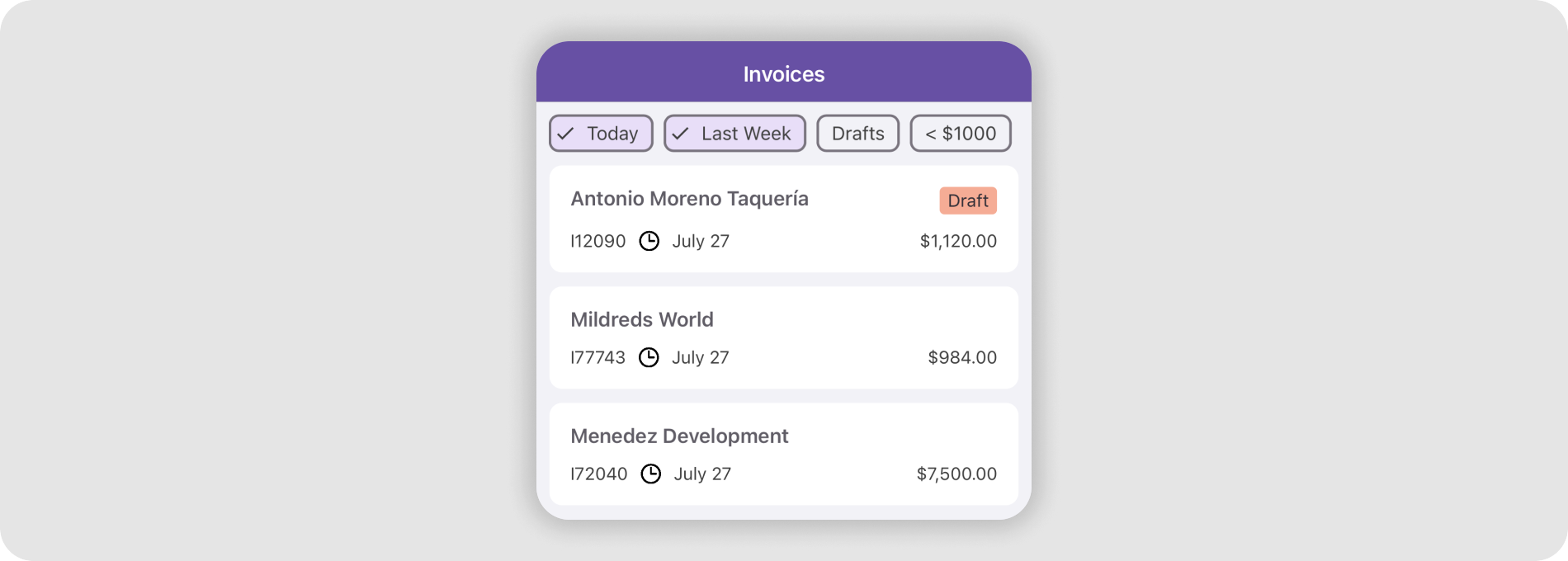
Chip Filters for a CollectionView
CRUD Operations