TdxCustomRibbonForm.FormCorners Property
Specifies the shape of form corners.
Declaration
property FormCorners: TdxFormCorners read; write; default fcDefault;Property Value
| Type | Default | Description |
|---|---|---|
| TdxFormCorners | fcDefault | A form corner shape. |
Remarks
Use the FormCorners property to switch between available corner shapes at the form level.
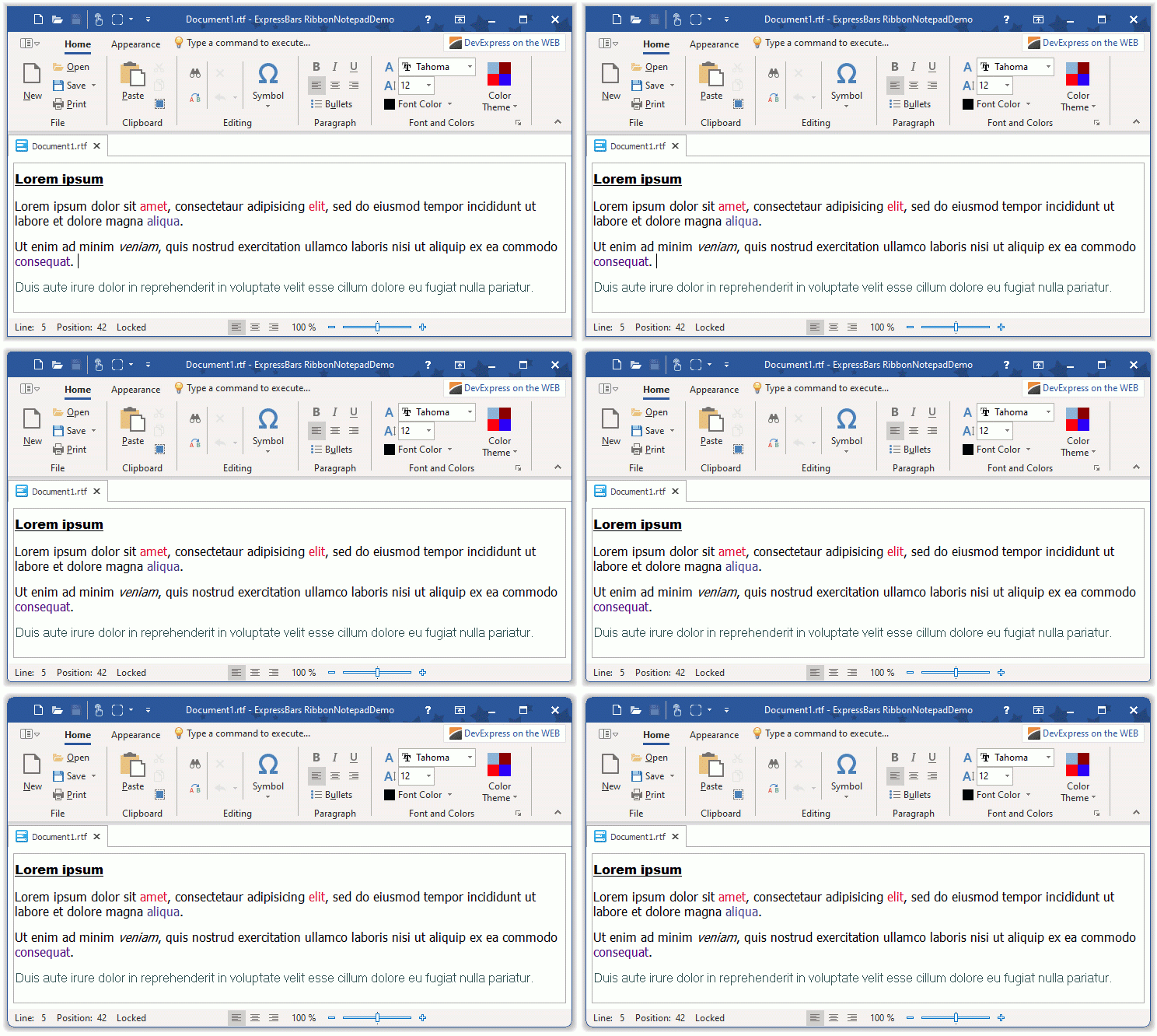
Refer to the TdxFormCorners type description for information on available options.
Limitations
Rounded corners in a skinned form appear aliased under Microsoft Windows® 10 compared to Windows 11. We recommend that you use rounded corners for applications that target Microsoft Windows® 11 only.
The FormCorners property affects the shape of the Ribbon form’s corners only if the following conditions are met:
- The Ribbon control’s SupportNonClientDrawing property is set to
True. - The DisableAero property is set to
Trueor the application is in GDI Scaled mode.
If the active skin has predefined form corners, the fcRectangular value has no effect.
Default Value
The FormCorners property’s default value is fcDefault.
The default FormCorners property value indicates that the global form corner setting (accessible through the FormCorners property of a TdxSkinController component) specifies the corner shape of the form.