VCL Rich Edit Components
- 4 minutes to read
TdxRichEditControl and TdxRichEditDocumentServer components are designed to generate, edit, and manage rich text documents in different formats.
Rich Edit Control
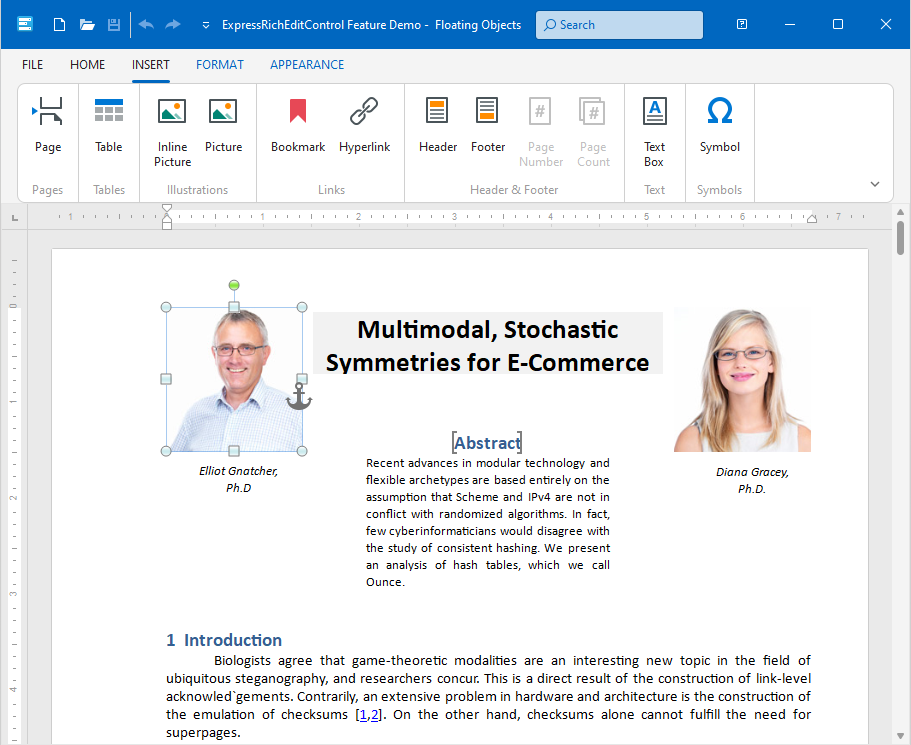
The DevExpress VCL Rich Edit control allows you to create applications with a UI inspired by Microsoft Word®.
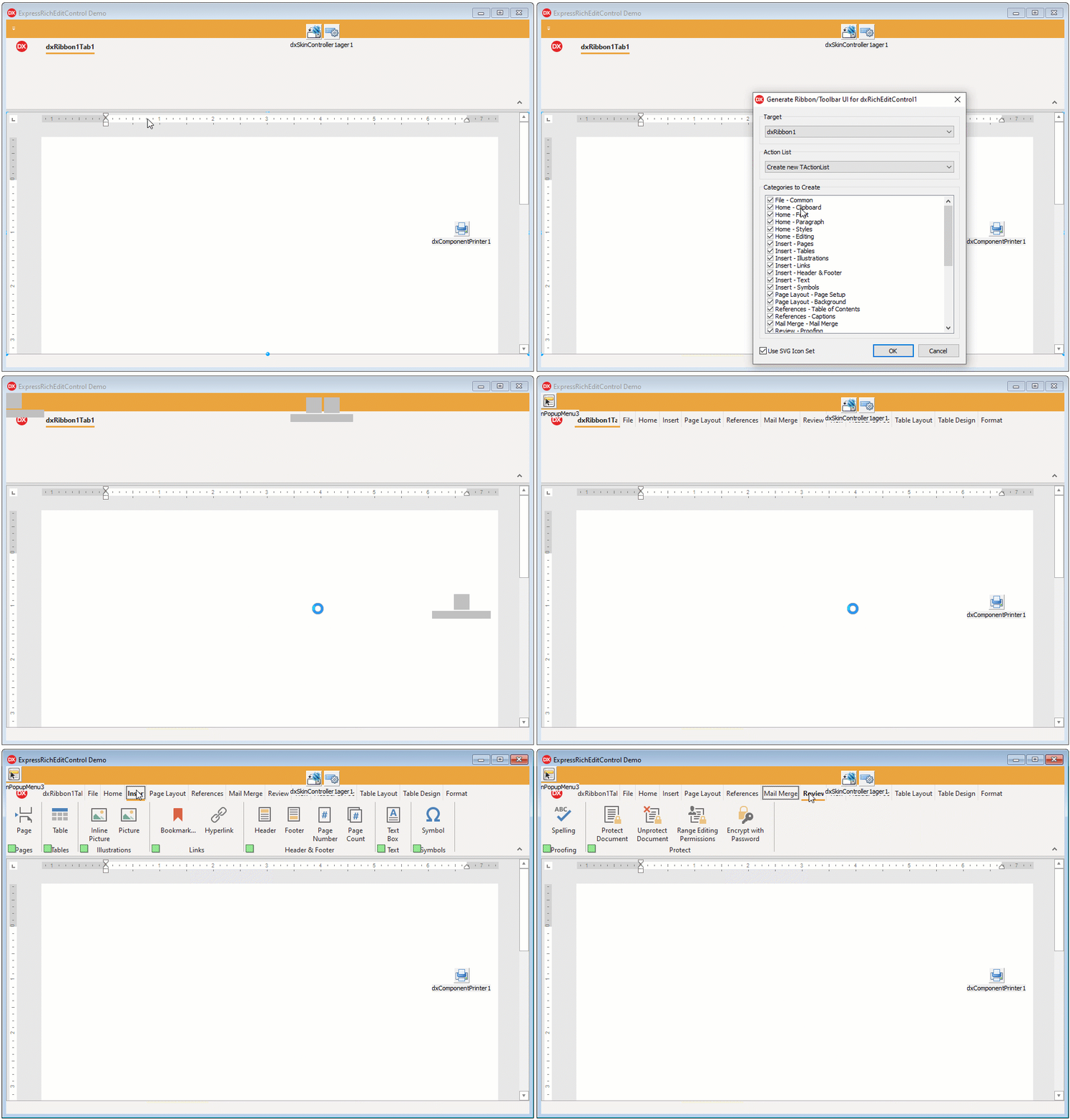
Automatic Ribbon/Toolbar UI Generation
You can create a word processor application with a fully-functional Ribbon or Toolbar UI in a few clicks:
Refer to the following topics for details:
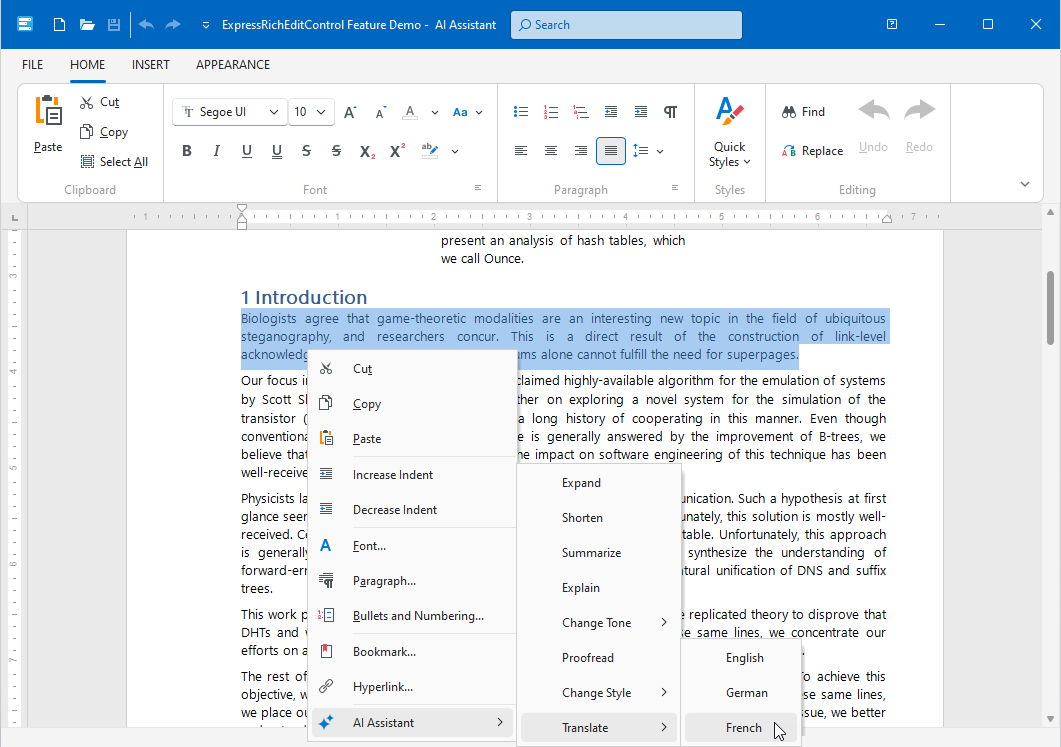
AI-powered Extensions
The TdxRichEditControl component can display a context menu populated with a list of predefined AI-powered user commands (AI Assistant) if an AI service provider is registered and AI user commands are initialized.
Refer to the following topics for detailed information and code examples:
GitHub-Hosted Examples
Print Functionality
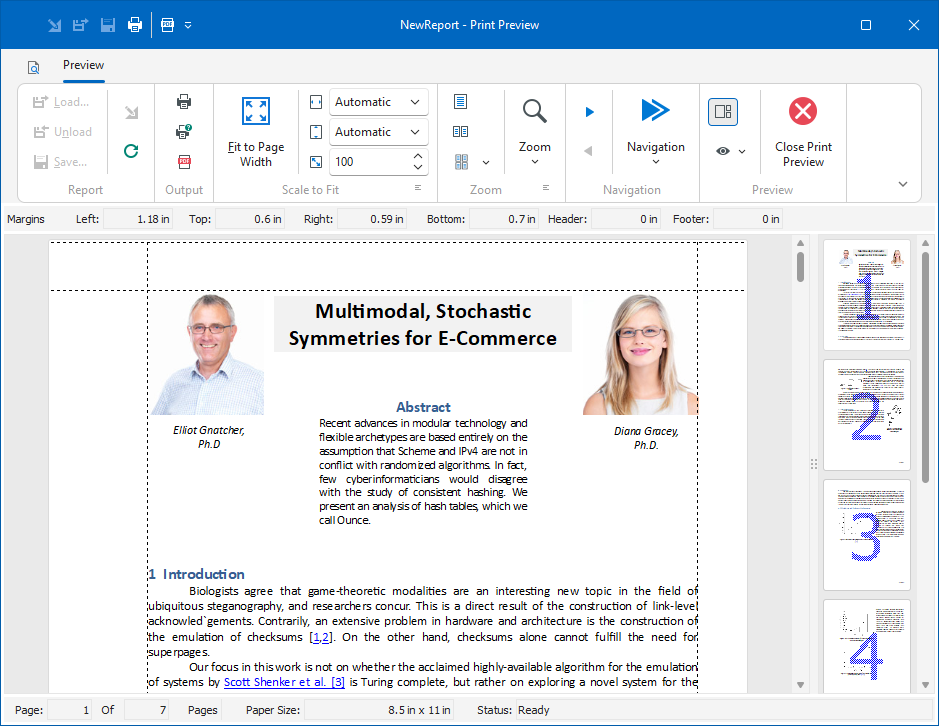
TdxRichEditControl relies on the TdxComponentPrinter component from the ExpressPrinting System to print and export content to PDF. To print documents from your application, you need to add a TdxComponentPrinter component and create a report link for the Rich Edit control.
Tip
Refer to the following topic for detailed information and a code example: Document Print Functionality.
Document Server
The DevExpress VCL Document Server (TdxRichEditDocumentServer) is a non-visual component designed to generate, edit, and convert documents without user interaction (in a console application, for instance). This component uses the same document model as the Rich Edit control, but does not have any visual library dependencies.
Refer to the following topics for details:
Supported Document Elements
- Bulleted, numbered, and multilevel lists
- Bookmarks and hyperlinks
- Floating text boxes
- Inline and floating images
- Tables
- Headers and footers
Format Documents
- Format Document Text
- You can change format attributes for any text range. In addition, you can create styles that define multiple format attributes simultaneously. Use styles to apply the same formatting to different parts of a document.
- Change the Page Layout
- You can apply settings such as page orientation, paper kind, and margins. You can also divide a page into columns and insert page breaks, or apply separate layout settings to the first page of your document and hide its header and footer to start numbering from the second page.
- Build a Table of Contents
- The control can build a table of contents based on document headers or embedded object labels. Ctrl-click a table entry to navigate directly to the corresponding position in a document.
Refer to the following topics for details:
Mail Merge
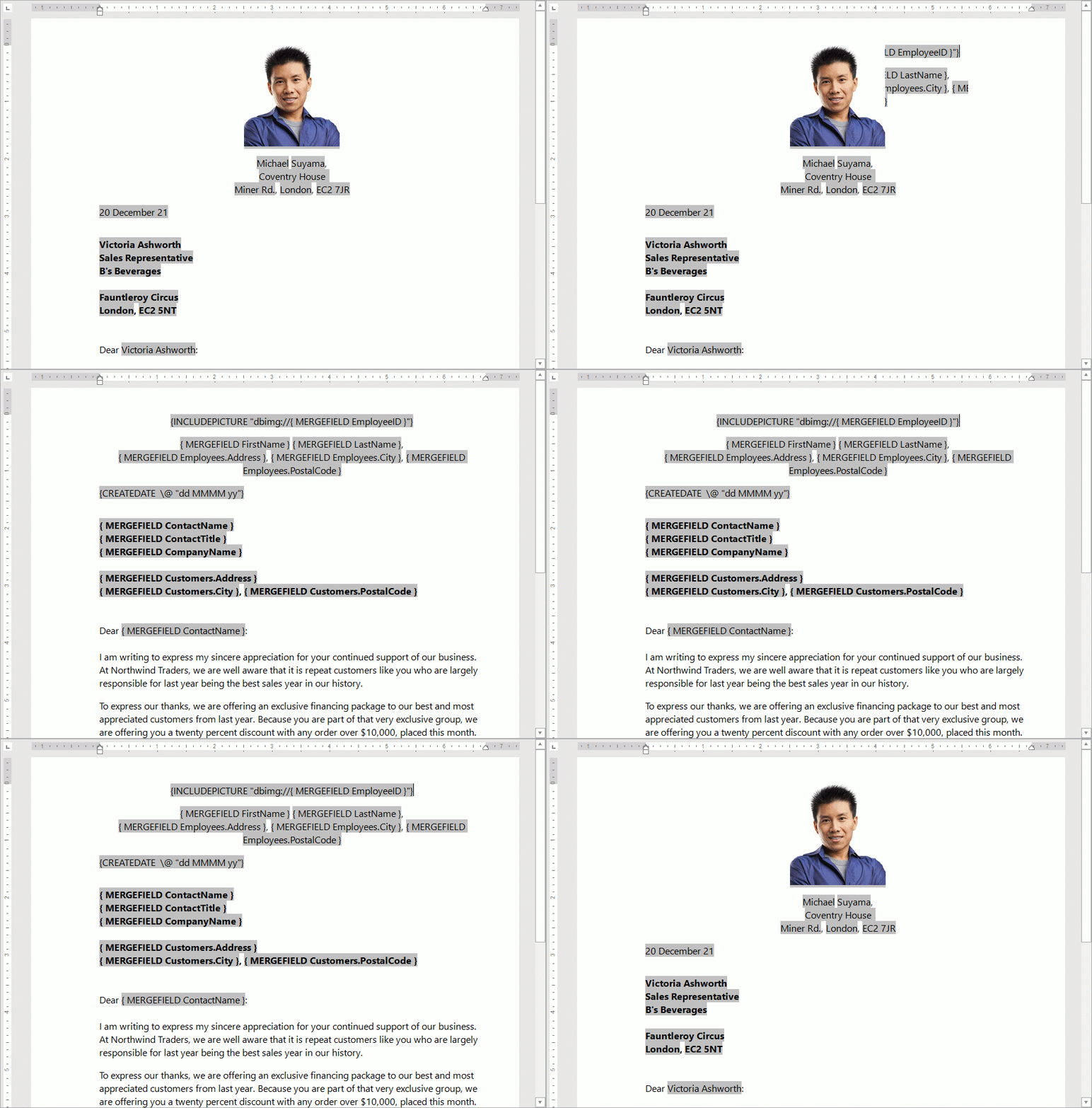
Rich Edit components can generate documents based on a template with value placeholders. You can connect an external data source to populate placeholders with numeric values, text, and images.
Supported Document Formats
TdxRichEditControl and TdxRichEditDocumentServer components allow you to import/export document content to/from a file or stream in RTF, TXT, DOCX, HTML, and DOC formats.
Built-in Formats
DevExpress Rich Text components include built-in support for a limited number of document formats to avoid excessive dependencies:
- TdxRichEditControl
- Includes built-in support only for TXT (plain text) and RTF (rich text).
- TdxRichEditDocumentServer
- Includes built-in support only for TXT (plain text).
Enable Support for Additional Formats
To add support for the following document formats, you need to add the dependencies at design time or in code:
- Office OpenXML Document (DOCX)
- Microsoft Word® Binary Document Format (DOC)
- HyperText Markup Language (HTML)
Tip
Refer to the following topic for detailed instructions and a complete list of format-specific dependencies:
HTML Support Limitations and Considerations
TdxRichEditControl and TdxRichEditDocumentServer components have no HTML editor functionality because they do not work with HTML tags directly. HTML import routines interpret tags in a source document and build an internal document model according to the current import settings.
Important
HTML import and export routines support only a limited subset of the modern HTML standard – imported and exported documents may look different compared to corresponding source documents.
Related Compiled Demo
To see the TdxRichEditControl component in action, run the Word Processing RTF demo in the VCL Demo Center installed with compiled DevExpress demos.
Tip
Compiled DevExpress demos ship with source code installed in the Public Documents folder (%Public%) for all users (default). You can find all project and source code files for the Rich Edit control demo in the following folder:
%Public%\Documents\DevExpress VCL Demos\MegaDemos\Product Demos\ExpressRichEditControl