AIToolsBehavior Class
Enables AI tools defined in the specified type for a WPF control.
Namespace: DevExpress.AIIntegration.Wpf
Assembly: DevExpress.AIIntegration.Wpf.v26.1.dll
NuGet Package: DevExpress.AIIntegration.Wpf
Declaration
Remarks
AI Tool Calling integrates application logic with natural language interaction. It allows the AI Chat Control to invoke application methods at runtime in response to user prompts. Developers expose functionality as AI tools by annotating methods with metadata attributes. Each tool describes its purpose, input parameters, and (optionally) the target object on which it operates.
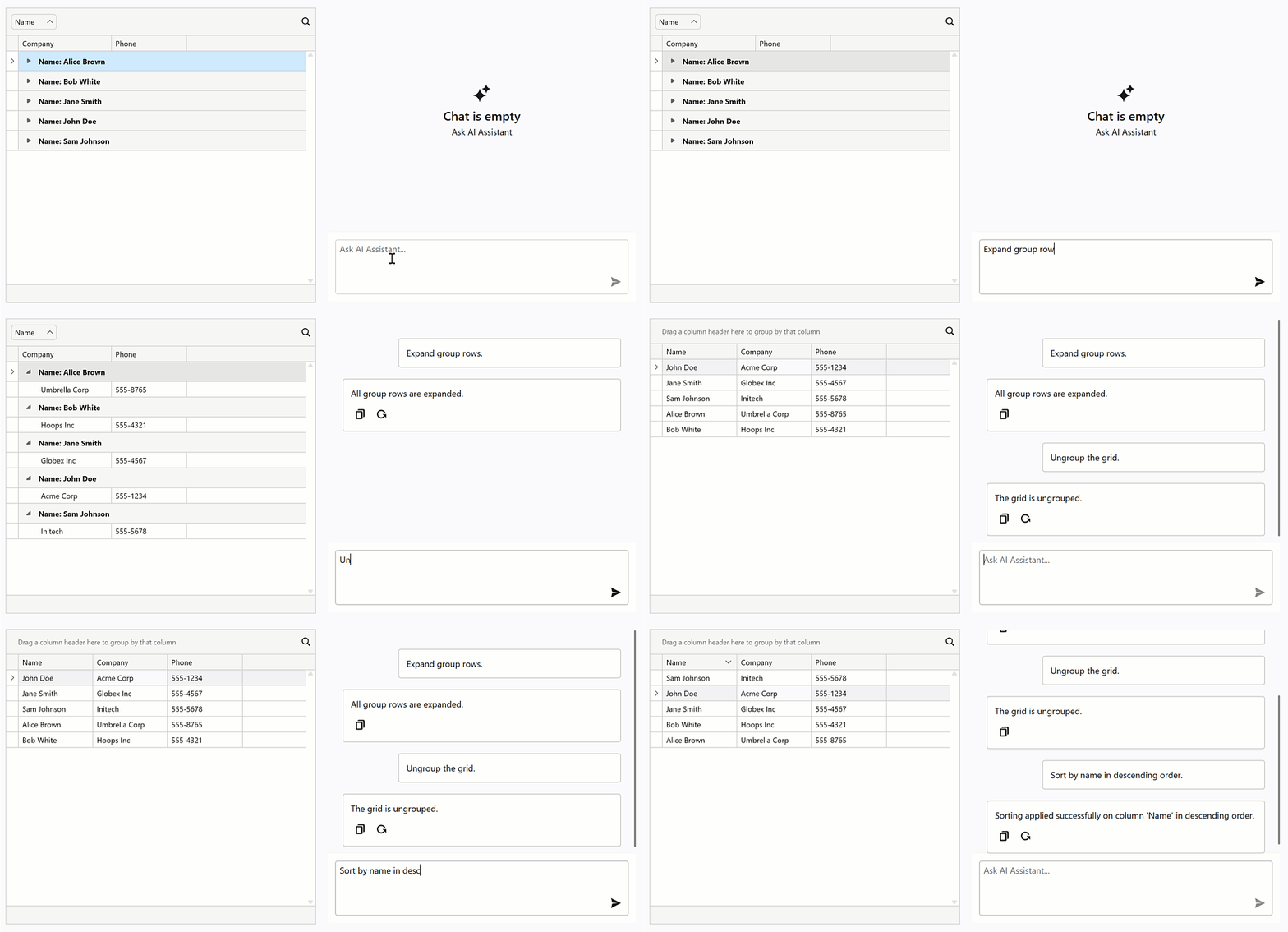
Attach the AIToolsBehavior to a control to enable AI tools defined in the specified type. The AIToolsBehavior automatically manages the lifecycle of the tool context:
- Creates and registers the context when the control is initialized.
- Disposes the context when the control is unloaded.
The following code snippet attaches the AIToolsBehavior to the grid. The behavior automatically creates a tool context that contains all tools defined in the GridTools class and associates them with the grid. The context is registered in the default AI extensions container AIExtensionsContainerDesktop.Default and disposed automatically when the grid is unloaded.
<dxg:GridControl x:Name="gridControl">
    <dxmvvm:Interaction.Behaviors>
        <dxai:AIToolsBehavior
            ToolType="{x:Type local:GridTools}"
            TargetDescription="The grid control that displays contact information." />
    </dxmvvm:Interaction.Behaviors>
</dxg:GridControl>
A tool method must meet the following conditions to be discoverable:
- The method must have the
AIIntegrationToolattribute with a unique identifier. - The method must be public and static.
[AIIntegrationTool("Tool_1 identifier...")]
[Description("Tool_1 description...")]
public static string Tool_1() {
    // Tool_1 implementation...
}
See the following help topic for more information: Tool Calling (AI Chat Control).