TcxPageControl Class
A page control.
Declaration
TcxPageControl = class(
    TcxCustomTabControl
)
Remarks
The TcxPageControl component is designed to display different sets of UI elements on different pages. Users can click tabs to switch between corresponding pages.
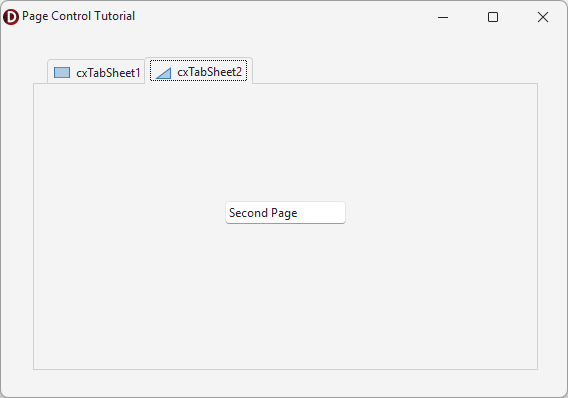
Getting Started
- This tutorial creates a form that displays different UI elements on two tabs using the
TcxPageControlcomponent.
UI Automation/Accessibility Support
The TcxPageControl control is mapped to a node in the UI Automation tree when the global UI Automation flag (dxUIAutomationEnabled) is enabled.
UI Automation Settings
Use Properties.Automation.Name and Properties.Automation.Description properties to specify the page control name and to add optional information that are then used to clarify UI element purpose for users who rely on third-party assistive tools (such as Microsoft Narrator).
Refer to the TdxAutomationElementSettings class description for detailed information on all available options.
Main API Members
The list below outlines key members of the TcxPageControl class.
User Interaction Options
- OnCanClose | OnCanCloseEx
- Allow you to prevent users from closing tabs that meet specific criteria.
- OnChange
- Allows you to respond to tab activation.
- OnChanging
- Allows you to prevent users from activating tabs that meet specific criteria.
General-Purpose API Members
- CloseTab
- Closes the specified tab.
- IndexOfTabAt
- Returns the index of a tab located at the specified point.
- Properties
- Provides access to tab control settings.
- ScrollTabs
- Scrolls the tab by the specified number of tabs (if the total tab width exceeds the tab control width).
- SetStandardStyle
- Allows you to switch between supported tab display modes.