Reports
- 2 minutes to read
DevExpress Reports for Blazor includes feature-rich reporting components that you can use to design, preview, print, and export reports. The following components are available:
- IDE-integrated Report Designers for Visual Studio and Visual Studio Code
- Native Report Viewer
- Web Document Viewer (JavaScript-based)
- Web Report Designer (JavaScript-based)
- Standalone Parameters Panel (JavaScript-based)
To determine which component best suits your needs, see the following topic: Overview of Blazor Reporting Components.
IDE-integrated Report Designers
Report Designers support design-time data binding, expressions, scripting, parameters, and conditional formatting. Integrated report and data source wizards speed up initial setup. Integrated AI-assisted features increase report design productivity.
The following IDEs are supported:
- Report Designer for Visual Studio
- Report Designer for Visual Studio Code
- Report Designer for JetBrains Rider
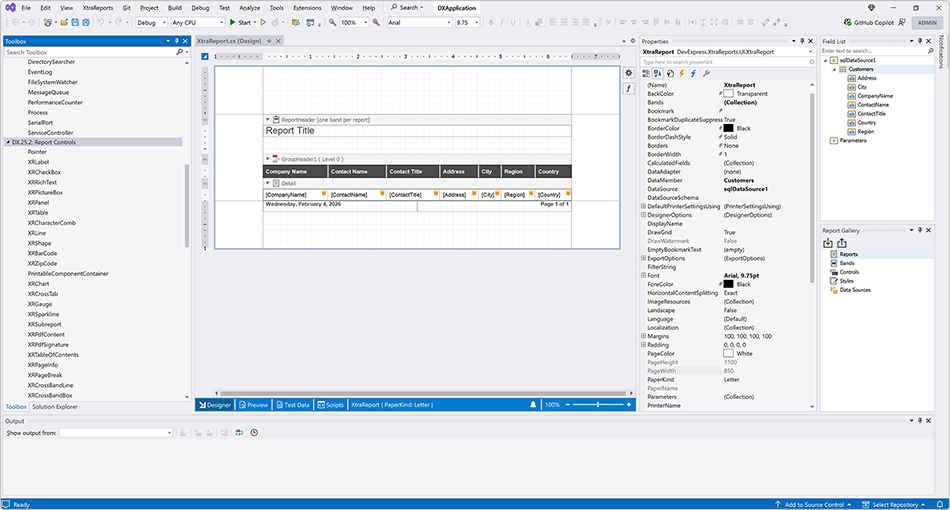
Read the following help topics for information on how to design reports in your IDE:
Native Report Viewer
DevExpress Blazor Report Viewer is a native Blazor control that allows users to preview, print, and export reports.
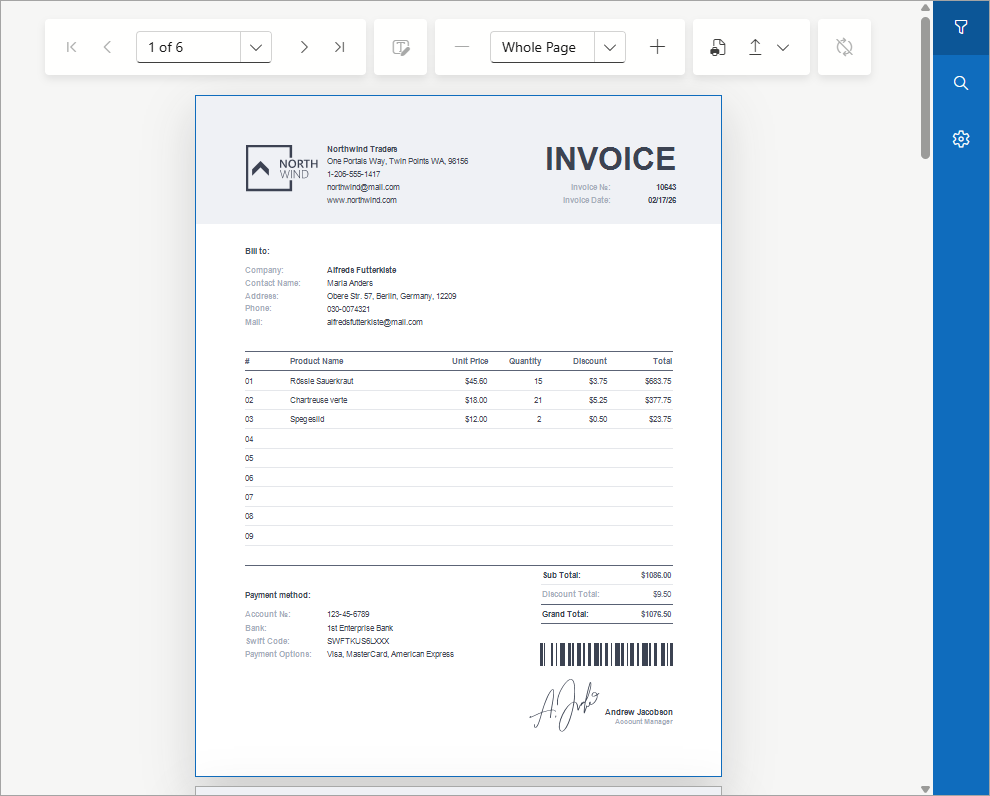
For additional information, review help topics in the following section: Native Report Viewer.
JavaScript-Based Document Viewer
DevExpress Blazor Document Viewer is a control based on the Web Document Viewer that allows users to preview, print, and export reports.
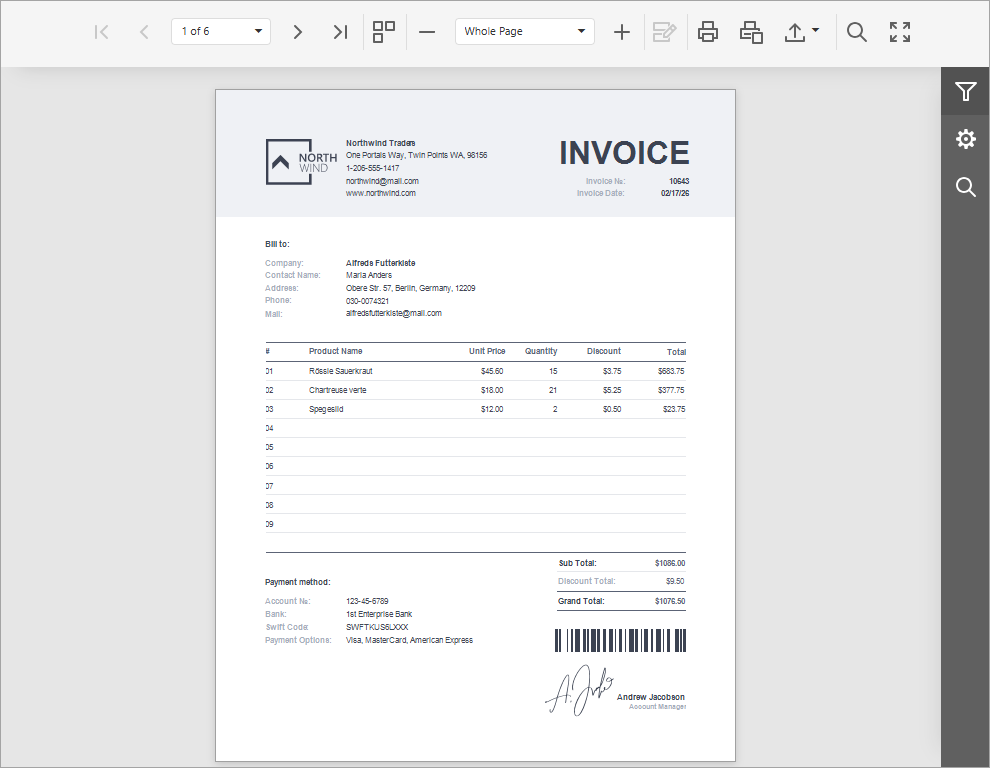
For additional information, review help topics in the following section: Web Document Viewer.
JavaScript-Based Report Designer
DevExpress Blazor Report Designer is a control based on the Web Report Designer that allows users to create and edit reports.
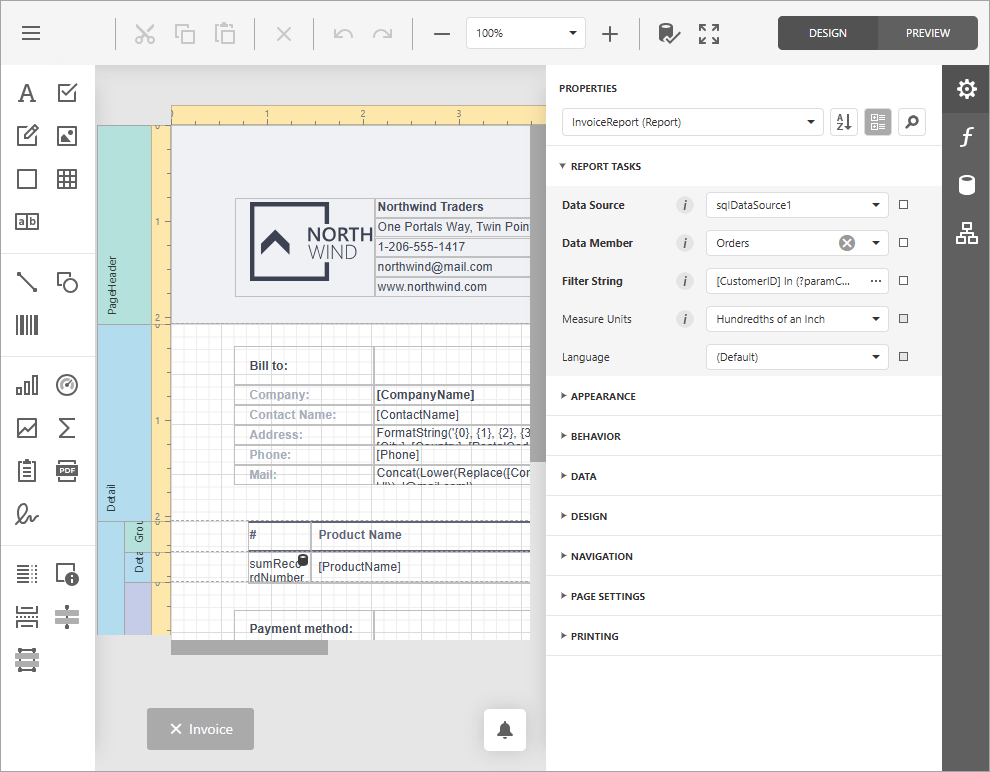
For additional information, review help topics in the following section: Web Report Designer.
JavaScript-Based Standalone Parameters Panel
DevExpress Blazor Standalone Parameters Panel is based on the Standalone Parameters Panel control. The panel allows you to collect parameters from a user, then programmatically create a report, and export or email it without displaying a preview.
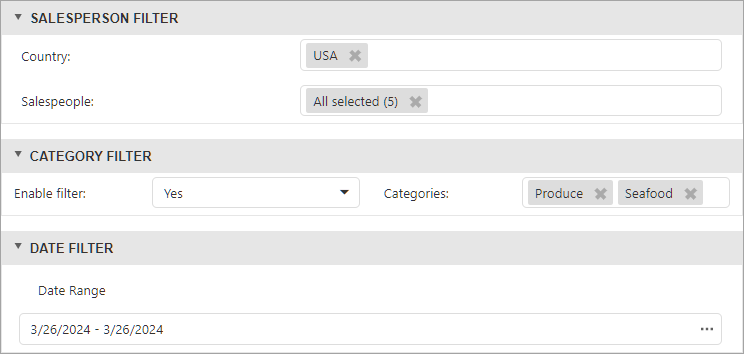
For additional information, review help topics in the following section: Standalone Parameters Panel.