ShowNavigationItemController Class
A WindowController descendant that contains the ShowNavigationItem Action.
Namespace: DevExpress.ExpressApp.SystemModule
Assembly: DevExpress.ExpressApp.v26.1.dll
NuGet Package: DevExpress.ExpressApp
Declaration
Remarks
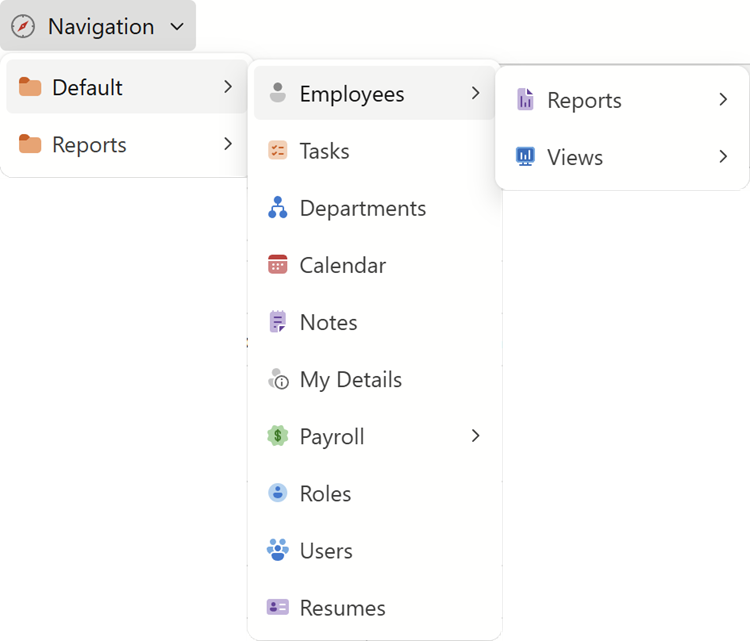
The ShowNavigationItemController is a part of the Navigation System. This Controller displays the ShowNavigationItem Action.
- ASP.NET Core Blazor
- Windows Forms
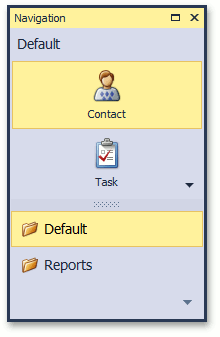
For details on the ShowNavigationItem Action, refer to the following topic: ShowNavigationItemController.ShowNavigationItemAction.
To customize the default behavior of the ShowNavigationItem Action, you can inherit from this Controller or subscribe to its events. In addition, you can access the Action to modify its behavior.
If you need to inherit from the ShowNavigationItemController, the following protected virtual methods are available for overriding:
Method | When is it called? | Description |
|---|---|---|
| Invoked as a result of calling the | Determines whether the application’s Security System grants permission to read the object(s) of the passed item’s View. If a Views | View node describing the item’s View cannot be found, this method returns |
| Called after the ShowNavigationItemController is activated. |
|
| Called after the ShowNavigationItem Action’s Items collection is populated via the | Raises the ShowNavigationItemController.ItemsInitialized event. |
| Called by the ShowNavigationItem Action’s SingleChoiceAction.Execute event handler. |
|
Public members are described individually in the documentation.
To ascertain whether the Controller is active, use the Controller.Active property (see How to: Detect a Lookup List View in Code). If you need to know the reason for its deactivation or activation at runtime, use the DiagnosticInfo Action.
Information on the ShowNavigationItemController and its ShowNavigationItem Action is available in the Application Model‘s ActionDesign node. To access it, use the Model Editor.