IModelOptionsBlazor.FormStyle Property
Specifies whether the standard Toolbar UI or Ribbon UI is used in the Blazor Application.
Namespace: DevExpress.ExpressApp.Blazor.SystemModule
Assembly: DevExpress.ExpressApp.Blazor.v26.1.dll
NuGet Package: DevExpress.ExpressApp.Blazor
Declaration
Property Value
| Type | Default | Description |
|---|---|---|
| FormStyle | Standard | The style of the Blazor Application. |
Remarks
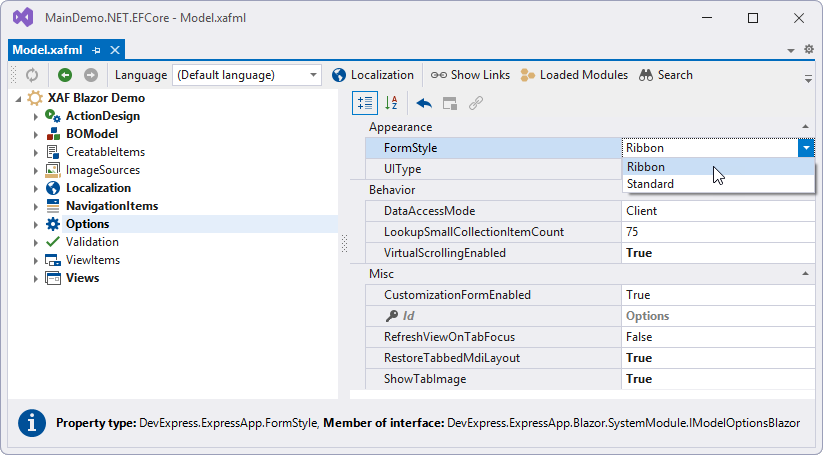
To specify the application form style, open the Model.xafml file in the MySolution.Blazor.Server project. In the Model Editor, navigate to the Options node and specify the FormStyle property value.
Note that when you create a new application, the FormStyle property is explicitly set to Ribbon.
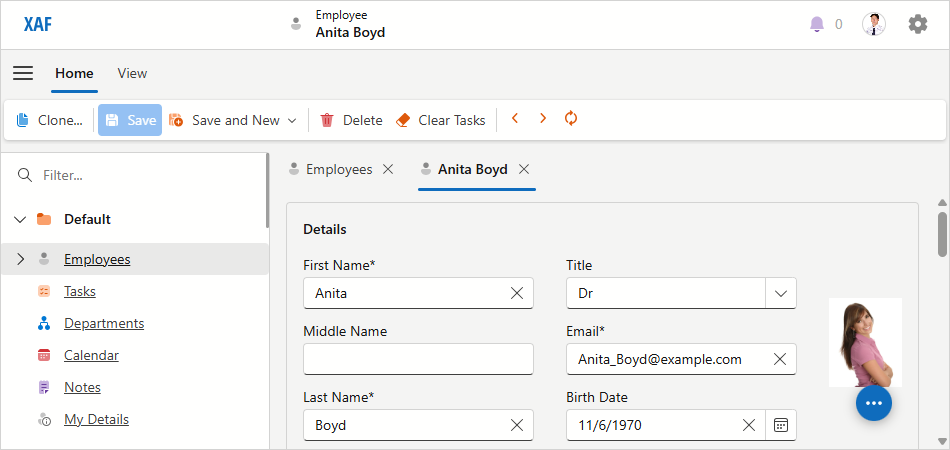
Ribbon UI
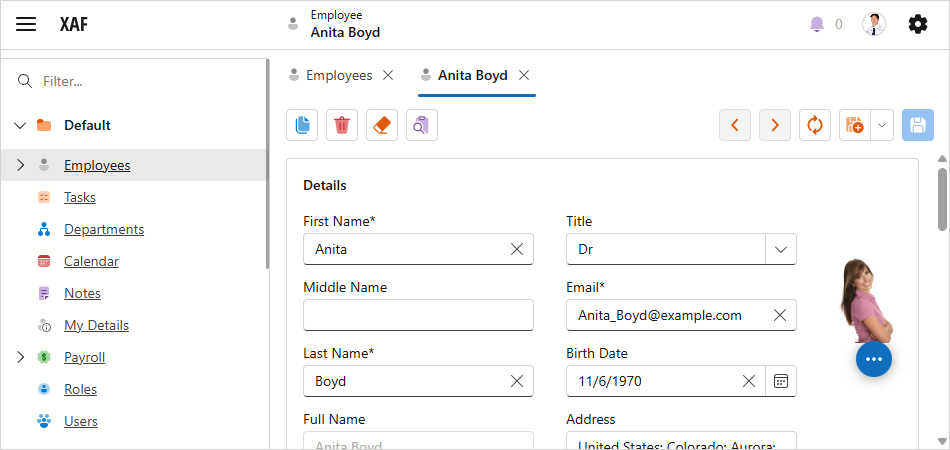
Standard UI
See Also