ASP.NET Core Controls
- 4 minutes to read
The DevExpress ASP.NET Core control suite includes more than 85 controls for building .NET Core web applications (MVC and Razor Pages). This page covers available controls, licensing details, and new features in the current release.
Use the links below to choose a control group, open its documentation, and review subscription availability.
Try DevExpress ASP.NET Core Controls in Your Project
Visit DevExpress.com for more information about this product’s features, capabilities, and pricing options: ASP.NET Core Controls. To try DevExpress controls and libraries in your projects, download the fully functional 30-day trial version and review the online demos.
Included Controls & Libraries
DevExpress controls for ASP.NET Core are divided into 5 groups:
- UI Controls (DevExtreme)
- Rich Text Editor & Spreadsheet
- Reporting
- Dashboard
- File & Document APIs (XLSx, DOCx, PPTx, PDF)
All included controls support MVC and Razor Pages application types.
Licensing
ASP.NET Core Controls are included in the following DevExpress subscriptions:
| UNIVERSAL | DXPERIENCE | ASP.NET | DEVEXTREME | REPORTING | OFFICE FILE API | |
|---|---|---|---|---|---|---|
| UI Controls (DevExtreme) |  |
|
|
|
 |
|
| Rich Text Editor & Spreadsheet | |
|
|
|
|
|
| Reporting | |
|
|
|
|
|
| Dashboard | |
|
|
|
|
|
| File & Document APIs | |
|
|
|
|
|
UI Controls (DevExtreme)
The DevExpress ASP.NET Core UI controls are DevExtreme-based and include a data grid, interactive charts, data editors, and various navigation and utility components.
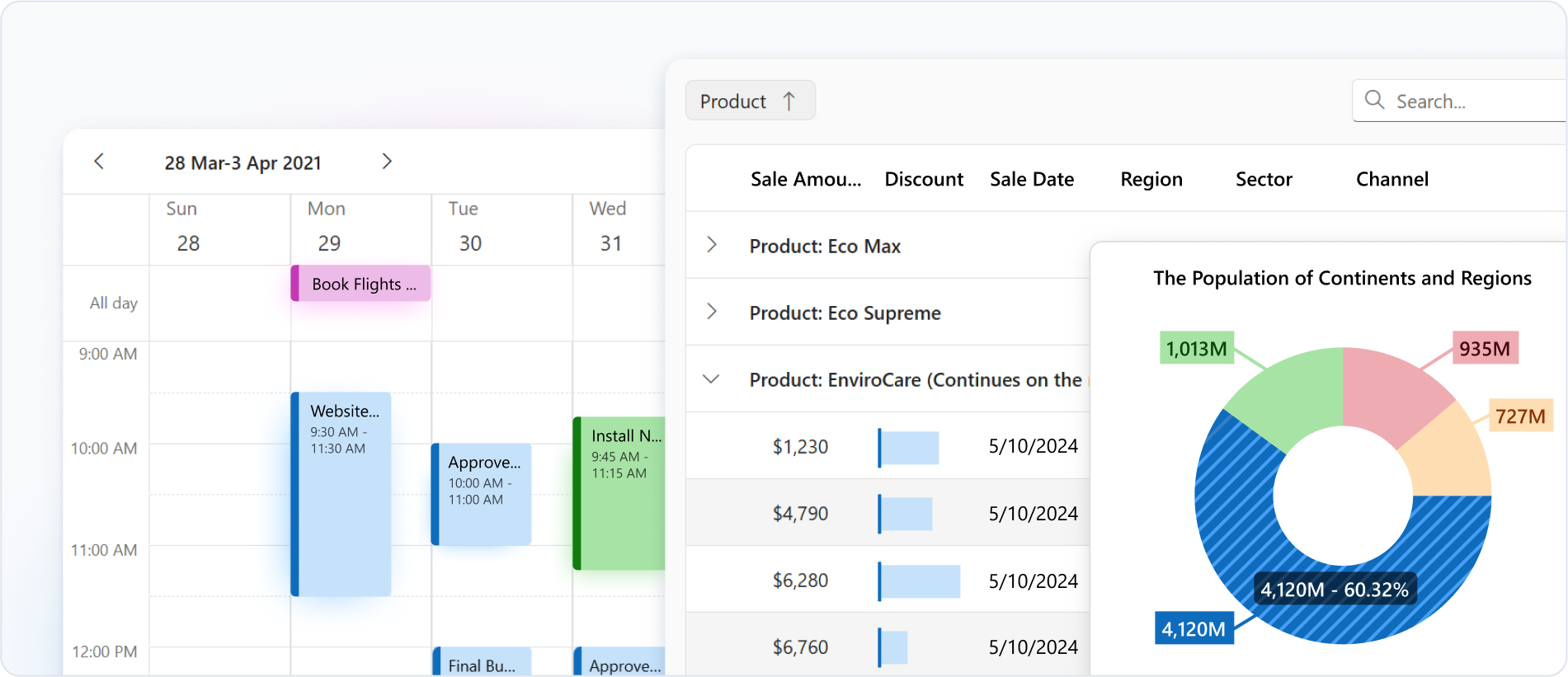
Data ManagementData VisualizationSchedulingLayout | MessagingWYSIWYG EditorFormsEditorsInteractive Wrappers | ValidationDrop-DownsButtonsFile Management and UploadMaps | Popup and NotificationsProgress IndicatorsNavigation |
See the Getting Started page for instructions on how to add UI Controls to a project.
Each UI control includes an Overview section with basic configuration. Click the links above for details. Use the following links to access UI control APIs:
UI Controls are based on DevExtreme client-side components adapted for ASP.NET Core applications. Key setup concepts include:
Rich Text Editor & Spreadsheet
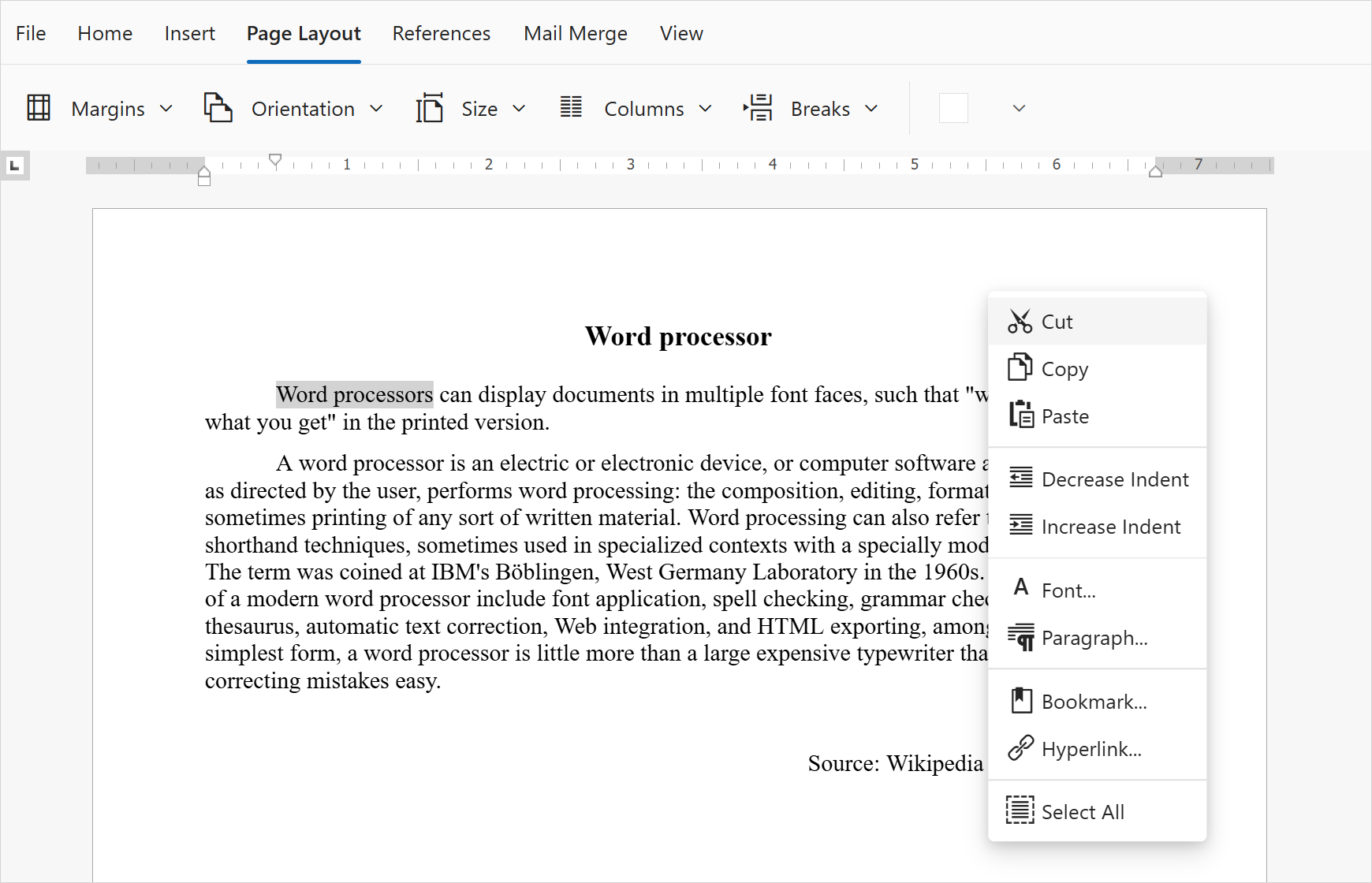
Rich Text Editor
Rich Text Editor allows you to create, open, edit, print, save, and convert rich-text documents.
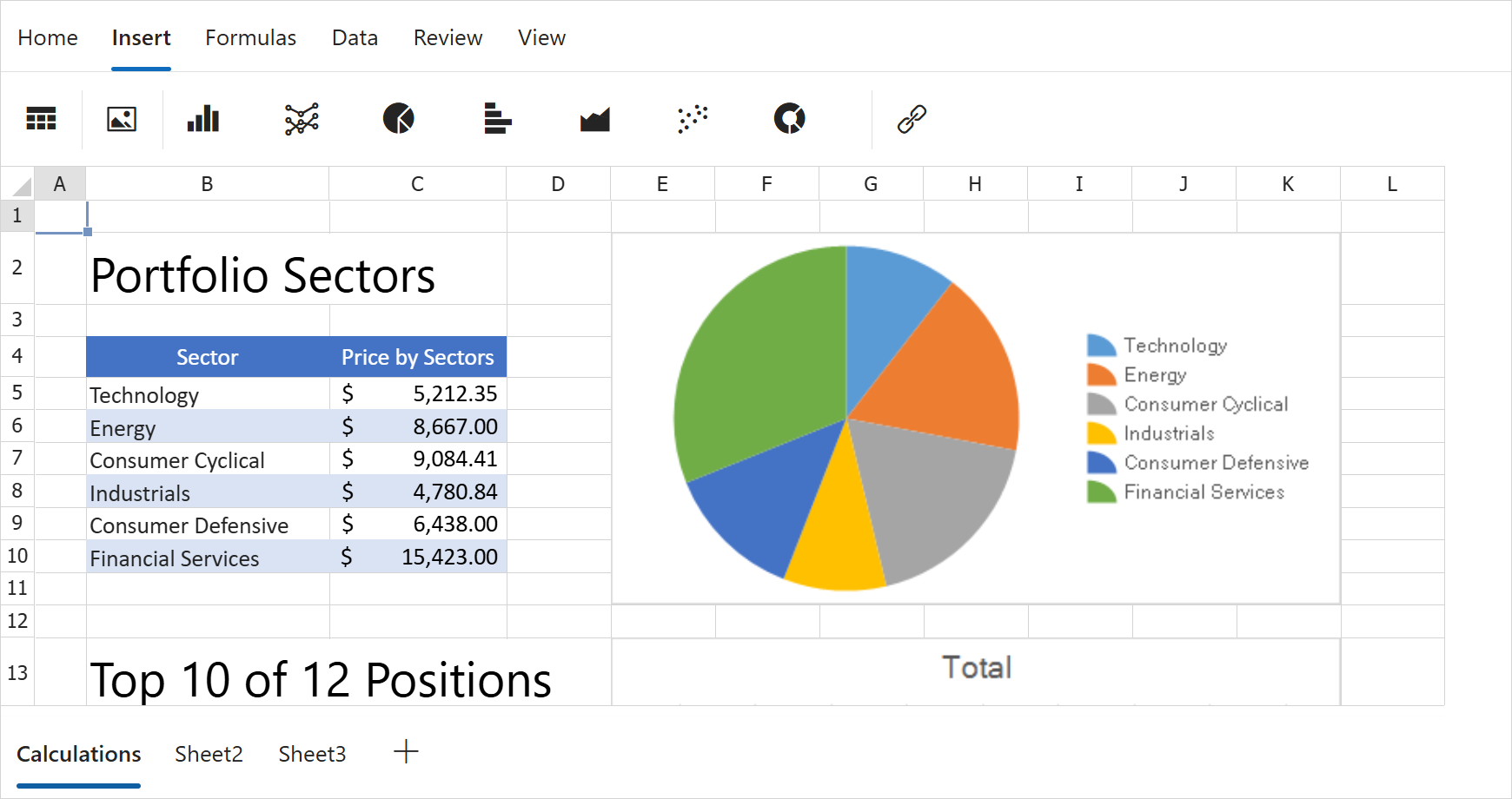
Spreadsheet
The Spreadsheet control supports formula editing and chart-based data visualization.
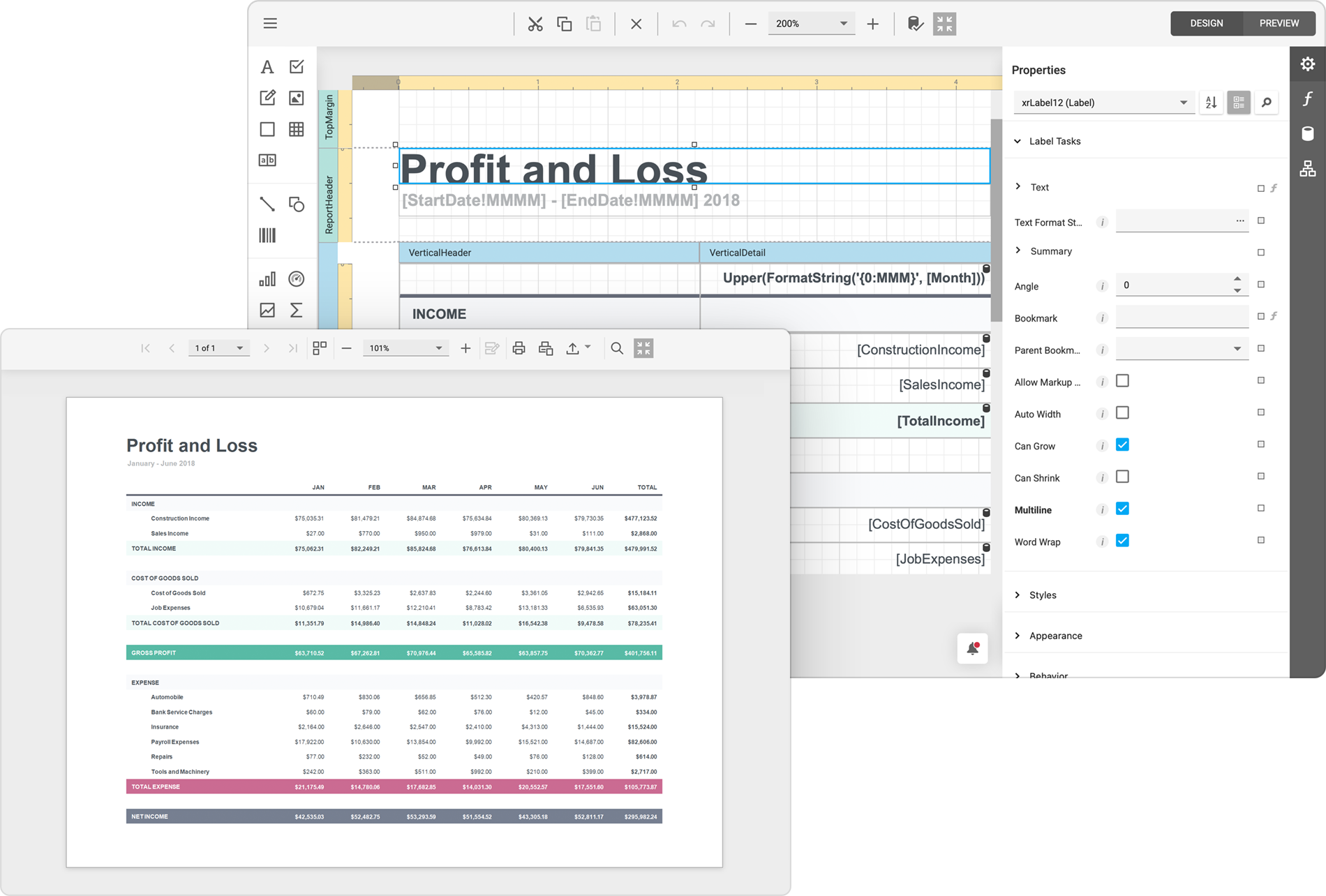
Reporting
ASP.NET Core Reporting includes client-server controls such as Report Designer and Document Viewer.
Business Intelligence Dashboard
The Business Intelligence Dashboard allows you to create and view dashboards on web and mobile devices.

File & Document APIs (XLSx, DOCx, PPTx, PDF)
The DevExpress Office File API library allows you to create, load, edit, export, and print Word-like documents, Excel spreadsheets, PowerPoint presentations, and PDF files without UI components. You can also generate bar codes and compress data into ZIP archives.
What’s New
Explore the latest features in ASP.NET Core controls:
Getting Help
Access the following resources for common solutions:
Questions still unanswered? Submit a ticket in our Support Center.