Tree List
- 4 minutes to read
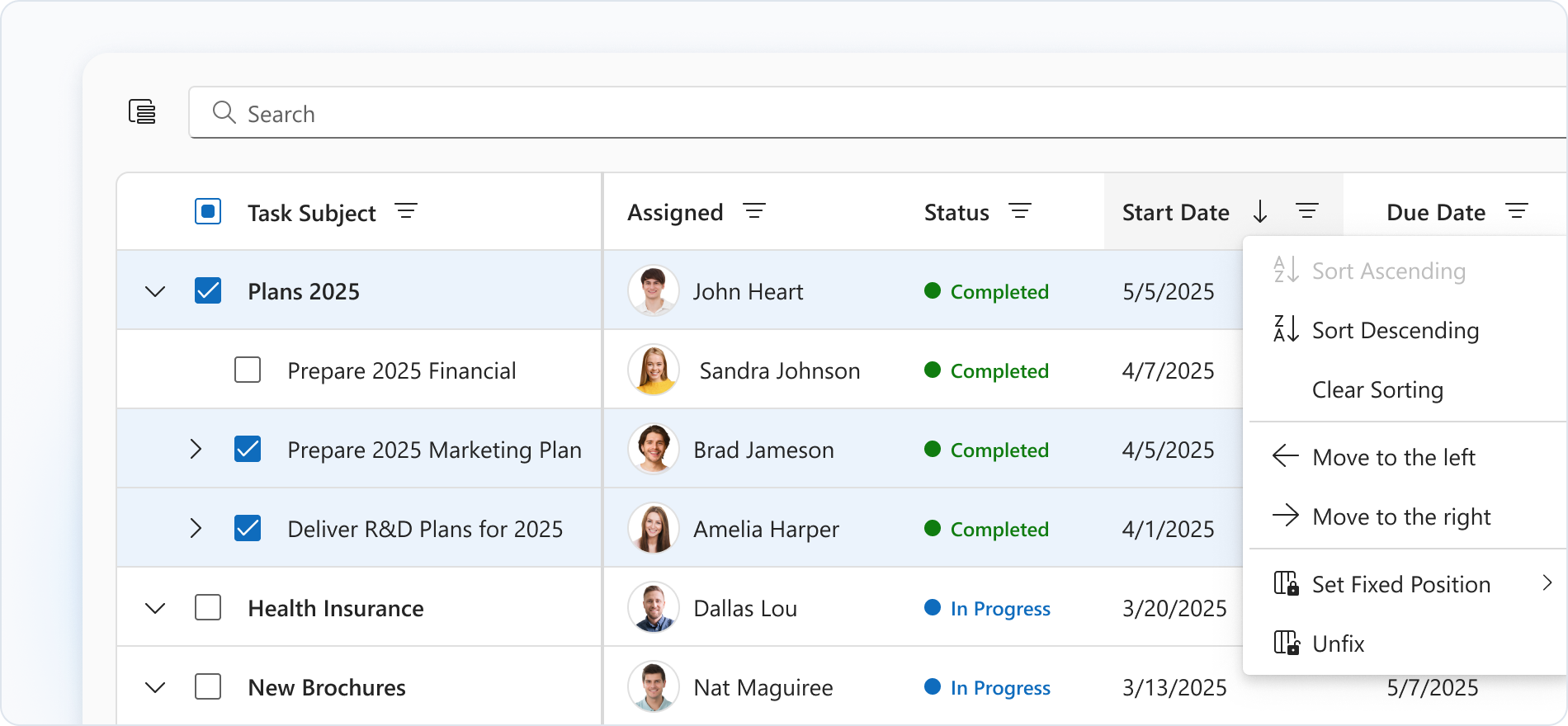
Tree List is a UI component for displaying hierarchical data in a grid. It can handle a collection of linked plain objects and build a tree hierarchy. Key features include data editing and validation, sorting, filtering, searching, and adaptability.
Getting Started
The Tree List UI Control is based on the DevExtreme Tree List component.
The following help topics explain how to add this control to your project:
- Add DevExtreme to a Visual Studio Project or Configure a non Visual Studio Project
- Add Controls to a Project
- Razor Syntax
Basic Syntax
@using ASP.NET_Core.Models.TreeList
@model IEnumerable<Employee>

@(Html.DevExtreme().TreeList<Employee>()
    .DataSource(Model)
    .KeyExpr("ID")
    .ParentIdExpr("Head_ID")
    .RootValue(-1)
    .ExpandedRowKeys(new[] { 1 })
    .Columns(c => {
        c.AddFor(m => m.Title).Caption("Position");
        c.AddFor(m => m.Full_Name);
        c.AddFor(m => m.City);
    })
)
Built-in Capabilities and Configuration Guides
Data Binding
Tree List can load and update data from different data source types. You can define data as plain or hierarchical. If you choose plain data, you can load it on demand. For large datasets, you can use server-side data processing.Various Edit Modes
Edit Tree List data in multiple modes, including form and popup modes.Filtering, Sorting, and Searching
Set up a filter row and a header filter to filter data by column values. You can sort Tree List by single or multiple columns initially or at runtime. Enable search panel to allow users searching values in multiple columns simultaneously.Rich Customization
Tree List offers extensive appearance customization for cells, edit buttons, and so on.Nodes Drag and Drop
You can drag and drop rows to reorder them or change their hierarchy. You can also enable column reordering.State Persistence
Tree List can persist user changes to sorting, filtering, grouping, and column settings. It restores these changes when the page reloads.
API
Server-Side API
- Initialization
- Call the TreeList() method to create a Tree List control. This action initializes a TreeListBuilder<T> instance. Use the instance methods to specify Tree List options and event handlers.
- Options
- For a complete option list, see TreeListBuilder<T> Members. For details on how to specify control options, refer to the following help topic: Specify Options.
- Events
- For available events, see Events. For details on how to handle events, refer to the following help topic: Handle Events and Define Callbacks.
Client-Side API
- Options
- If you need to specify the Tree List options dynamically on the client side, use client-side API. For a complete option list, see DevExtreme Tree List options.
- Methods
- For a list of available methods, see DevExtreme Tree List methods. For details on how to call methods, refer to the following help topic: Call Methods.
Accessibility
For more information on Tree List accessibility compliance, refer to the following help topic: Accessibility.