Data Grid
- 4 minutes to read
Data Grid is a responsive grid control that supports data editing, validation, searching, filtering, layout customization, and more.
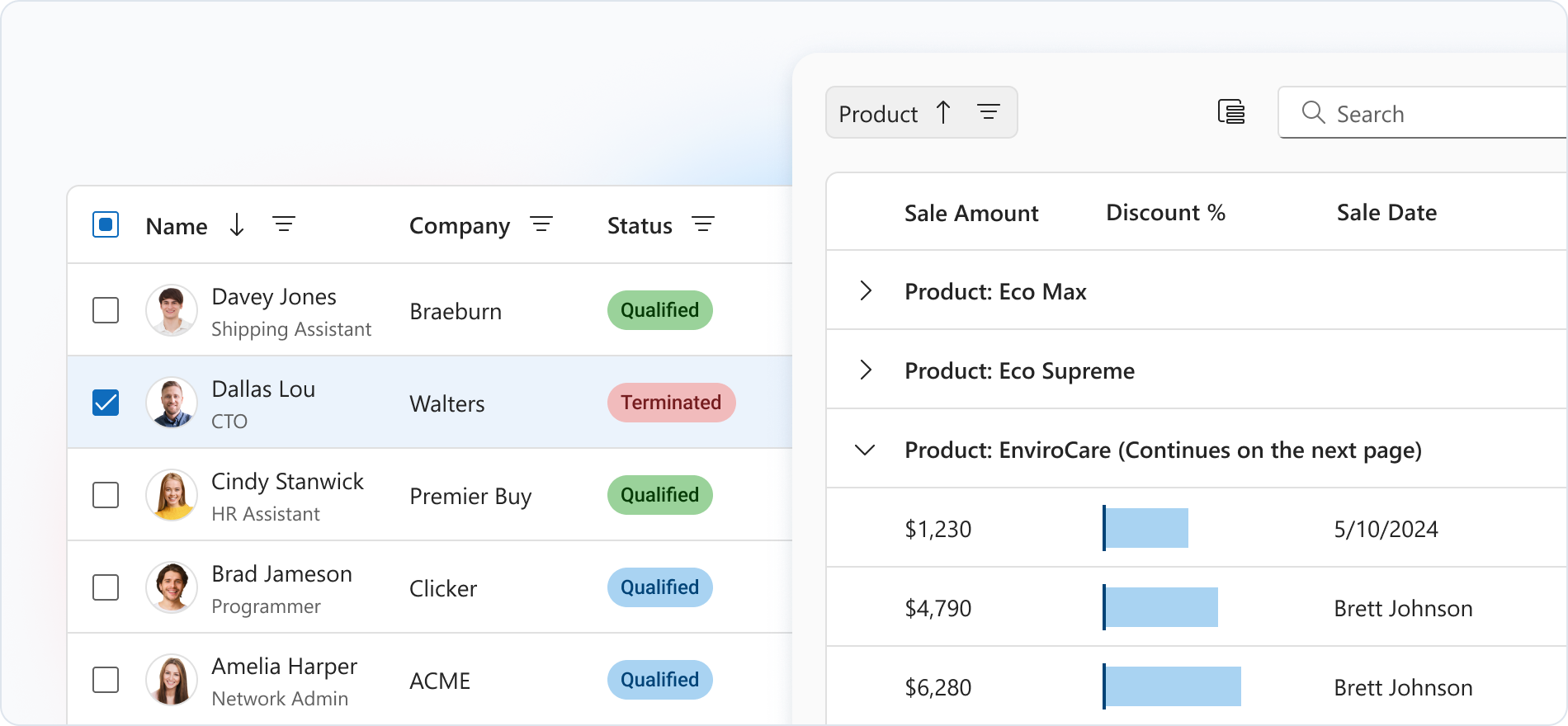
Getting Started
The Data Grid UI Control is based on the DevExtreme Data Grid component.
The following help topics explain how to add this control to your project:
- Add DevExtreme to a Visual Studio Project or Configure a non Visual Studio Project
- Add Controls to a Project
- Razor Syntax
Basic Syntax
@using ASP.NET_Core.Models.DataGrid
@model IEnumerable<SampleOrder>

@(Html.DevExtreme().DataGrid<SampleOrder>()
    .DataSource(Model)
    .KeyExpr("OrderID")
    .Columns(c => {
        c.AddFor(m => m.OrderID);
        c.AddFor(m => m.OrderDate);
        c.AddFor(m => m.ShipCountry);
        c.AddFor(m => m.ShipCity);
        c.AddFor(m => m.CustomerName);
    })
)
Built-in Capabilities and Configuration Guides
Data Binding
Data Grid can load and update data from different data source types. It handles large data sets and remote data efficiently.Various Edit Modes
Edit Data Grid data in multiple modes, including form and popup modes.Filtering and Sorting
Set up a filter row and header filter to filter data by column values, or use other ways to filter. You can sort Data Grid by single or multiple columns initially or at runtime.Grouping
You can use a column header’s context menu or a group panel to group data in Data Grid.Virtual and Infinite Scrolling
Enable virtual or infinite scrolling mode to reduce Data Grid load times and improve navigation with large datasets.Master–Detail View
Use the masterDetail object to create a Master-Detail view in the Data Grid.State Persistence
The Data Grid saves user changes like sorting, filtering, grouping, and column adjustments. These changes are automatically restored on reload.Total and Group Summaries
Apply summaries to aggregate data by columns. Use a total summary to aggregate all data and a group summary to aggregate data on a group-by-group basis.Rich Customization
Data Grid offers extensive appearance and behavior customization.Export to PDF and Excel
Export grid data to Excel and PDF. Modify cell styles and other settings in the exported document to fit your needs.
API
Server-Side API
- Initialization
- Call the DataGrid() method to create a Data Grid control. This action initializes a DataGridBuilder<T> instance. Use the instance methods to specify Data Grid options and event handlers.
- Options
- For a complete option list, see DataGridBuilder<T> Members. For details on how to specify control options, refer to the following help topic: Specify Options.
- Events
- For available events, see Events. For details on how to handle events, refer to the following help topic: Handle Events and Define Callbacks.
Client-Side API
- Options
- If you need to specify the Data Grid options dynamically on the client side, use client-side API. For a complete option list, see DevExtreme Data Grid options.
- Methods
- For a list of available methods, see DevExtreme Data Grid methods. For details on how to call methods, refer to the following help topic: Call Methods.
Accessibility
For more information on Data Grid accessibility compliance, refer to the following help topic: Accessibility.