Create a Data Source
The Web Dashboard requires a data connection to access and process data. Users can create one or more data sources. Data sources act as an abstraction over registered connections.
Note
Register a data connection before you create a data source.
See the following help topic for more information: Register Data Connections.
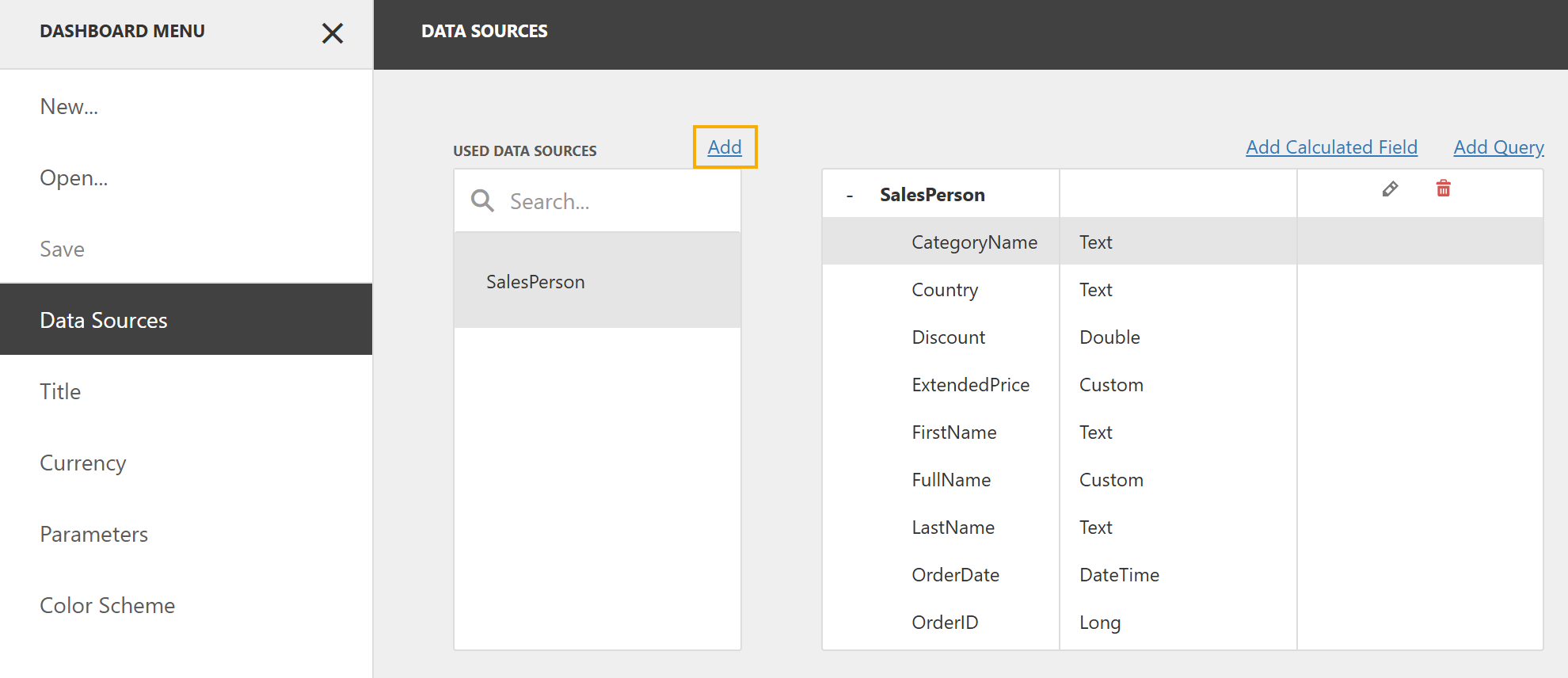
- In the Dashboard Menu, click Data Sources.
Click Add to add a data source.
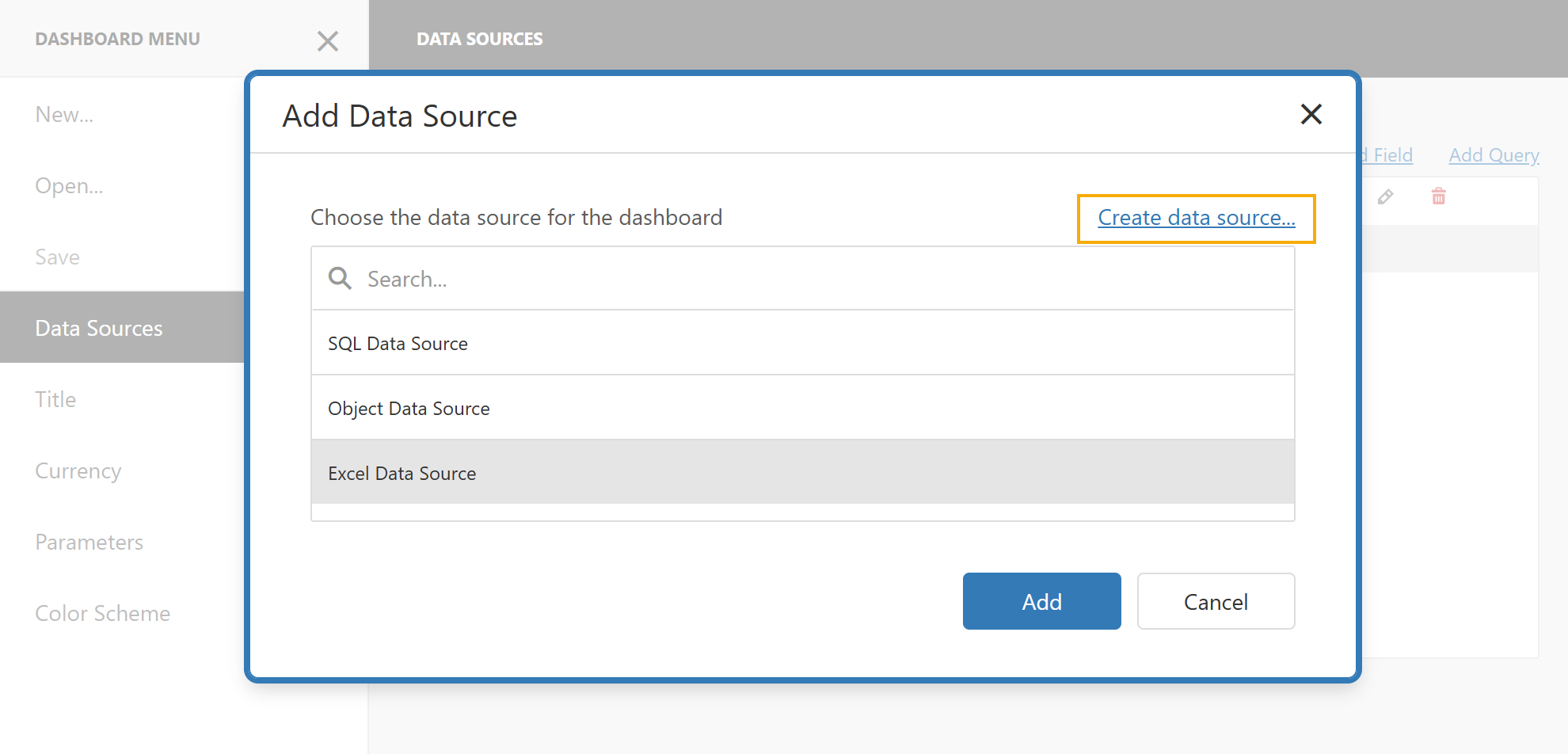
Click Create data source… to open the Dashboard Data Source Wizard.
Select the data source type (Database, JSON, OLAP, MongoDB, Data Federation).
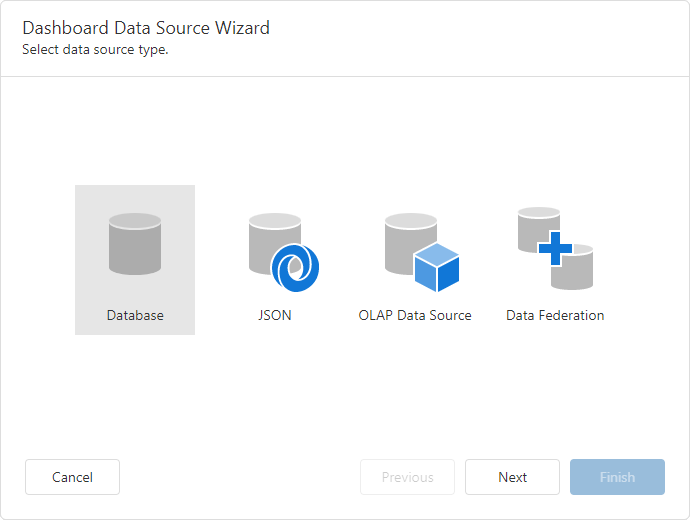
- Click Next to specify a data connection and configure the data source:
See Also