DxAIChat.SendMessageAsync(List<AIContent>, CancellationToken) Method
Sends a multimodal message to the AI service.
Namespace: DevExpress.AIIntegration.Blazor.Chat
Assembly: DevExpress.AIIntegration.Blazor.Chat.v26.1.dll
NuGet Package: DevExpress.AIIntegration.Blazor.Chat
Declaration
public Task SendMessageAsync(
    List<AIContent> aiContents,
    CancellationToken cancellationToken = default(CancellationToken)
)
Parameters
| Name | Type | Description |
|---|---|---|
| aiContents | List<Microsoft.Extensions.AI.AIContent> | A list of content items that make up the message. |
Optional Parameters
| Name | Type | Default | Description |
|---|---|---|---|
| cancellationToken | CancellationToken | null | A cancellation token that cancels the message sending operation. |
Returns
| Type | Description |
|---|---|
| Task | A task that completes when the message is sent. |
Remarks
Call SendMessageAsync to send a multimodal message that combines text and images. Use this overload when working with vision-capable AI models that process both text prompts and visual content.
The following code snippet sends a message to the AI chat when a button is clicked. The message includes a text prompt and a PDF file:
<DxButton Text="Summarize Document"
          Click="SummarizeDocument" />

<DxAIChat @ref="Chat" />

@code {
    DxAIChat Chat { get; set; }

    async Task SummarizeDocument() {
        byte[] documentData = await File.ReadAllBytesAsync(@"C:\Resources\ACR-DevExpress-Blazor.pdf");
        var contents = new List<AIContent> {
            new TextContent("Summarize this document:"),
            new DataContent(documentData, "application/pdf")
        };
        await Chat.SendMessageAsync(contents);
    }
}
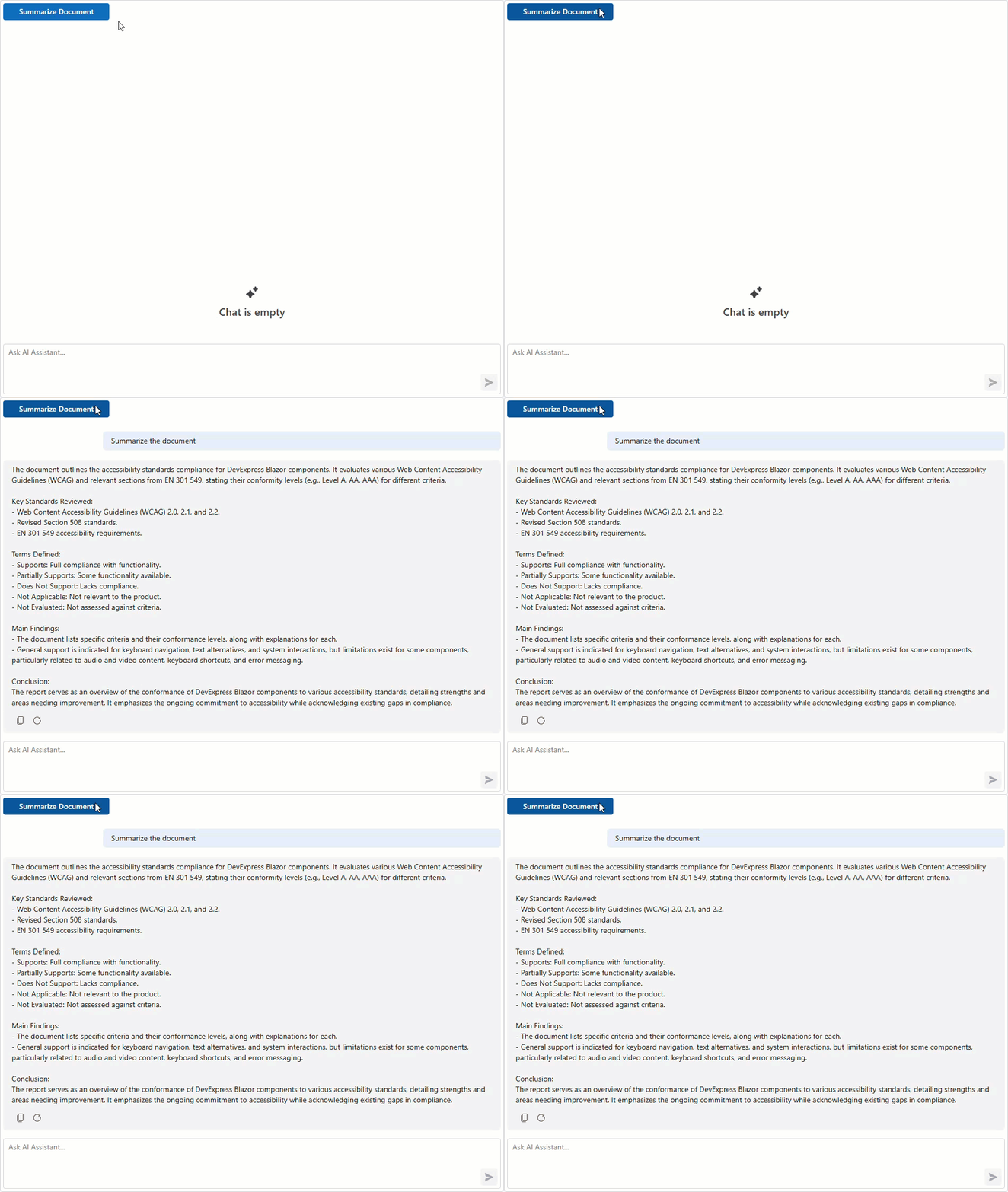
To send a plain text message, use the SendMessageAsync overload that accepts a string parameter. To add a message to the chat history without sending it to the AI service, use the AppendMessageAsync method.