Text Box
- 2 minutes to read
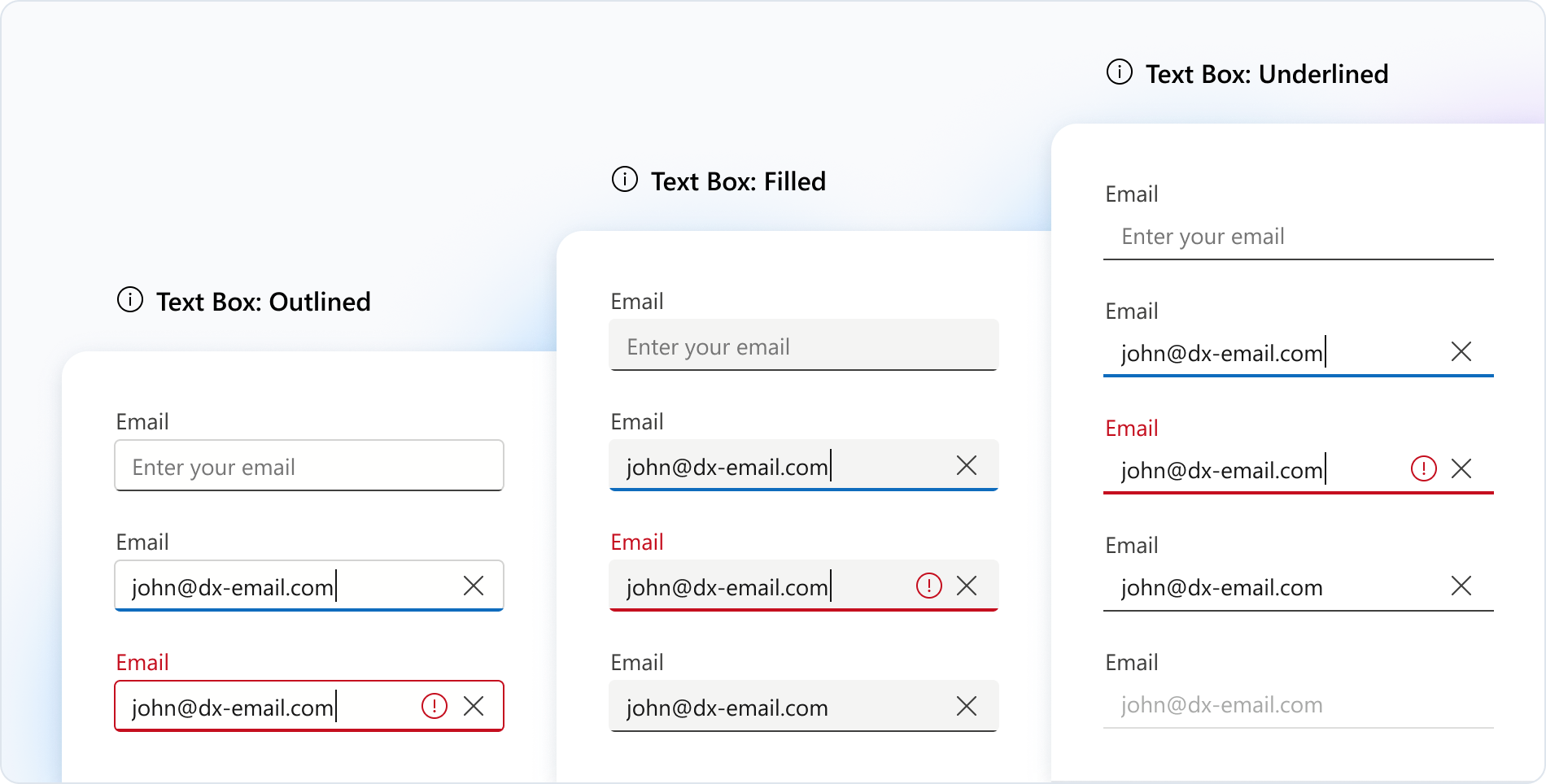
Text Box is a UI component that allows users to enter and edit a single line of text.
Getting Started
The Text Box UI Control is based on the DevExtreme Text Box component.
To add this control to your project, follow instructions in the following help topics:
- Configure a Visual Studio Project or Configure a non Visual Studio Project
- Add Controls to a Project
- Razor Syntax
Basic Syntax
@(Html.DevExtreme().TextBox()
    .Placeholder("Enter text here...")
)
Built-in Capabilities and Configuration Guides
Styling
You can select a styling mode for DevExtreme Text Box, specify label placement, and define a placeholder for an empty editor.Data Validation and Spellcheck
Text Box supports spellcheck functionality. The component includes various validation rules and real-time validation feedback. Adjust error message position as needed.Input Masking
Select from a range of predefined mask types. For instance, use the password mode to conceal characters in Text Box. Alternatively, create and configure custom masks.Button Integration
Integrate custom buttons inside the input field. You can also enable predefined buttons like a clear button.Text Length Limitation
You can specify the maxLength property to limit the text length.
API
Server-Side API
- Initialization
- Call the TextBox() method to create a Text Box control. This action initializes a TextBoxBuilder instance. Use the instance methods to specify Text Box options and event handlers.
- Options
- For a complete option list, see Options. For details on how to specify control options, refer to the following help topic: Specify Options.
- Events
- For available events, see Events. For details on how to handle events, refer to the following help topic: Handle Events and Define Callbacks.
Client-Side API
- Options
- If you need to specify the Text Box options dynamically on the client side, use client-side API. For a complete option list, see DevExtreme Text Box options.
- Methods
- For a list of available methods, see DevExtreme Text Box methods. For details on how to call methods, refer to the following help topic: Call Methods.
Accessibility
For more information on Text Box accessibility compliance, refer to the following help topic: Accessibility.