TreeListSettingsBehavior.ColumnResizeMode Property
OBSOLETE
Use the SettingsResizing.ColumnResizeMode property instead.
Gets or sets a value that specifies how columns are resized when an end-user changes a column’s width.
Namespace: DevExpress.Web.ASPxTreeList
Assembly: DevExpress.Web.ASPxTreeList.v26.1.dll
NuGet Package: DevExpress.Web
Declaration
[DefaultValue(ColumnResizeMode.Disabled)]
[Obsolete("Use the SettingsResizing.ColumnResizeMode property instead.")]
public ColumnResizeMode ColumnResizeMode { get; set; }Property Value
| Type | Default | Description |
|---|---|---|
| ColumnResizeMode | Disabled | One of the ColumnResizeMode enumeration values. |
Available values:
| Name | Description |
|---|---|
| Disabled | End-users are not allowed to resize columns. |
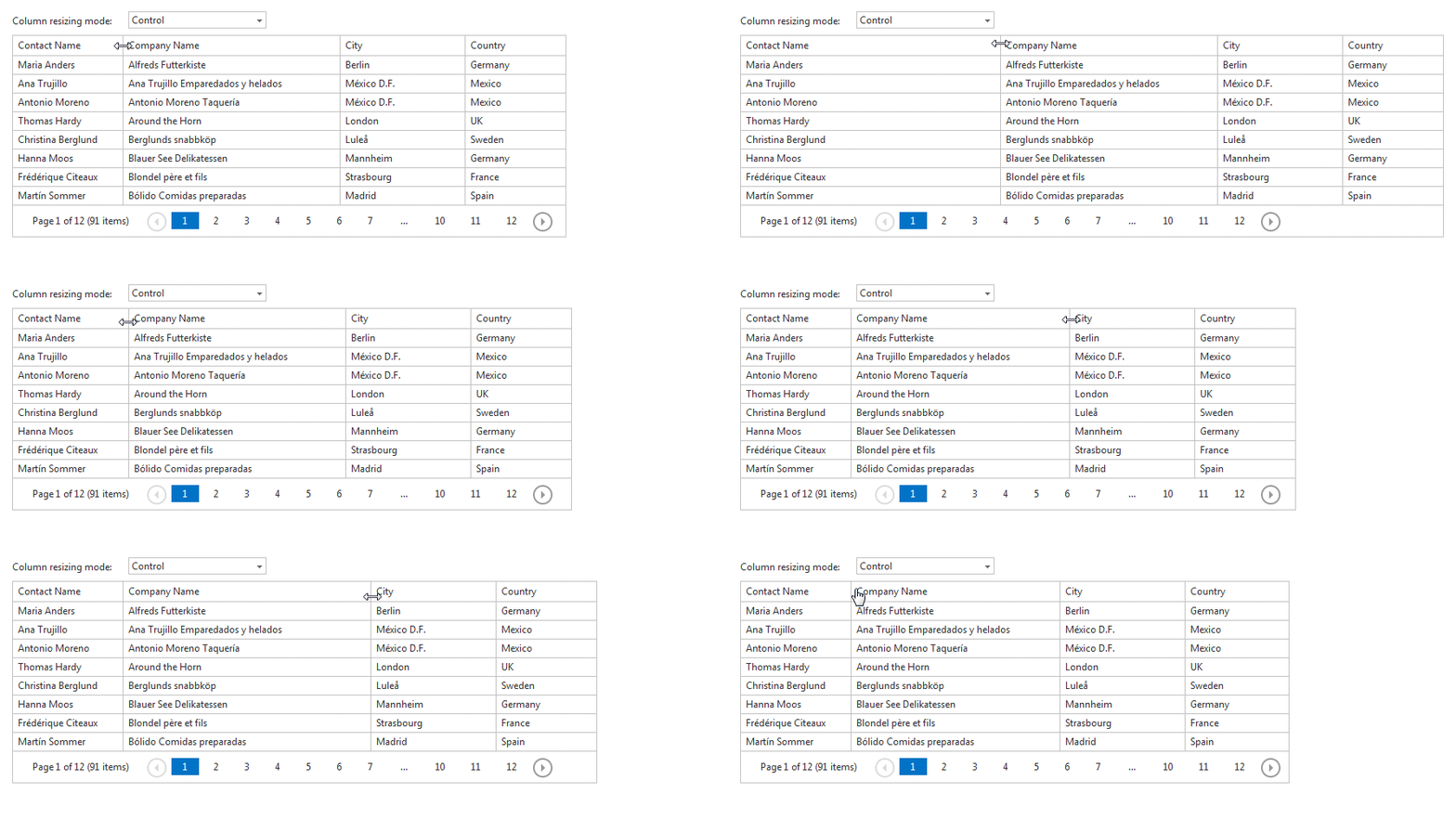
| Control | When a user resizes a column, the control changes its width and does not resize other columns.
|
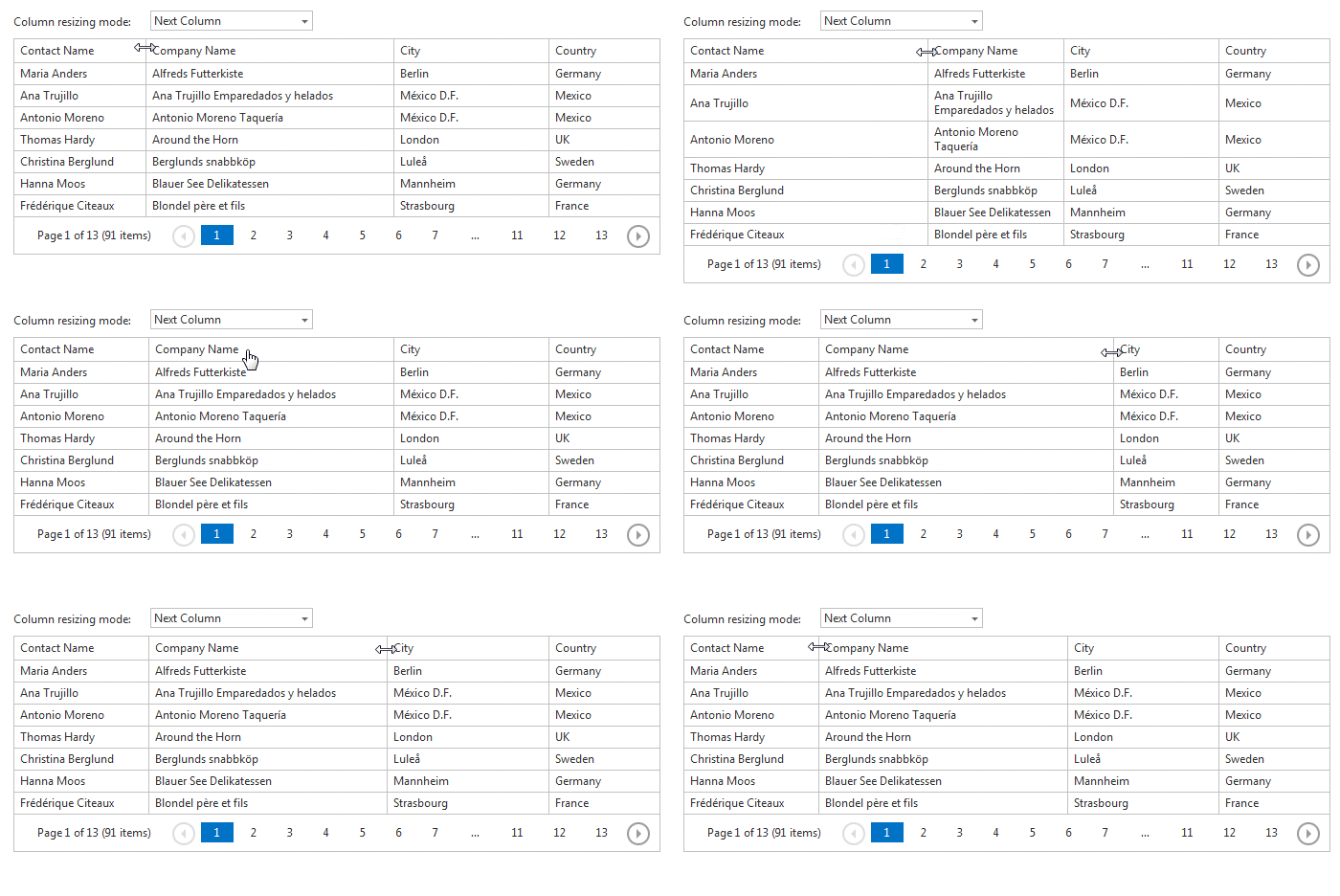
| NextColumn | When a user resizes a column, the control changes the width of its neighbor columns. The control’s width is not changed.
|
Property Paths
You can access this nested property as listed below:
| Object Type | Path to ColumnResizeMode |
|---|---|
| ASPxTreeList |
|
Remarks
Note
Use the TreeListSettingsResizing.ColumnResizeMode property instead.
End-users can change column widths by dragging the right edges of their headers. The ColumnResizeMode property specifies how the ASPxTreeList control behaves when an end-user resizes a column.
If the ColumnResizeMode property is set to Disabled, end-users aren’t allowed to resize columns.
When column resizing is enabled, width dimension properties (such as the tree list’s ASPxWebControl.Width, its columns’ WebColumnBase.Width, etc.) should be specified.