DxPivotTable.VirtualScrollingMode Property
Specifies the virtual scrolling mode for the Pivot Table.
Namespace: DevExpress.Blazor.PivotTable
Assembly: DevExpress.Blazor.PivotTable.v26.1.dll
NuGet Package: DevExpress.Blazor.PivotTable
Declaration
[DefaultValue(PivotTableVirtualScrollingMode.Default)]
[Parameter]
public PivotTableVirtualScrollingMode VirtualScrollingMode { get; set; }
Property Value
| Type | Default | Description |
|---|---|---|
| PivotTableVirtualScrollingMode | Default | An enumeration value. |
Available values:
| Name | Description |
|---|---|
| Default |
|
| Vertical | Renders only visible rows, loads additional data when users scroll through rows (vertically). |
| Horizontal | Renders only visible columns, loads additional data when users scroll through columns (horizontally). |
| Both | Renders only visible rows and columns, loads additional data when users scroll vertically and horizontally. |
Remarks
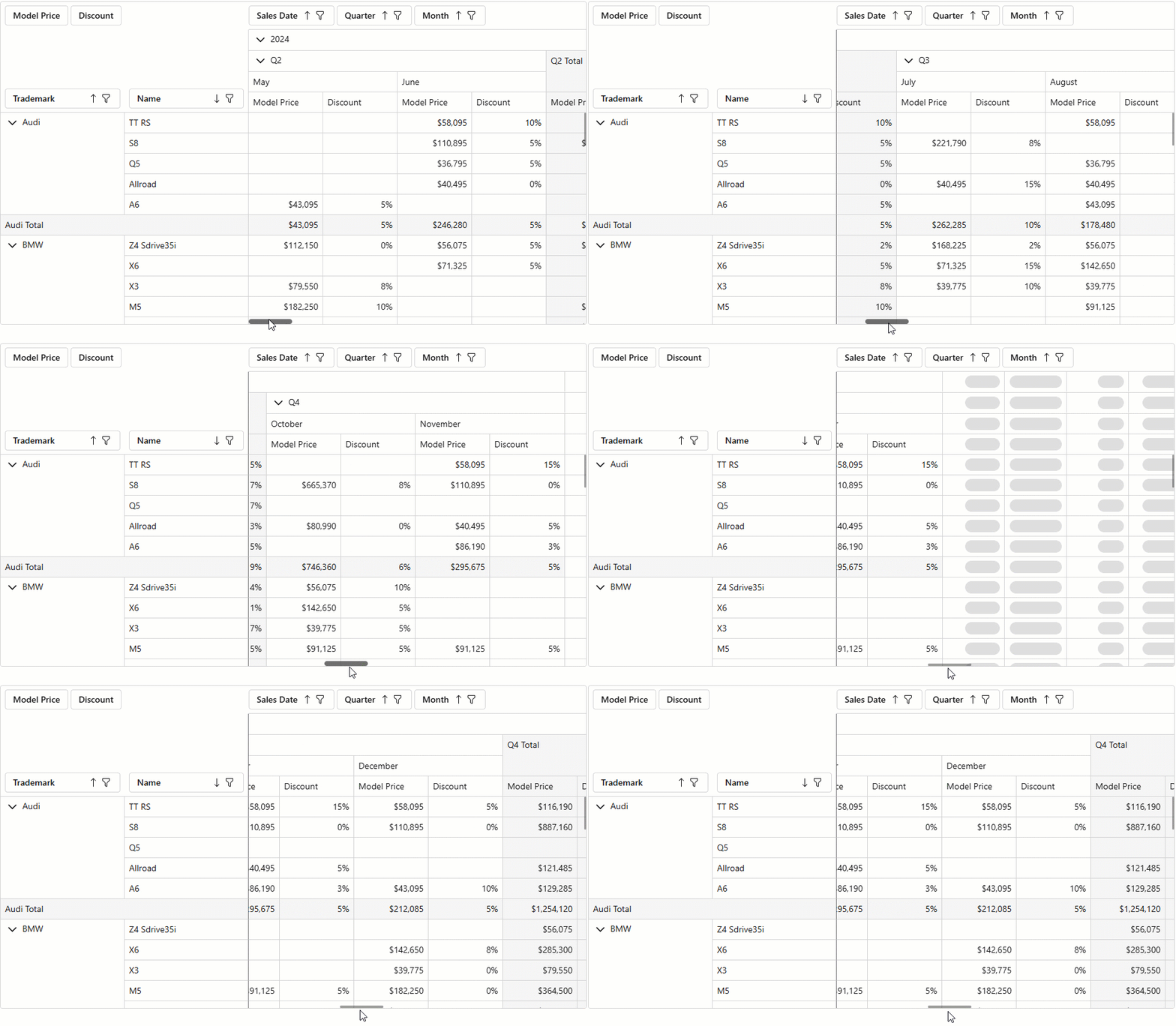
You can activate column/row virtualization to optimize DevExpress Blazor Pivot Table performance when working with large datasets. Once virtual scrolling is activated, the component renders only columns/rows within the viewport (and a small buffer area). Other cells are loaded dynamically as users scroll the Pivot Table.
Use the following API members to configure virtual scrolling:
- VirtualScrollingEnabled
- Specifies whether virtual scrolling is active.
VirtualScrollingMode- Specifies the virtual scrolling mode:
Vertical: Only rows are virtualized.Horizontal: Only columns are virtualized.BothorDefault: Rows and columns are virtualized.
The following code activates horizontal virtual scrolling in the Pivot Table:
<DxPivotTable Data="SalesData"
              VirtualScrollingEnabled="true"
              VirtualScrollingMode="PivotTableVirtualScrollingMode.Horizontal">
    <Fields>
        @*...*@
    </Fields>
</DxPivotTable>
The Pivot Table renders skeleton items while it retrieves data during scrolling operations.