Expression Editor
- 2 minutes to read
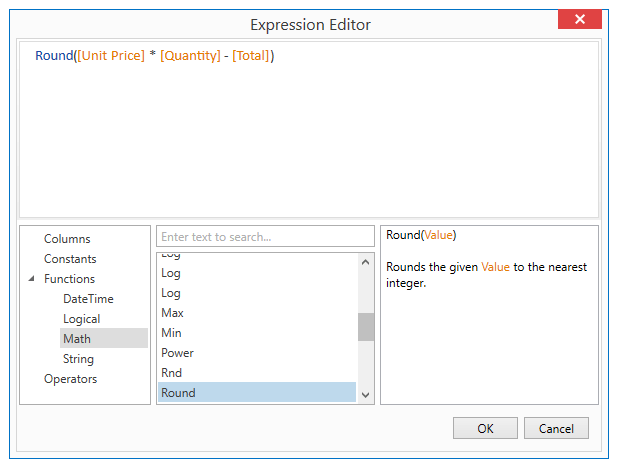
The Expression Editor provides the capability to create and edit expressions in DevExpress WPF controls (for example, Data Grid). The expression editor supports numerous standard functions and operators that allow you to perform different string, date-time, logical and math operations over data.
Note
The Expression Editor is not available in the new WPF XAML Designer. For information on the difference between the old and new WPF XAML designers, refer to the Quick Actions and Smart Tags section.
The Expression Editor is not intended to be used in Windows Forms hosted applications.
Expression Editor Capabilities
Describes expression editor capabilities.
-
Describes how to invoke the expression editor at design time, in code, and at runtime.
-
Describes how to select the required expression editor mode.
Expression Editor Customization
Describes how to customize the expression editor.
Prompt to Expression
The AI-powered Prompt to Expression extension converts natural language into valid filter and column expressions for data-aware WPF controls. Users describe the desired behavior using their natural language instead of writing complex expressions:
- Sample Filter Expression
- Display delayed shipments
- Sample Column Expression
- Display total cost
The system sends the prompt to the configured AI service that generates a valid expression for the control. The Expression Editor or Filter Editor displays and validates the result immediately.
Refer to the following help topic for additional information: Prompt to Expression.