Specify Data Source Settings (Object)
- 2 minutes to read
This page appears when you select Object on the start page.
Choose an Object
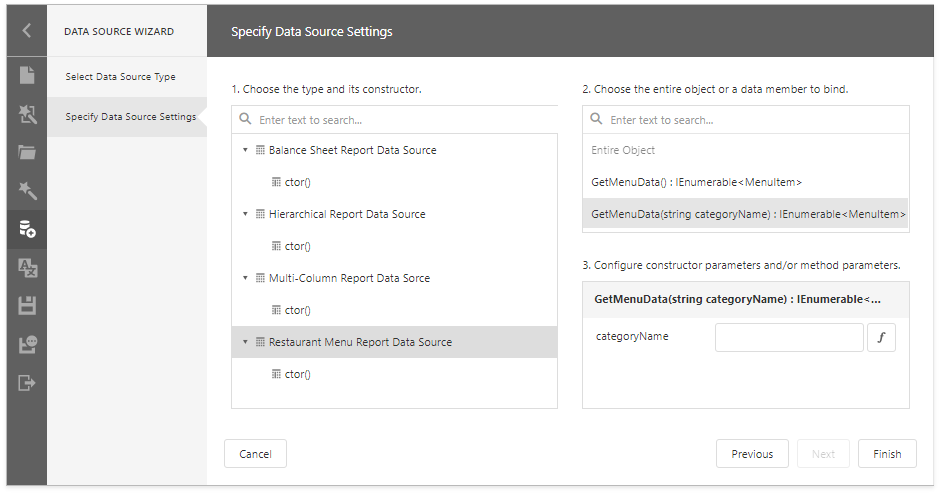
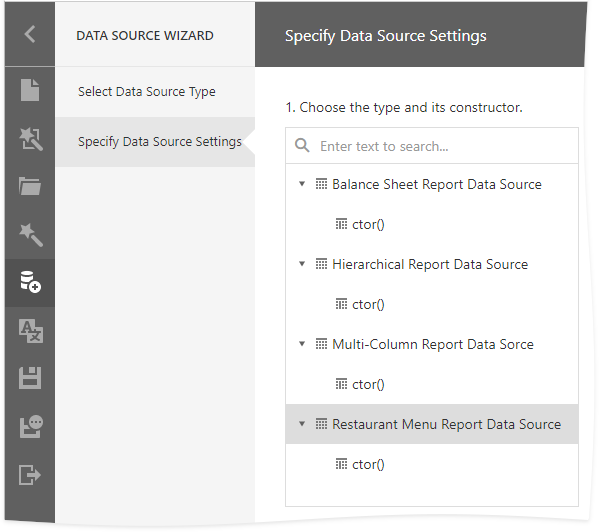
Select a constructor from the list. The constructor creates an object data source. Static classes do not have constructors. In this case, select a class.
Note
The Data Source Wizard lists only registered types. Refer ro the following topics for more information:
Choose a Data Member
Select the method to provide data or select Entire Object to bind the report to the type’s fields.

Configure Parameters
Specify constructor or member parameters if needed.
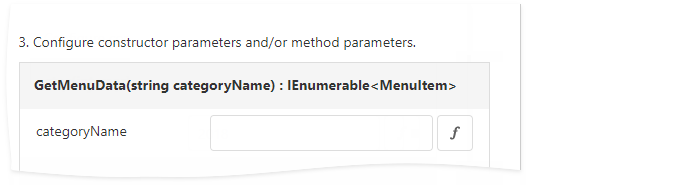
You can use expressions for parameter values. Click the Expression button ( ) to switch the parameter editor to expression mode. Specify an expression in the editor, or click the parameter ellipsis button to open the Expression Editor. You can use report parameters in expressions to specify a value for a data source parameter.
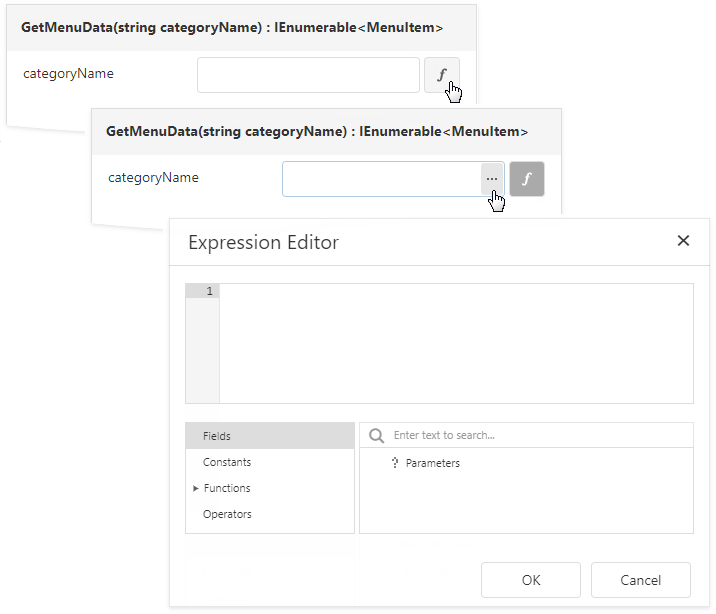
Click the Expression button () again to return to the value mode.
Click Finish to close the Data Source Wizard.
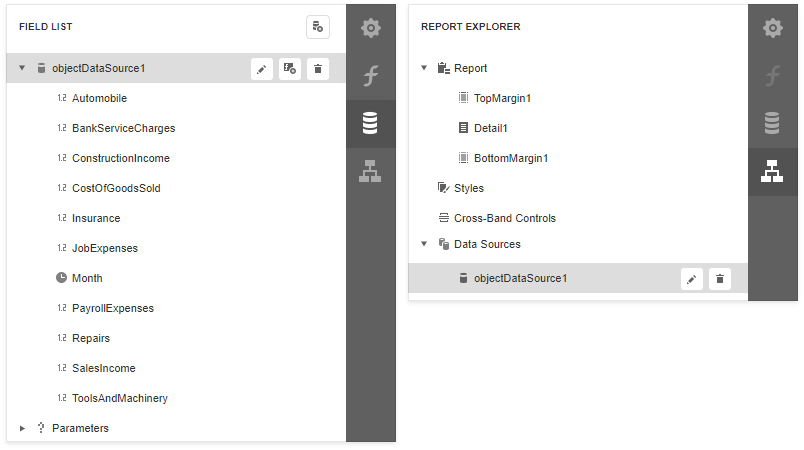
Once you finish the wizard, the data source appears under the Data Sources node in the Report Explorer. The Field List shows the data source structure.