Hide a Control on the First Page
This topic describes how to hide page information on the first page.
Do the following:
Enable ExpressionsAdvanced Mode:

Invoke the Expression Editor for the XRPageInfo control:

Enter the following expression for the
Visibleproperty in the PrintOnPage event handler node:![Arguments.PageIndex] == 0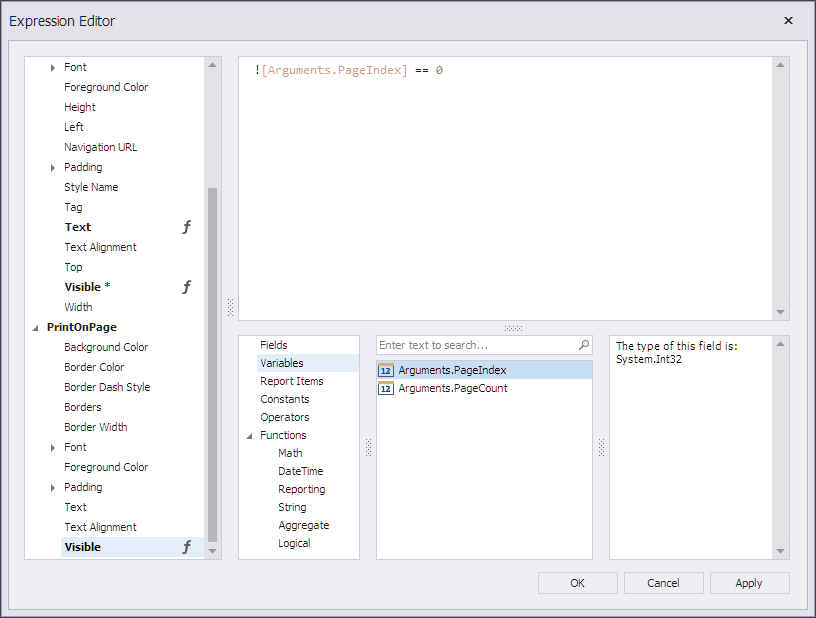
The page information is not displayed on the first page, as shown in the following image:
