Enumeration Properties
- 2 minutes to read
In XAF, a combo box with text entries displays enumeration properties. The EnumDescriptor class gets images and localized item captions for the Property Editor. Refer to the following topic for implementation details: How to: Set Images and Captions for Enumeration Values.
Refer to the following topics for more information on enumeration properties related to your ORM:
ASP.NET Core Blazor
In ASP.NET Core Blazor, BlazorPropertyEditorBase.ComponentModel returns an IComponentModel descendant that wraps properties and events of a corresponding ASP.NET Core Blazor Editor.
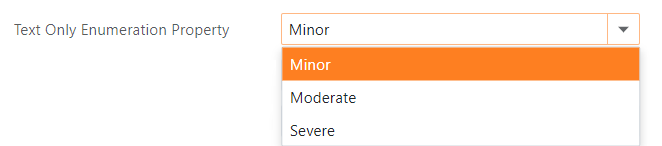
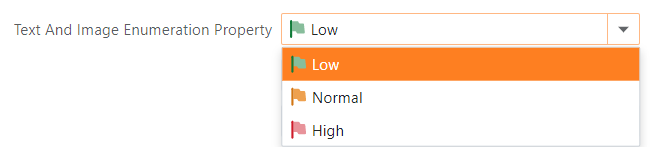
Property Editor | Component Model | Component |
|---|---|---|
|
|
Windows Forms
Each Windows Forms Property Editor is available in two forms:
- A standalone control (displays property value in a Detail View)
- A repository item (displays property value in a List Editor that supports in-place editing)
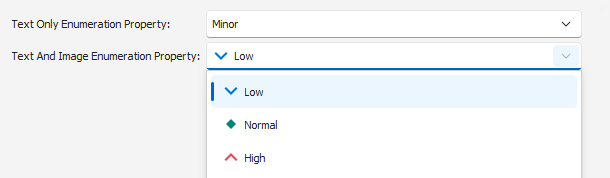
Property Editor | Control | Repository Item | Description |
|---|---|---|---|
|
|
| Used for enumeration type properties. Press Alt + Down Arrow to expand the |
|
|
| Used to display integer properties as enumerations. Refer to the following topic for more information: How to: Display an Integer Property as an Enumeration. |