Date Range Picker
The Date Range Picker (DateRangePicker) is a text box with a dropdown calendar that allows you to select a date range.
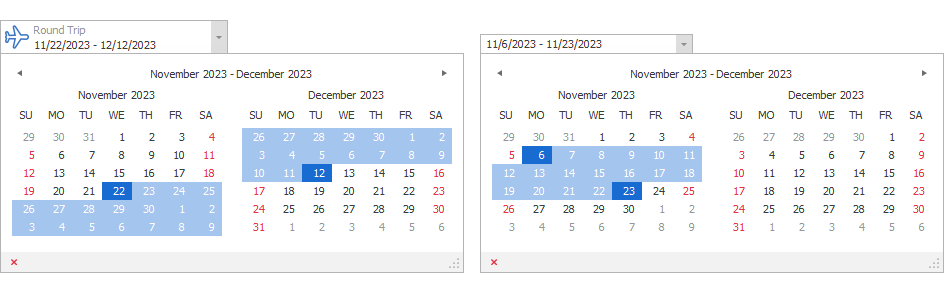
Date Range (Edit Value)
Use the editor’s EditValue property to get a date range selected by a user, or set it in code.
using DevExpress.XtraEditors.Controls;

//...
dateRangePicker1.EditValue = new DateRange(DateTime.Now, DateTime.Now.AddDays(7));
Use the editor’s StartDate and EndDate properties to obtain start and end dates of the range.
DateTime startDate = dateRangePicker1.StartDate;
DateTime endDate = dateRangePicker1.EndDate;
Setting the EditValue property to null automatically assigns the value of the DateRangePicker.NullValue property.
Note
Setting the NullValue property to null sets the value to new DateRange(DateTime.Today, DateTime.Today).