Switch Between Single Page and Multipage View
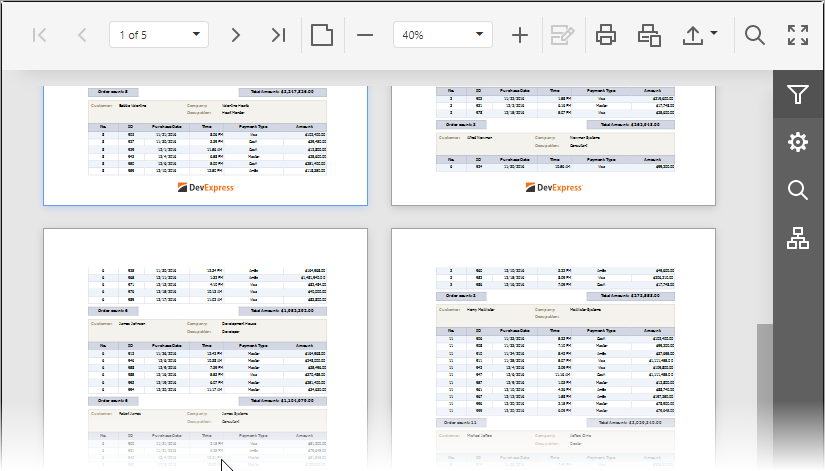
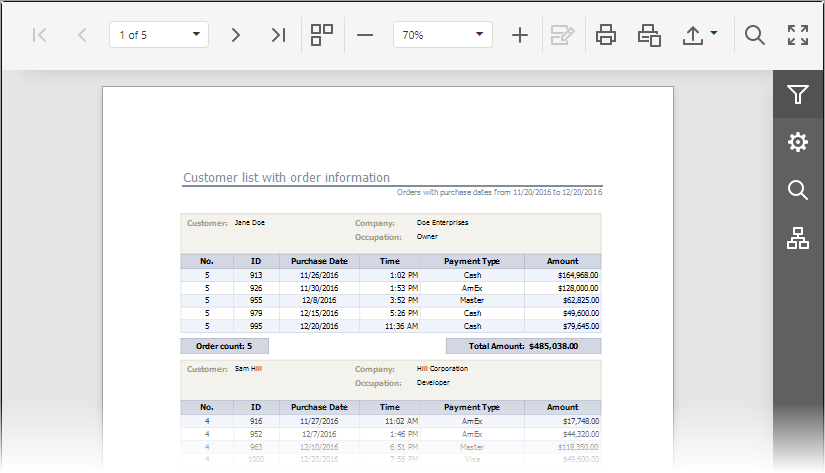
You can switch between the Single Page and Multipage modes with the Toggle Multipage Mode button located in the Document Viewer toolbar.

In the default Single Page mode, the Document Viewer displays only one page. You can navigate between document pages with the navigation buttons and drop-down list (see Navigate Between Pages).
In the Multipage mode, the Document Viewer displays several document pages. In addition to the standard navigation features, a vertical scroll bar lets you scroll through pages.