Navigate Using Bookmarks
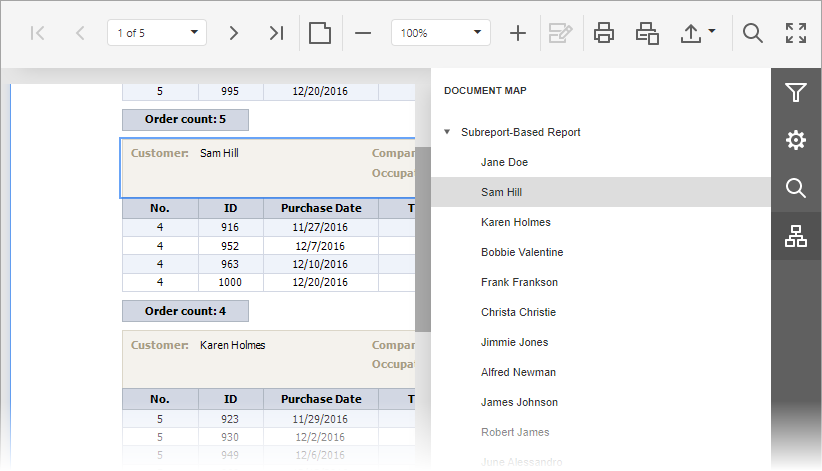
If a report contains bookmarks, the Document Map Panel is available in the Tab Panel on the right.
To open the Document Map Panel, click the Document Map tab. Click a bookmark to navigate to that page; the Document Viewer highlights the associated element.