Search for Text
To search for text in a document, click the Search tab in the Tab Panel or the Search button in the toolbar.
In the Search Panel, enter a search string and select options for case-sensitive search or whole-word matching. Press Enter or click Search to start. Click Stop to cancel. Use the Up and Down buttons to move between results.
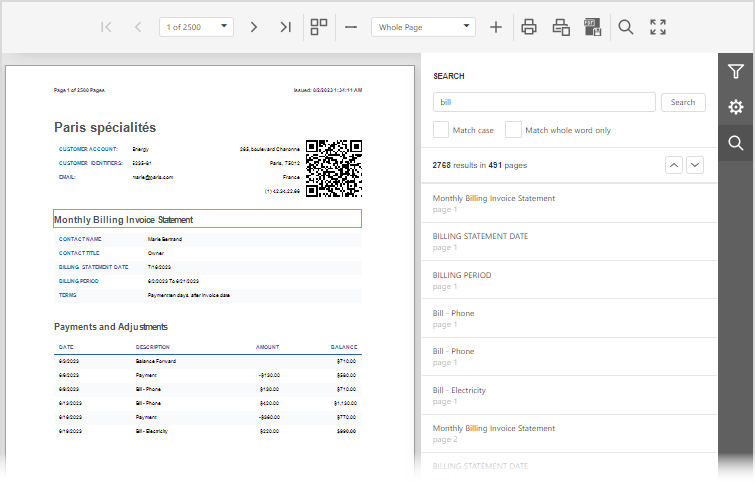
The Search Panel lists all matches in the document. Click an item in the Search Result list to navigate to that location; the Document Viewer highlights the matching element.