Specify Parameter Values
A report may contain parameters that allow you to control the data displayed in the document.
To open the Parameters Panel, click the Parameters tab in the Tab Panel on the right. This panel allows you to specify parameter values that apply when the document preview is generated.
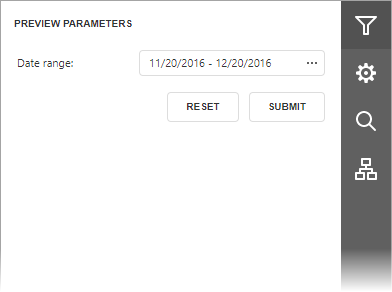
Use the parameter editor to specify a value and click Submit. To restore the original values, click Reset.