Install from Download Manager
If you already have a CodeRush subscription, you can download a registered version from DevExpress Download Manager.
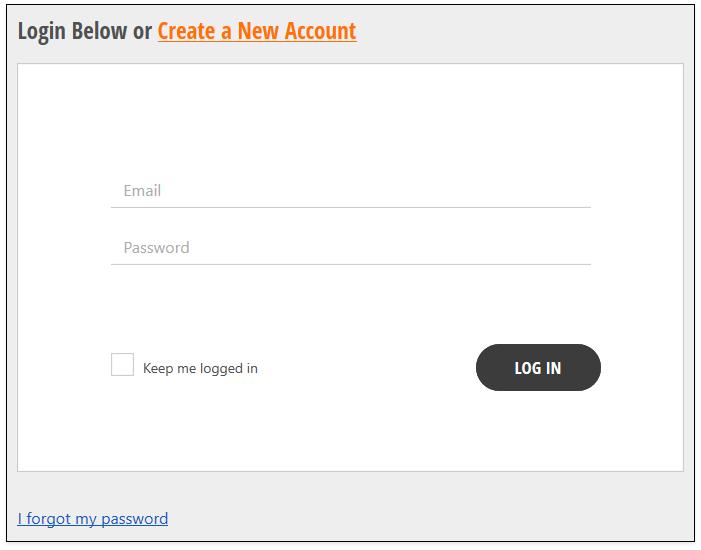
Open a web browser and navigate to https://www.devexpress.com/MyAccount. Enter your credentials and click Log In.
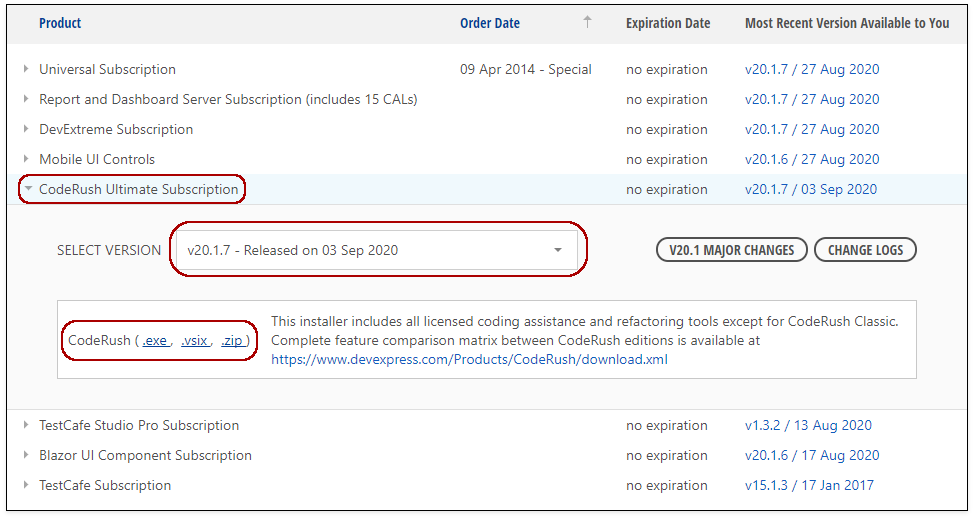
Go to the Download Manager web page: https://www.devexpress.com/ClientCenter/DownloadManager/
Expand the “CodeRush Ultimate Subscription” item.
In the “Select Version” drop-down list, choose the CodeRush version you want to install.
Follow the link and download the VSIX installer.
Note
After you install CodeRush, Visual Studio searches for the latest version of CodeRush in the Visual Studio Marketplace. When a new version appears in Marketplace, Visual Studio automatically updates the CodeRush extension to the latest release. Refer to the following topic for more information: Automatic and Manual Updates