How to: Repeat Last Refactoring
Follow the steps below to run the last refactoring executed in the session without invoking the Code Actions menu:
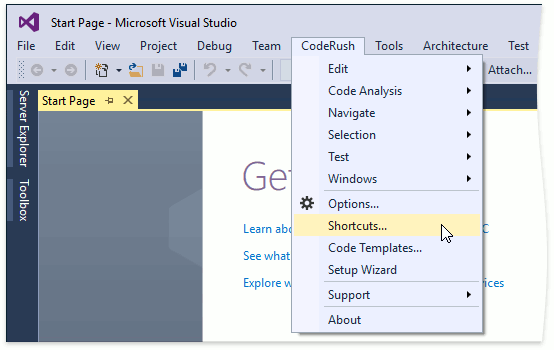
Choose CodeRush | Shortcuts… from the Visual Studio menu to open the Shortcuts configuration page.
Click New Shortcut to create a new shortcut.

Configure the shortcut: specify a required shortcut in the “First shortcut” field, choose the RepeatLastRefactoring command from the list, and enable this shortcut.

Click OK to apply the changes and close the Shortcuts options page.
Open the code editor and run a refactoring.
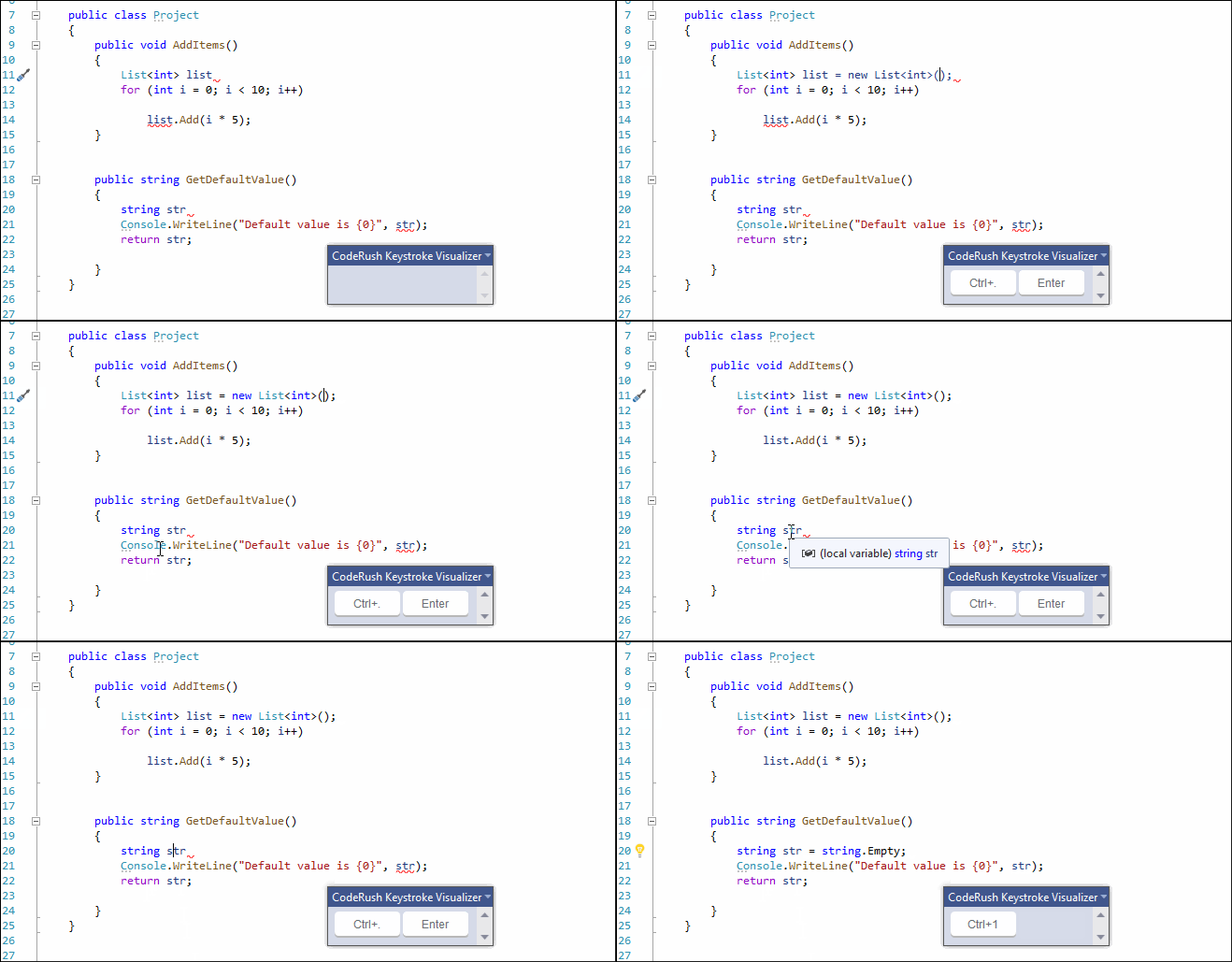
Place the caret in the code where you want to repeat refactoring or select it, and press Ctrl+1.
The following screencast shows how the RepeatLastRefactoring command invokes the Initialize refactoring:
Note
If you have started a new Visual Studio session, the RepeatLastRefactoring command shows the Code Actions menu.