Expand/Collapse Regions
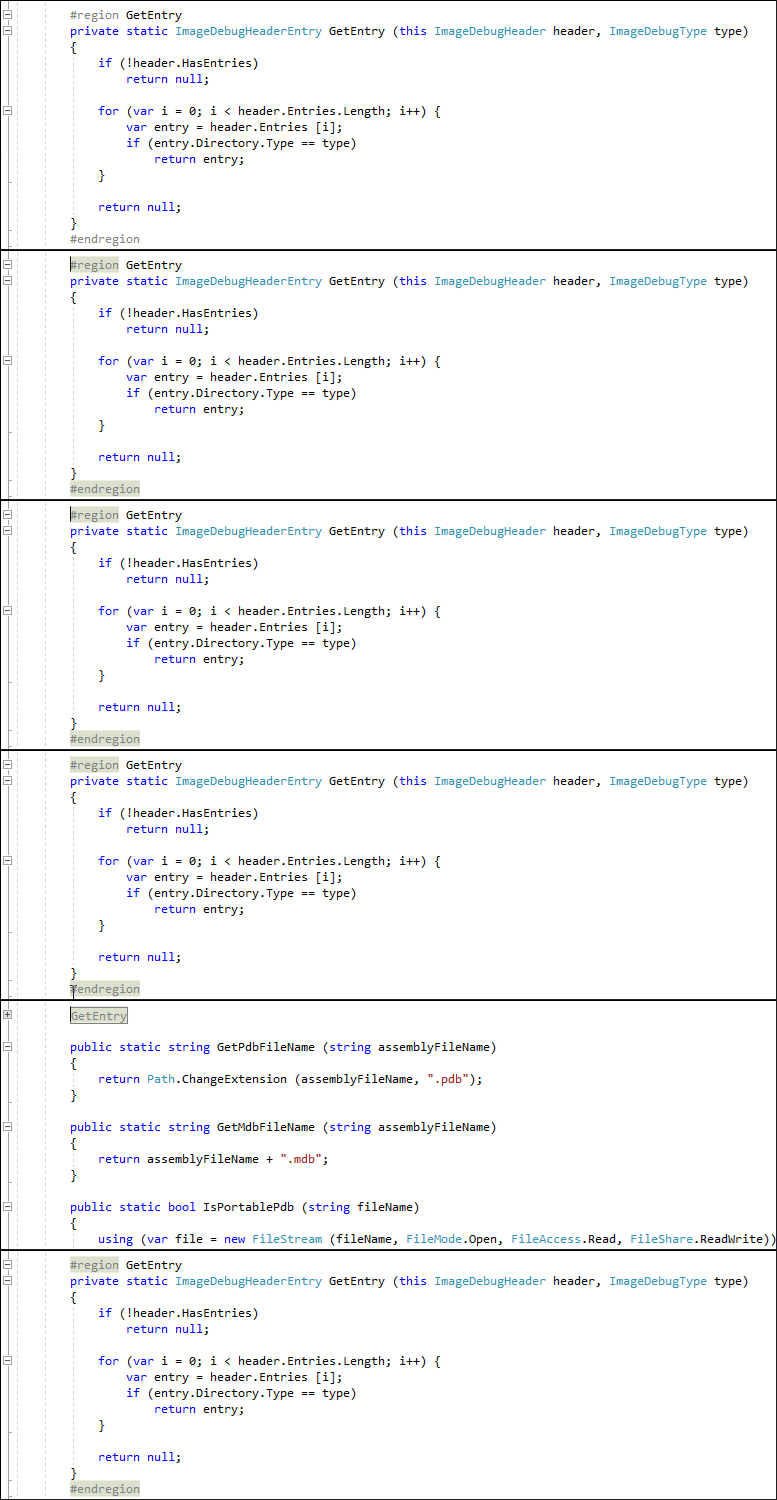
You can use the Space keyboard shortcut to expand and collapse a code region.
Place the caret at the start of the #region or #endregion directive.
Press the Space key.
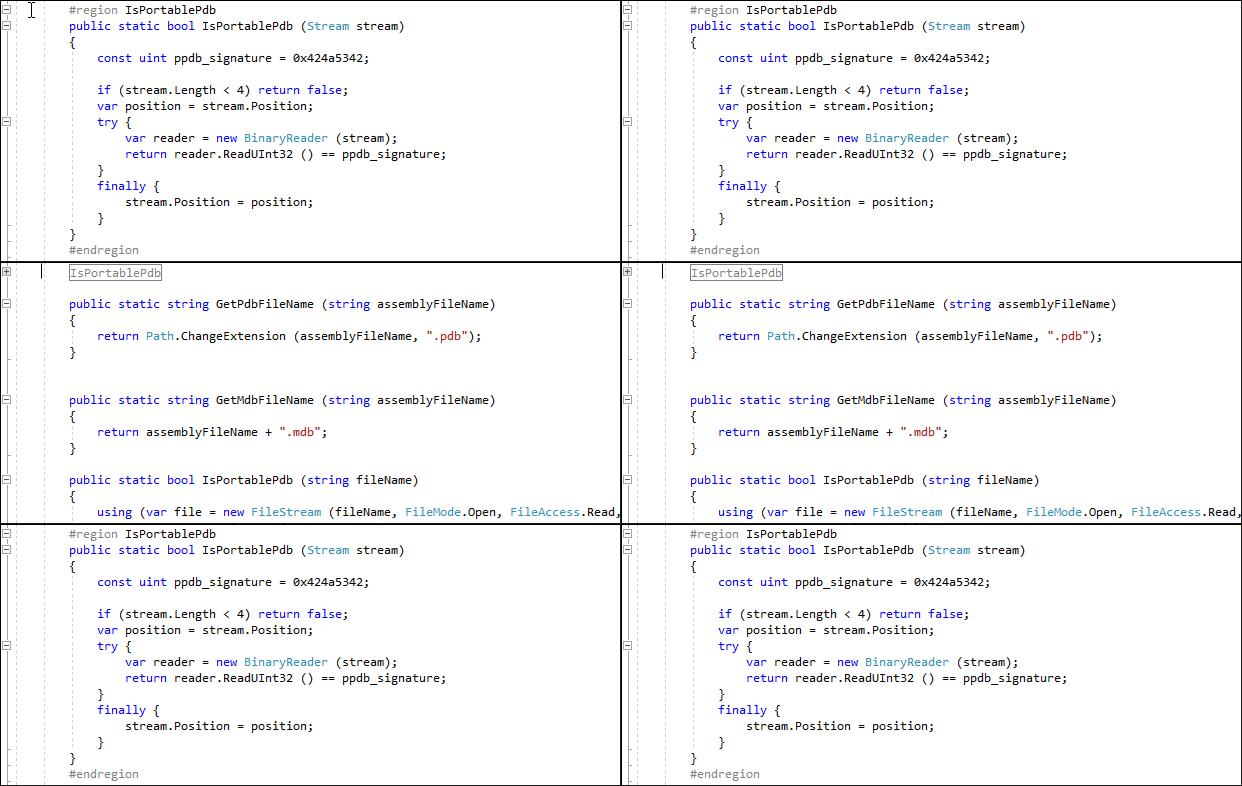
CodeRush also allows you to expand/collapse a region when the caret is at the beginning of the code line that contains the #region directive.
To enable this functionality, do the following actions:
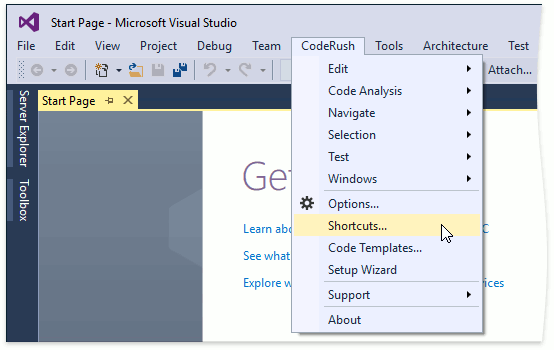
Choose CodeRush | Shortcuts… from Visual Studio’s menu to open the Shortcuts configuration page.
Find the Space shortcut with the [OnOutliningStartLine]&&[AtBeginningOfLine] context and enable the Enabled check box.
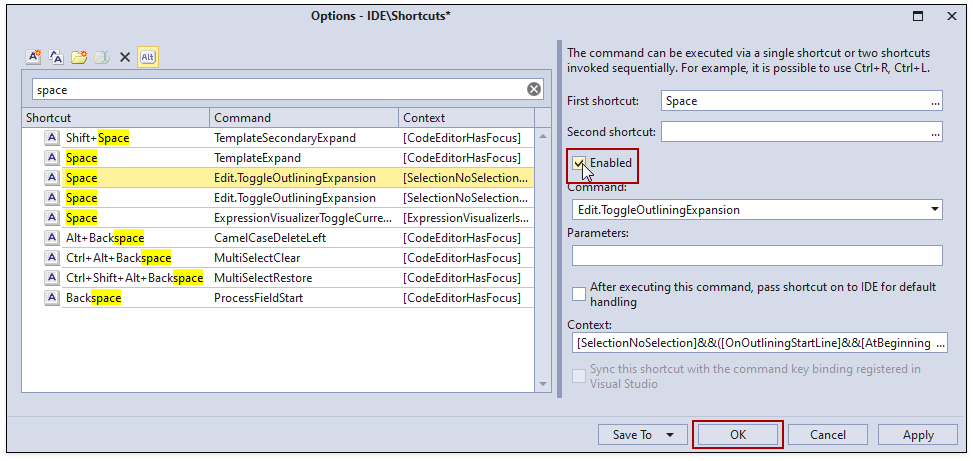
Click OK to close the Shortcuts page and save the changes.