Demos
The table below shows online demo links for all control groups. It also lists the paths to installed demos (if you use DevExpress Unified Installer).
| Controls | Online demos | Path to installed demos |
|---|---|---|
| UI Controls (DevExtreme) | Run Demo | C:\Users\Public\Documents\DevExpress Demos 25.2\DevExtreme\ASP.NET MVC Controls\WidgetsGallery\ASP.NET Core |
| Rich Text Editor | Run Demo | C:\Users\Public\Documents\DevExpress Demos 25.2\Components\ASP.NET\CS\AspNetCoreDemos.RichEdit |
| Spreadsheet | Run Demo | C:\Users\Public\Documents\DevExpress Demos 25.2\Components\ASP.NET\CS\AspNetCoreDemos.Spreadsheet |
| Business Intelligence Dashboard | Run Demo | C:\Users\Public\Documents\DevExpress Demos 25.2\Components\Dashboard\CS\AspNetCoreDashboard |
| Reporting | Run Demo | C:\Users\Public\Documents\DevExpress Demos 25.2\Components\Reporting\CS\AspNetCoreDemos.Reporting |
UI Template Gallery
The UI Template Gallery contains a collection of sample applications built with DevExpress ASP.NET Core controls. You can use these applications as a starting point for your projects.
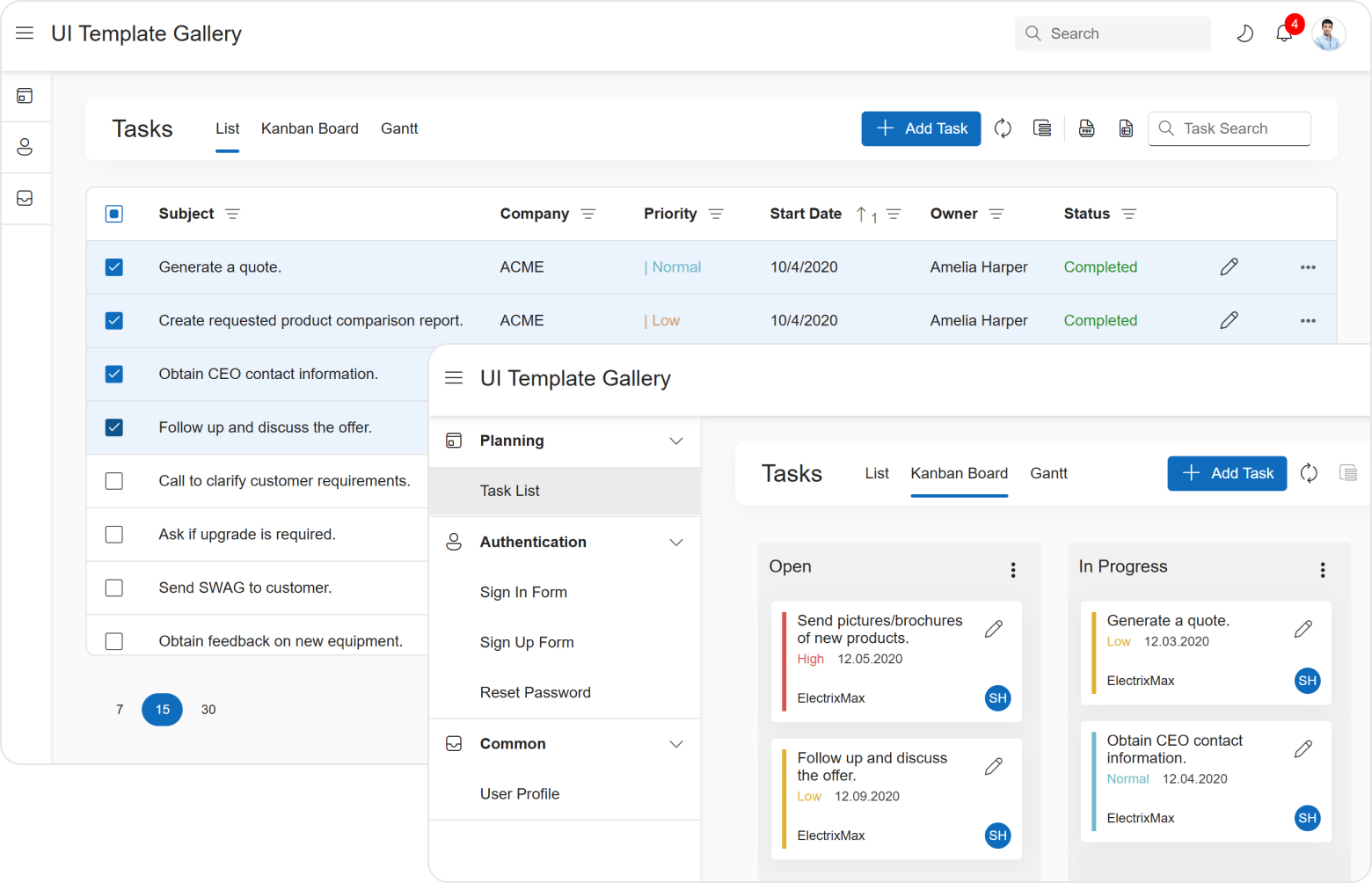
The UI Template Gallery includes the following templates:
- Task List - a simple task management layout built with DataGrid and Gantt controls.
- User Profile - a form used to edit user profile information built with Form and Popup controls.
- Sign In Form - a template for user authentication.
- Register Form - a template for new user registration.
- Reset Password Form - a template for password recovery.