Reporting Demo Applications
- 2 minutes to read
Online Demos (Web Platforms)
DevExpress Reporting components ship with the following online demos:
Run Demos Locally (All Platforms)
Demo Center
The DevExpress Unified Component Installer installs demo applications (demos) for each product that ships as part of your subscription.
You can find DevExpress Reporting demos in our Demo Center application:
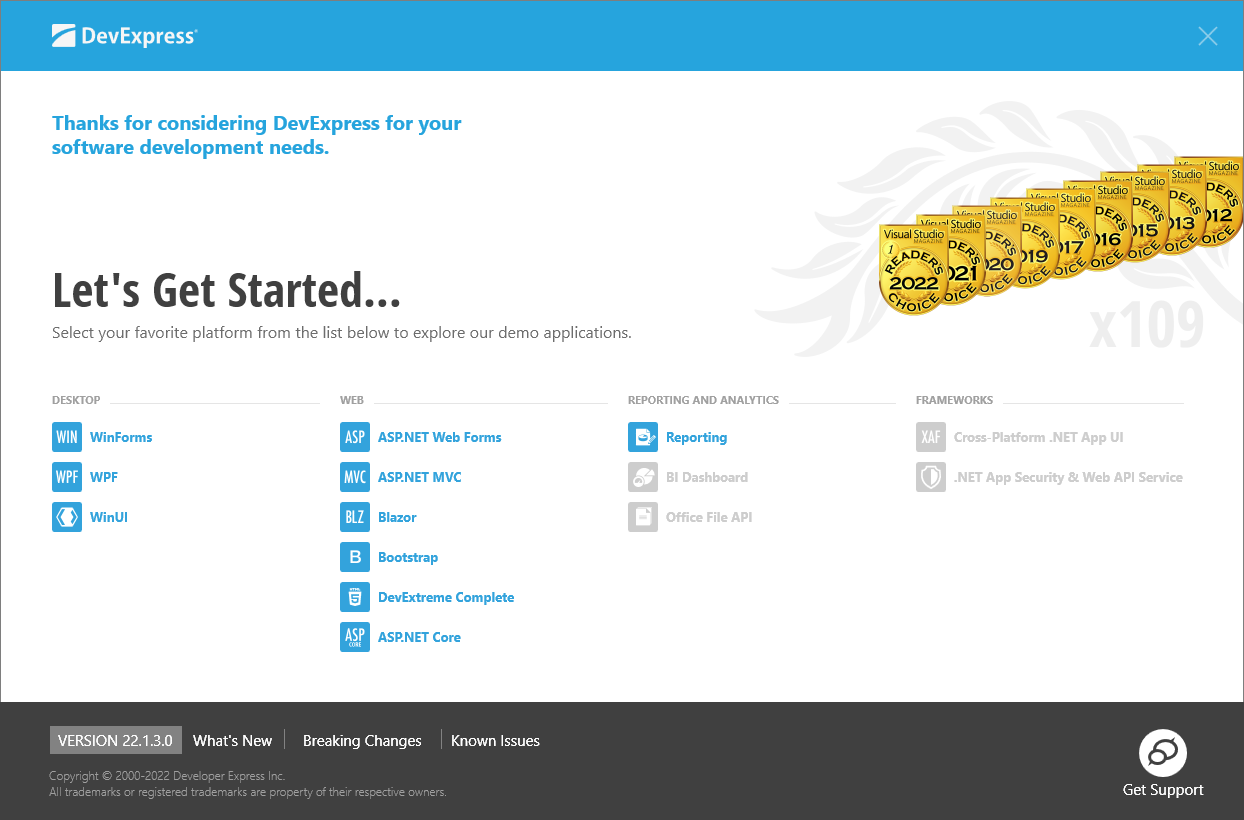
Launch the Demo Center
To run the DevExpress Demo Center, choose one of the following three options:
- Click the “Demo Center 26.1“ shortcut in the Windows Start Menu.
- In the Visual Studio top menu, go to “Extensions > DevExpress” and click Run Demo Center 26.1.5“.
- Open the DevExpress product installation folder and run the Demo Center manually. The default path is “C:\Users\Public\Documents\DevExpress Demos 26.1\Components\Components\Bin\DevExpress.DemoCenter.v26.1.exe“.
Find the Demo Source Code
Each demo ships with source code (in C# and VB.NET). Use one of the following approaches to review this demo code:
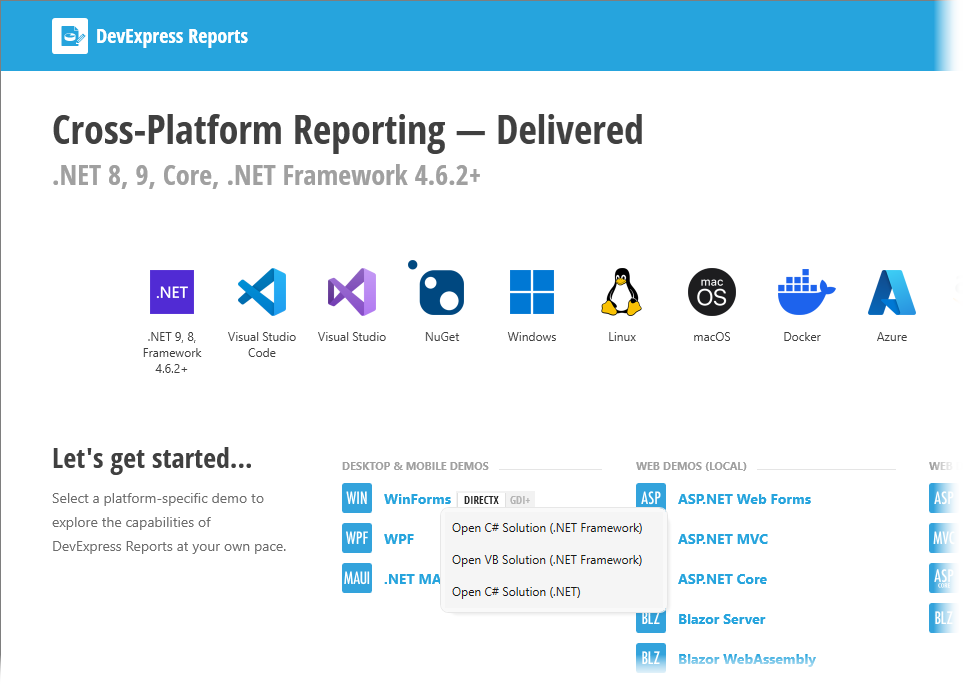
In the Demo Center, right-click the demo and select the corresponding menu item:
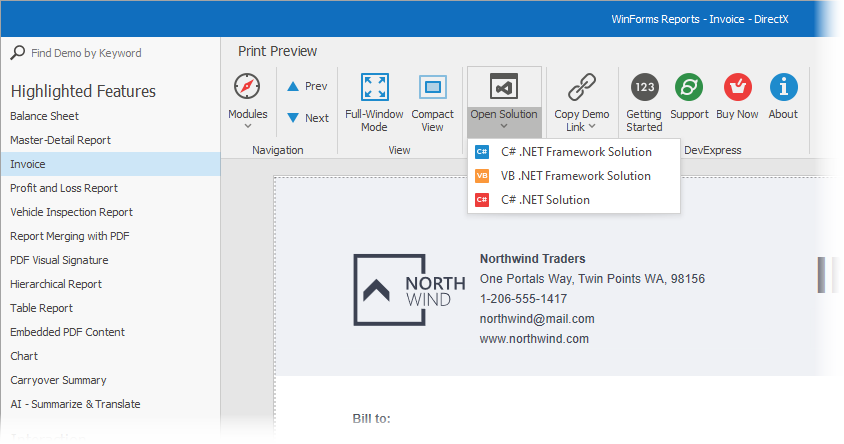
Desktop platforms’ demo modules run in separate windows. Buttons at the top of these windows allow you to open a certain demo module as a Visual Studio solution.
Open the demo solution manually. The default demo source directory is C:\Users\Public\Documents\DevExpress Demos 26.1\Components….
GitHub Repository
Demo sources for controls are available on GitHub: DevExpress Reports Demos.
To run demos locally, you must:
Clone the repository:
Open one of the following solutions in your IDE:
WinForms
- Reporting/CS/ReportMainDemo/ReportMainDemo.NetCore.Desktop.sln (.NET)
- Reporting/CS/ReportMainDemo/ReportMainDemo.sln (.NET Framework)
- Reporting/VB/ReportMainDemo/ReportMainDemo.sln (.NET Framework)
WPF
- Reporting/CS/ReportDemo.Wpf/ReportDemo.Wpf.NetCore.Desktop.sln (.NET)
- Reporting/CS/ReportDemo.Wpf/ReportDemo.Wpf.sln (.NET Framework)
- Reporting/VB/ReportDemo.Wpf/ReportDemo.Wpf.NetCore.Desktop.sln (.NET)
Blazor
- Reporting/BlazorDemo.ServerSide/CS/BlazorDemo.ServerSide.sln
Reporting/BlazorDemo.Wasm/CS/BlazorDemo.Wasm.sln
For the BlazorDemo.Wasm demo, set the BlazorDemo.ServerSide project as the solution’s startup project.
ASP.NET Core
- Reporting/CS/AspNetCoreDemos.Reporting/AspNetCoreDemos.Reporting.sln
ASP.NET MVC 5
- Reporting/CS/MVCxReportDemos/MVCxReportDemos.sln
ASP.NET Web Forms
- Reporting/CS/ASPxReportDemos/ASPxReportDemos.sln
- Reporting/VB/ASPxReportDemos/ASPxReportDemos.sln
Run the application.