Data Source Wizard
- 2 minutes to read
The Data Source Wizard allows you to configure a data source and retrieve its data.
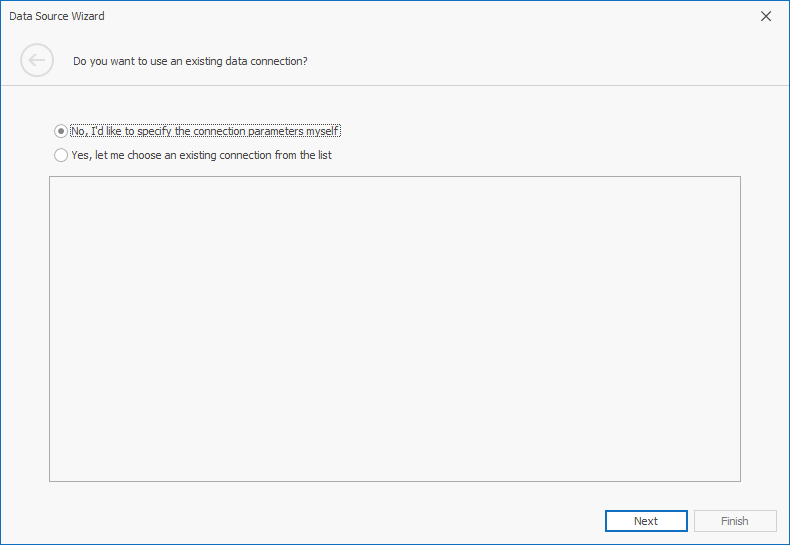
The first page allows you to create or select an existing data connection.
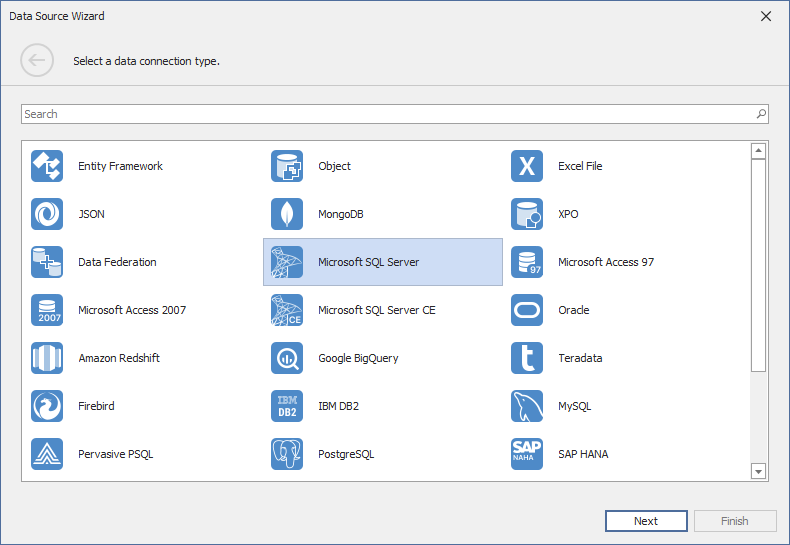
If you chose a new connection, the next page allows you to select the data connection type.
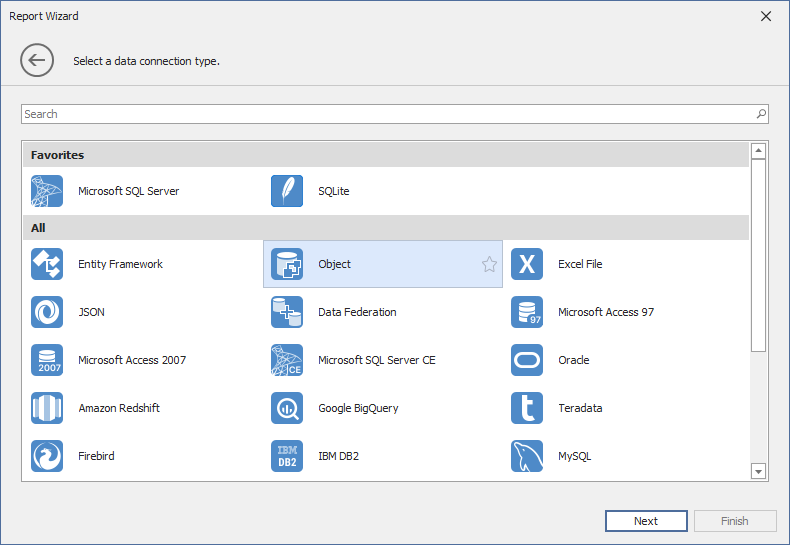
You can select a provider and click the “star” icon to pin frequently used database providers as favorites. Favorite providers appear at the top of the list for quick access:
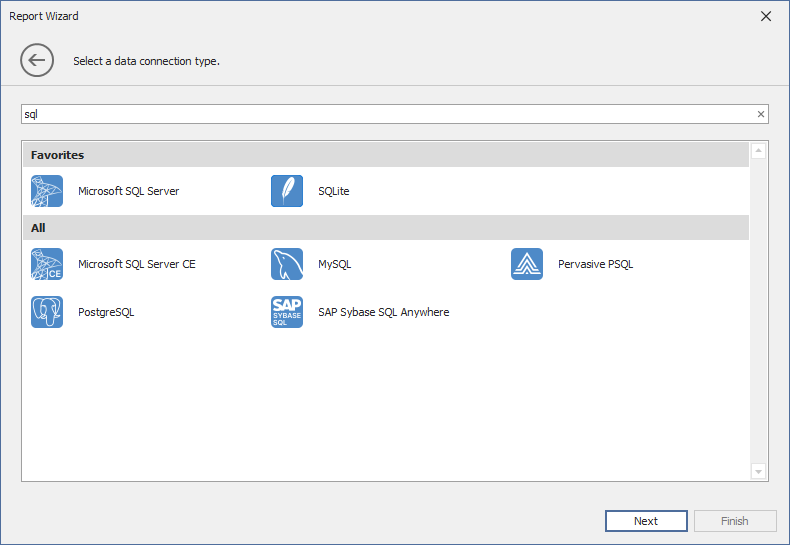
Use the search panel to filter the connection type list:
This wizard is similar to the Data Source Wizard available in the Visual Studio Report Designer, but the WinForms version does not include the following pages:
- Save the Connection String page for the Database, JSON, MongoDB, and XPO data sources.
- Pages that prompt you to install a NuGet package for the JSON or MongoDB data source.
Supported Data Source Types
The wizard supports the following data source types:
-
Obtains data from all major data providers (Microsoft SQL Server, XML data, Microsoft Access, Oracle, etc.).
A list of supported SQL data sources is available in the following help topic: Supported Databases.
-
Binds to a Microsoft ADO.NET Entity Framework data source.
-
Connects to any data object that implements the IList, IList<T> or IEnumerable<T> interface.
-
Obtains data from Microsoft Excel workbooks (XLS, XLSX, or XLSM files) or CSV files.
-
Connects to JSON-formatted data. The WinForms Data Source Wizard displays this option if the application references the System.Text.Json library.
-
Retrieves data from multiple data sources.
-
A custom connection string allows you to pass additional connection parameters and establish a connection to any SQL database.
-
Connects to a MongoDB instance. The WinForms Data Source Wizard displays this option if the MongoDB.Driver package is installed in your project.
-
Binds to XPO data. This option is initially hidden in the WinForms Data Source Wizard.
To customize the list of displayed data connection types, use the DataSourceWizardSettings.AvailableDataSourceTypes property. You can also limit the number of SQL data providers displayed on the Select a Data Connection Type page. Use the SqlWizardSettings.AvailableDataProviders property.