Create a WinForms Designer Application with the Template Gallery
- 2 minutes to read
The DevExpress Template Gallery (.NET Framework) contains predefined templates for building the Dashboard Designer and Viewer applications for all supported platforms. For a list of available Dashboard templates, see Template Gallery (.NET Framework).
The following steps explain how to quickly create a ready-to-use WinForms Dashboard Designer application with the DevExpress Template Gallery.
Create a New Project
In Visual Studio, create a new project. Select DevExpress v26.1 Template Gallery (.NET Framework) as the project template.
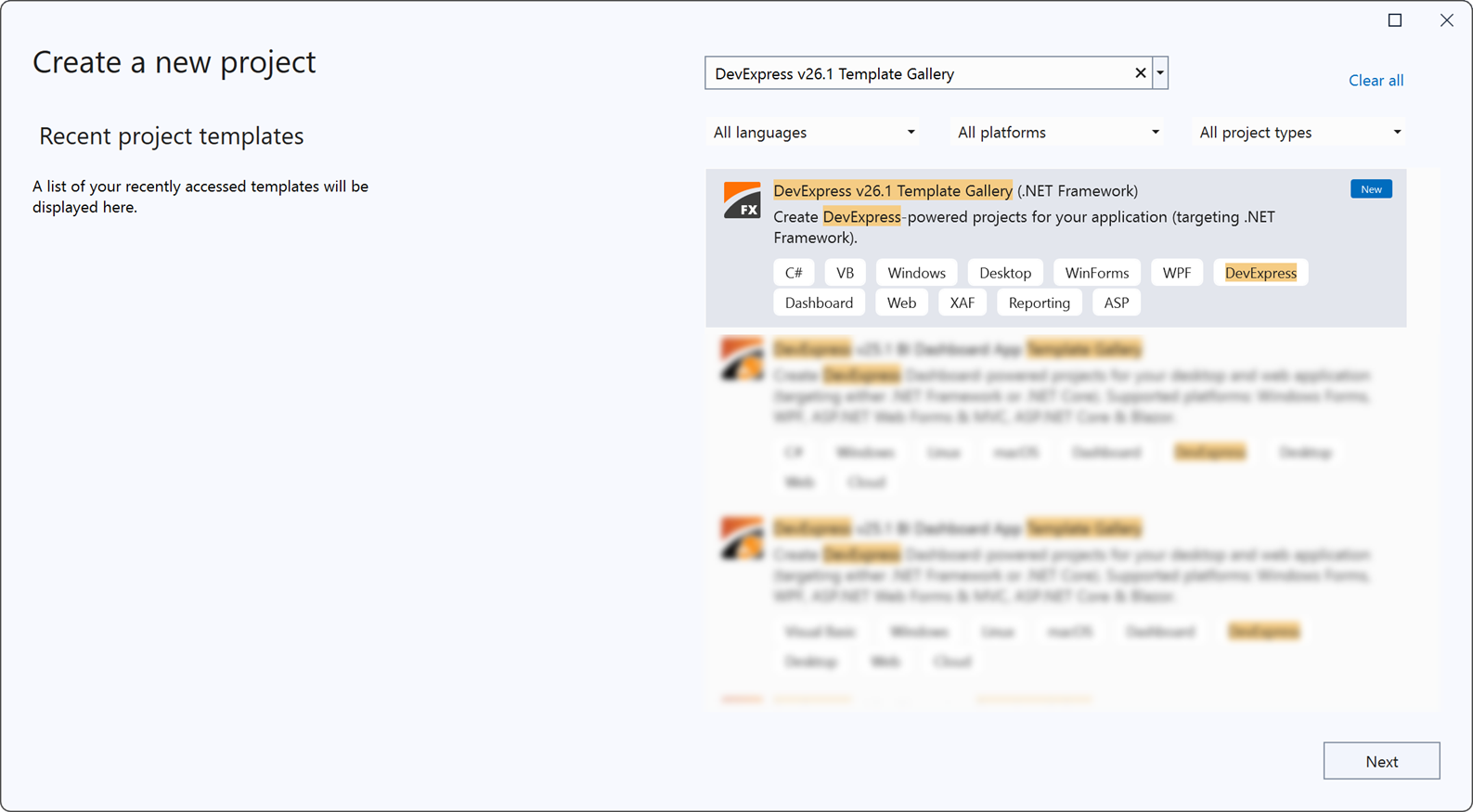
Click Next.
Configure your new project and click Create. The Template Gallery opens.
Configure the Template
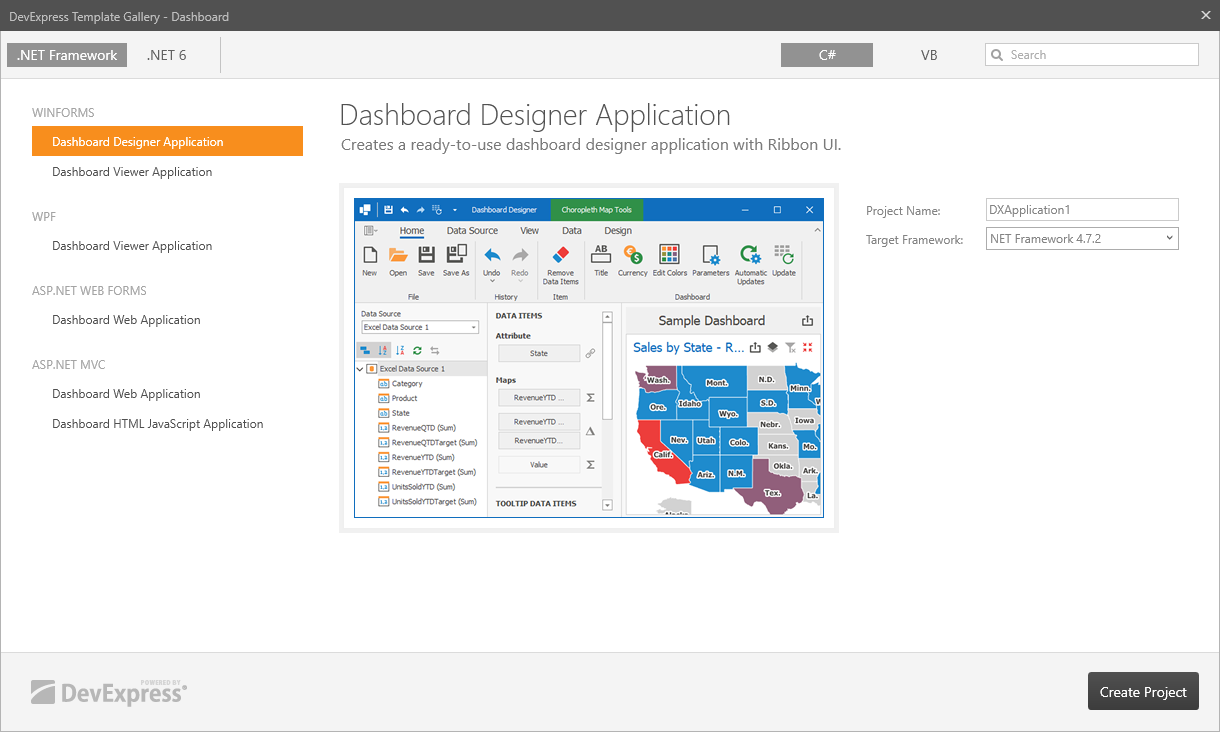
Select Dashboard Designer Application in the WinForms category. Specify the framework version and click Create Project.
Run the application to see the result.
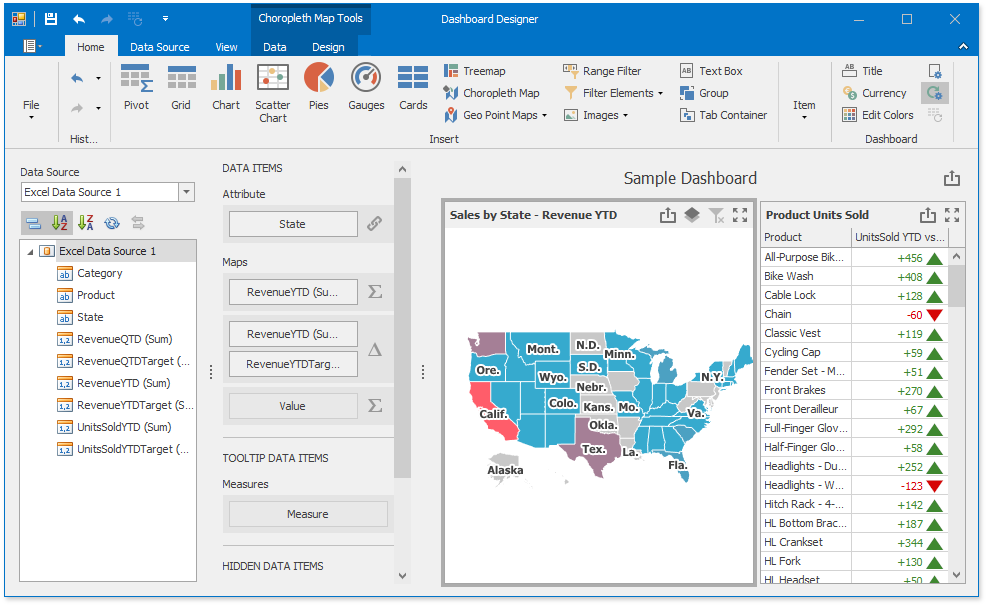
The WinForms Designer application displays a sample dashboard and allows you to change it or create a new dashboard.
Use the WinForms Viewer to display dashboards for end users.
Next Steps
- Create Dashboards in the WinForms Designer
- Describes how to create and configure dashboards in the WinForms Designer.
- WinForms Designer
- Describes how to embed the DashboardDesigner control into a WinForms application and how to customize the control’s UI elements.
- WinForms Viewer
- Describes how to prepare the DashboardViewer control to display a dashboard in the WinForms application.